68
DIRECTV PLUS
®
DVR USER GUIDE
Main Menu - Parental, Fav’s & Settings
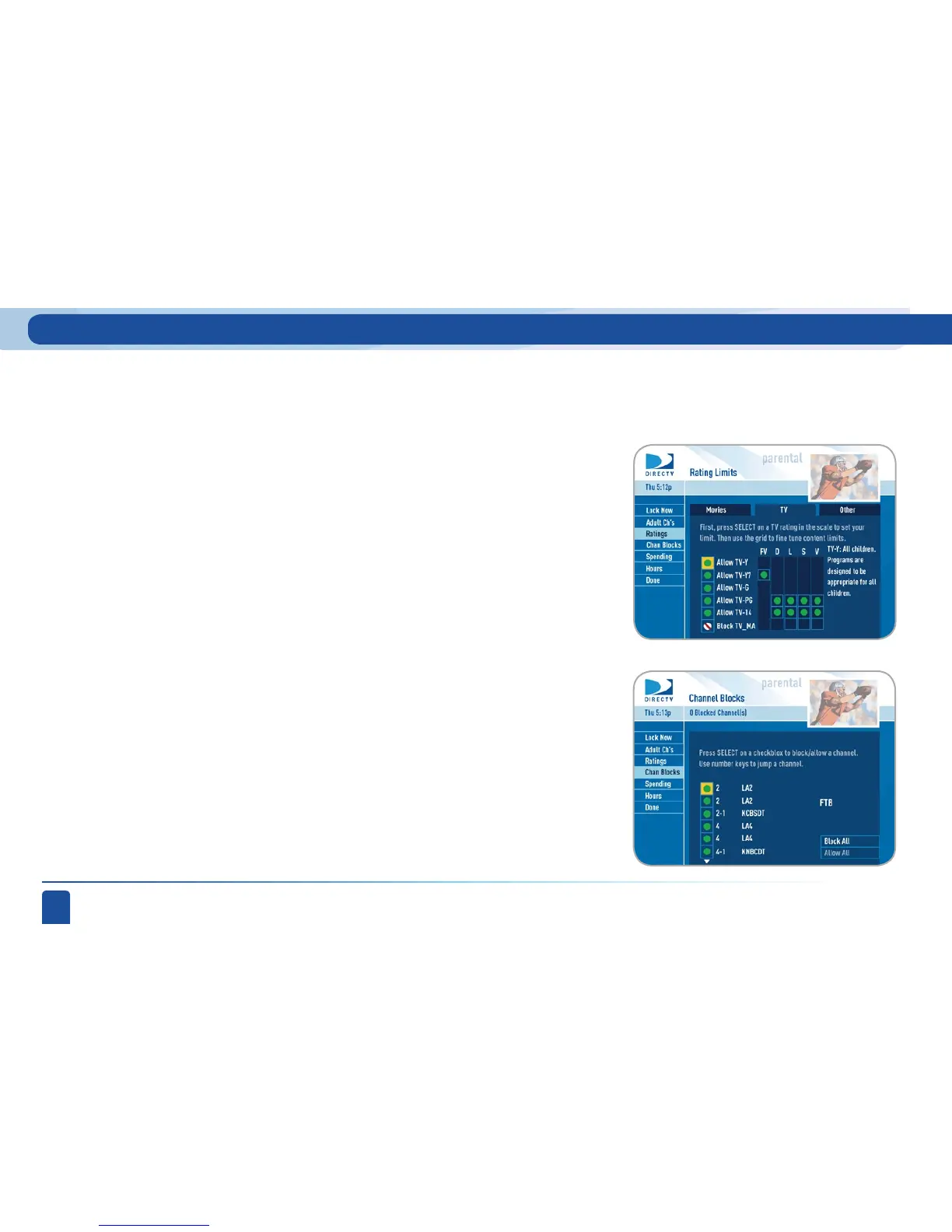
You can block viewing of a certain channel or channels using this menu.
Select Chan Blocks in the left menu, then scroll down the channel list to
select those you wish to block, or key in channel numbers for quicker access.
Use Block All or Allow All to save time if you wish to affect a large number of
channels.
Select the TV tab, then highlight and select the TV rating you desire. You
can also set ratings for particular content (for example, Fantasy, Violence,
Dialogue), each of which is described when highlighted.
To block programming that has no rating — such as news and sports — select
the Other tab.
Channel Blocks
-TV Programs
-Other Shows
Highlight and select the Movies tab, then set the overall rating limit
you wish to impose. Brief descriptions of the ratings appear for your
guidance.
-Movies



 To Next Page