Chapter 1
Chapter 2 Chapter 3 Chapter 4 Chapter 5
69
CHAPTER 2 - DETAILED INFORMATION
69
Main Menu - Parental, Fav’s & Settings
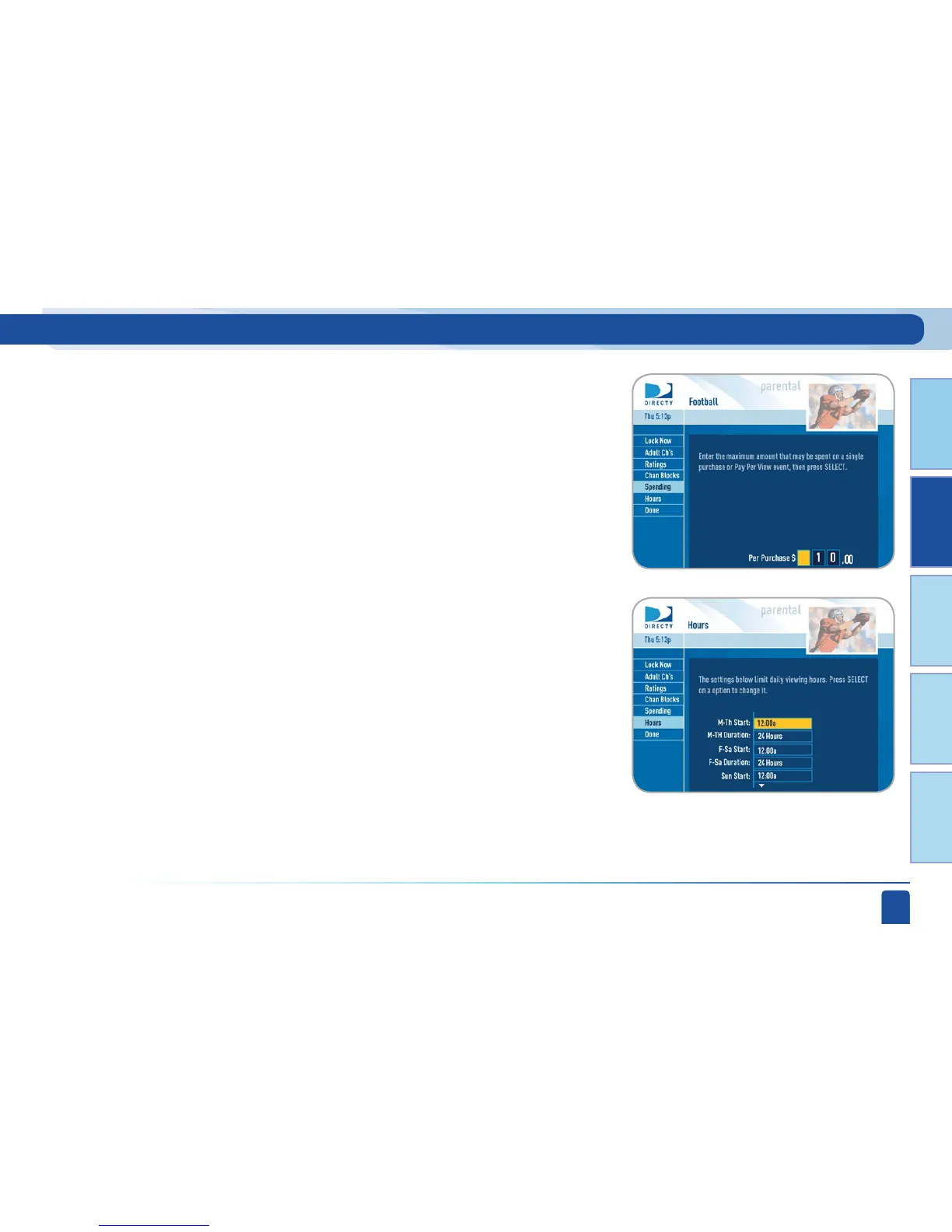
From the left menu, select Spending, then set your preferred spending limit
for any single Pay Per View purchase. Simply key in the amount using the
numbers on your remote.
From the left menu, select Hours, then set your preferred hours during
which TV can be viewed. You can set hours based on “school nights” and
weekend nights—Monday-Thursday, Friday-Saturday, and Sunday.
Limit Spending
Limit TV Viewing Hours



 To Next Page