4
About Your DISH Account
ABOUT YOUR DISH ACCOUNT
This section describes how to order your packages and provides information on how to find
information about your DISH account.
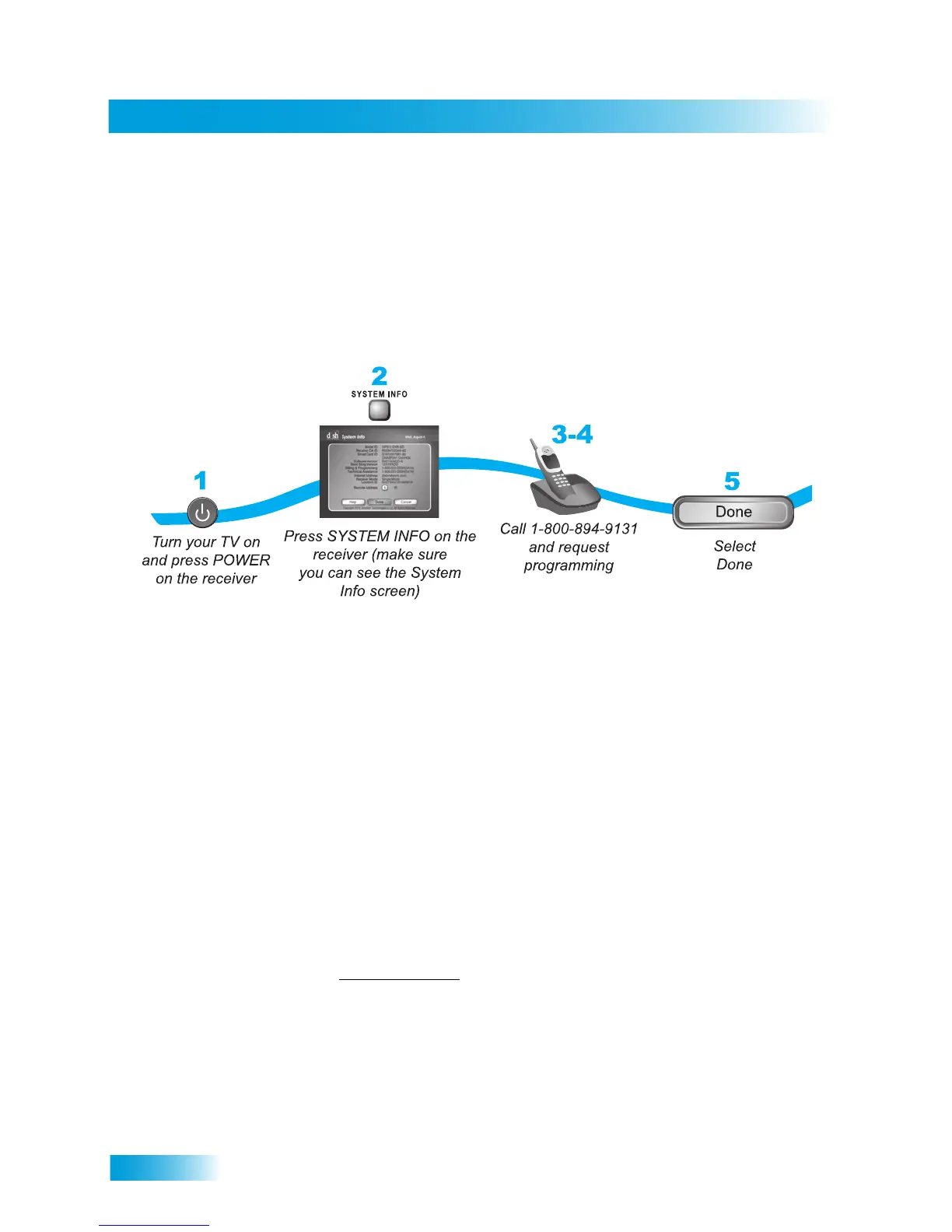
Ordering Your DISH Packages
Before you can enjoy your DISH receiver, you must order your programming packages.
1 Press POWER on the front panel to turn on the receiver.
2 Press SYSTEM INFO on the front panel to display the receiver’s System Information menu on the
nearby TV screen.
3 Call 1-800-333-DISH (3474) and tell the Customer Service Center the system has been installed
and you would like to begin receiving services. A representative will explain the available program
packages. Give the representative information from the System Information screen, as requested.
4 Your services will be turned on via the satellite signal. This process usually takes just a few min-
utes.
5 Select Done.
Where to Find Information on Your Account
If you want to know about charges to your DISH account or if you would like to make changes to
your DISH packages, be sure to have your account information handy and choose one of the
following:
• Go to our website at www.mydish.com
and select My Account.
• Press MENU on your remote control or front panel and then select My Account.
• Call the Customer Service Center at 1-800-333-DISH (3474).
Note: Additional authorization may be required before high-definition programming and/or over-
the-air broadcasts can be viewed; additional fees may apply.










 To Next Page