Finding Programs to Watch
25
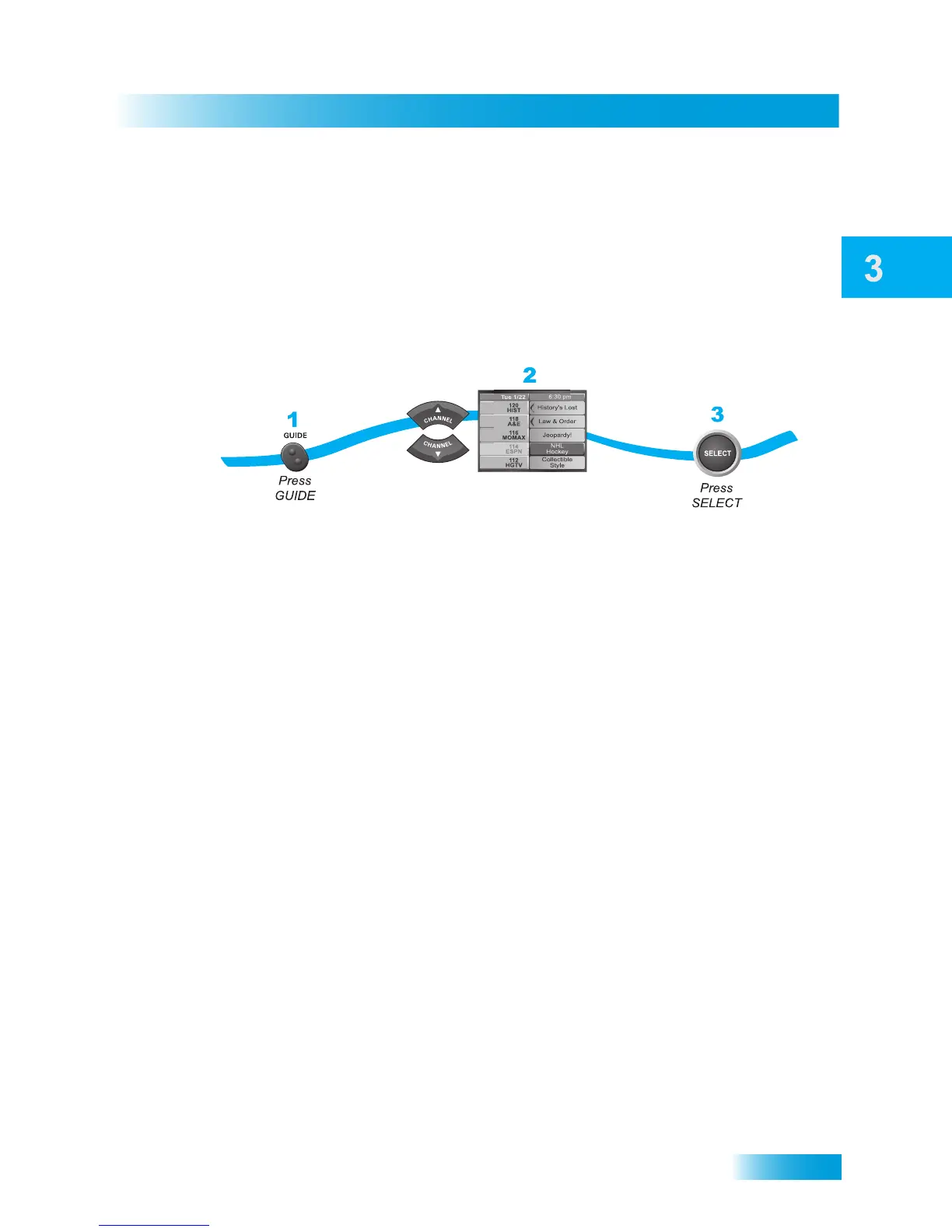
Using the Program Guide
• The Program Guide shows which Favorites List is active. If All Chan is active, the
Program Guide shows all the channels. The All Sub list shows only the channels in
your subscription. The All HD list shows only the HD channels in your subscription.
If you have set up and wish to use another list, then select it from the available lists by
pressing GUIDE repeatedly; the Program Guide shows only the channels included on
the selected list. See page 35 for more information on using Favorites Lists.
• The Program Guide shows programs on now and coming on within the next couple of
days. The guide does not show programs or events that have ended.
While using the Program Guide, you can:
– Press PAGE UP/PAGE DOWN to move through the guide a page at a time.
– Enter the number of hours you want to skip using the NUMBER PAD, and then
press the RIGHT/LEFT ARROW to move forward/back in the schedule.
– Press SKIP FWD/SKIP BACK to move forward or back a day at a time.
Note: You must be able to receive satellite programming from either the 119°W or 72.7°
orbital location for the Program Guide to display up to two days of program infor-
mation.
Use the UP and DOWN
ARROWs to highlight
a program currently broadcasting










 To Next Page