XWEB5000 Operation Manual
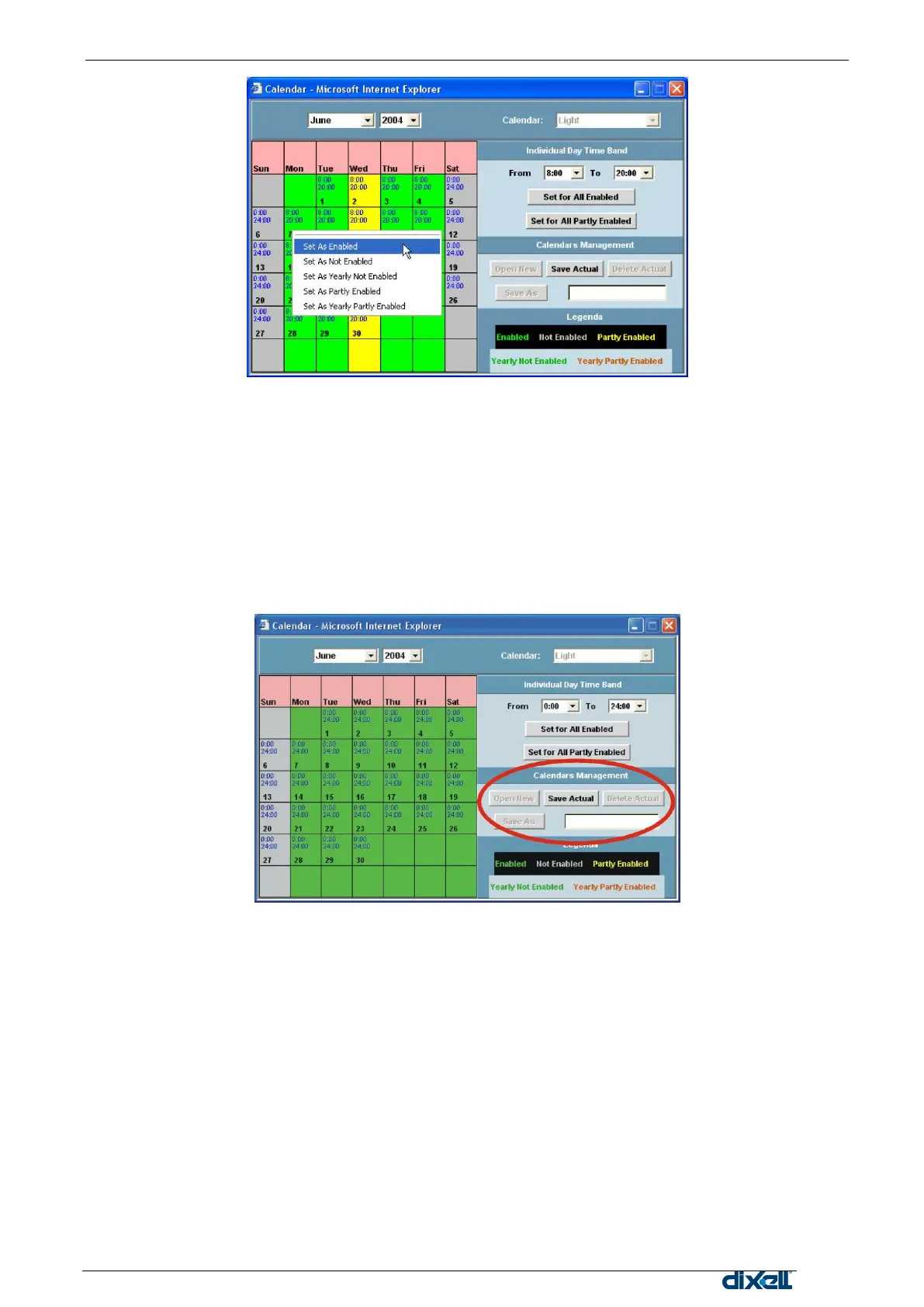
Select a limited period of days
To define a common attribute only to some days.
This allows to set a holiday period for one or more desired months of the year.
Point the mouse on the first day desired, click the left button.
Keeping the left button pushed move the pointer slightly through the next days to be included.
Release the mouse button and select the proper attribute, all the selected tiles will change into the
new corresponding colour.
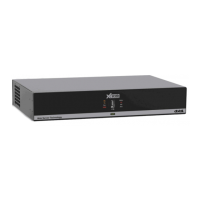
Calendar Management
Under this section the three button allows to save a new calendar format, load or delete it.
Open New: to create a new calendar. As default Sunday and Saturday are not enabled.
Save Actual: to save the new or modified calendar structure.
Delete Actual: to delete the displayed calendar.
Save As: to save the displayed calendar with a new appropriate name.


 To Next Page