Appendix B XR150FC/ XR550FC User’s Guide 31
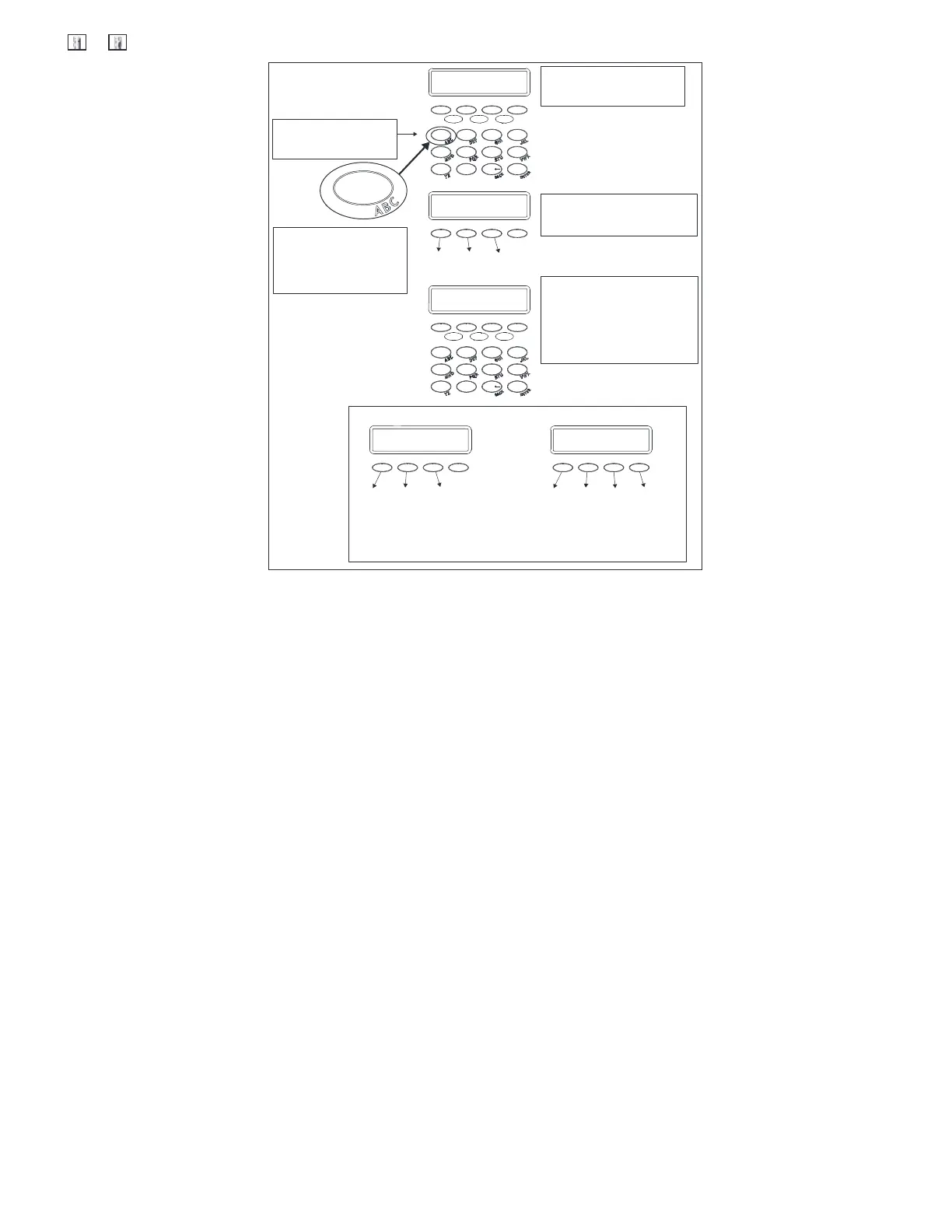
E teri g User n ames
Once you've cleared the default
name, a dash appears
on the left side of the display.
To ent er a custom n ame into
the keypad, you use the
three rows of number keys.
To enter a custom name,
press the number key above
the letter you want to enter.
Under each number key are
three letters.
{
A
B
C
1
2
Once the letter you want d isplays,
press the number key above the
next letter you want to enter.
You can enter up to 16 characters
for each name into the keypad.
3
4
The nine and zero keys . .
Y
Z
(space)
Pressing the 9 key provides you
with Y, Z, and a space to use
between names. For example:
BOB SMITH.
–
Pressing the 0 (zero) key provides
you with a – (dash), . (period),
* (asterisk), and a # (pound sign).
*
#
With the number displayed, press
the S ELECT key/area that matches
the letter position. See example.
1 2 3 4
5 6 7 8
9 0
CMD
-
1
1
1 2 3 4
5 6 7 8
9 0
CMD
A
9 0
.














 To Next Page