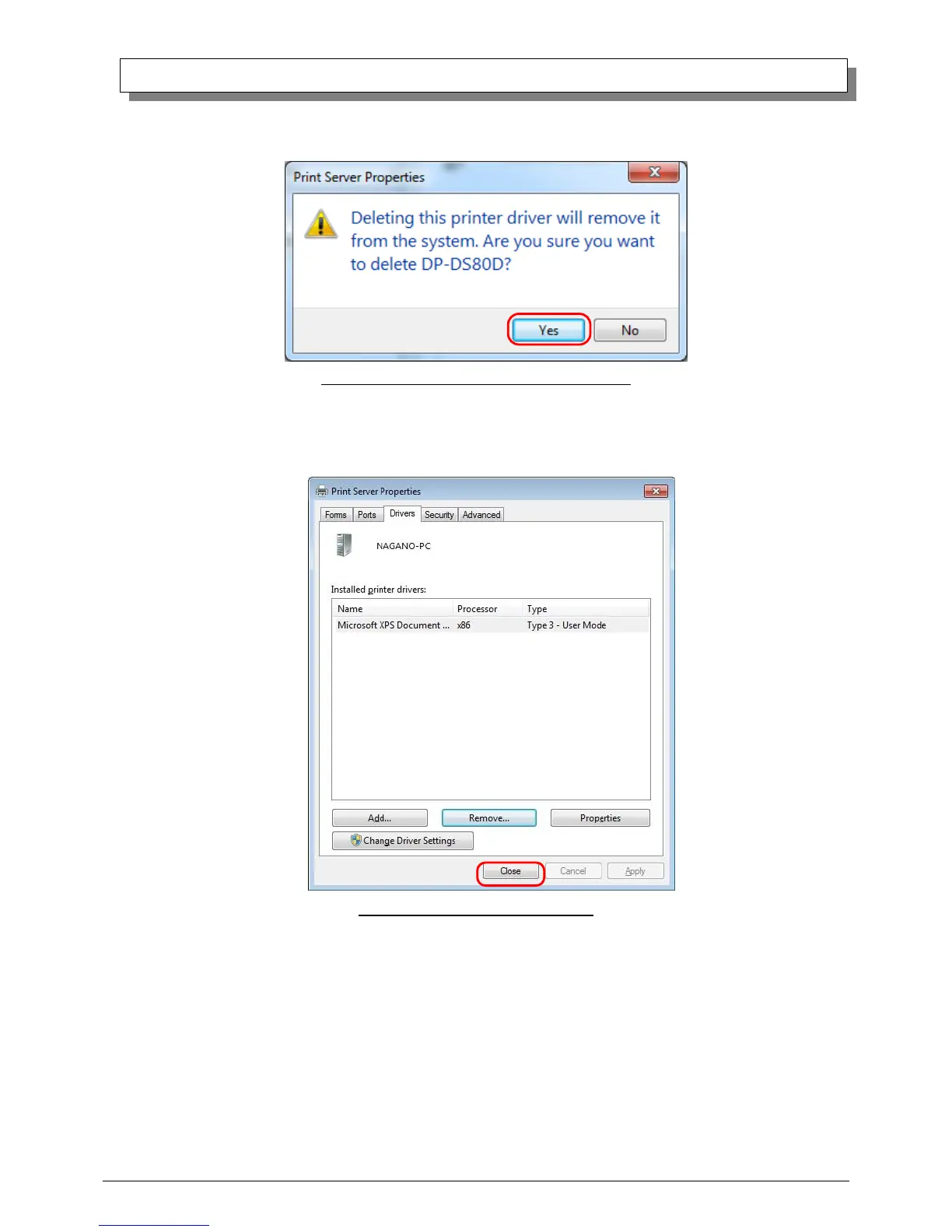
(7) When the Print Server Properties confirmation window appears, click on the “Yes” button.
Fig 3.7 Print Server Properties confirmation window
(8) Using the Print Server Properties window, confirm that “DP-DS80D” has been removed, and click on the “Close” button.
After removing the printer driver, uninstall the driver package.
Fig 3.8 Print Server Properties window



 To Next Page