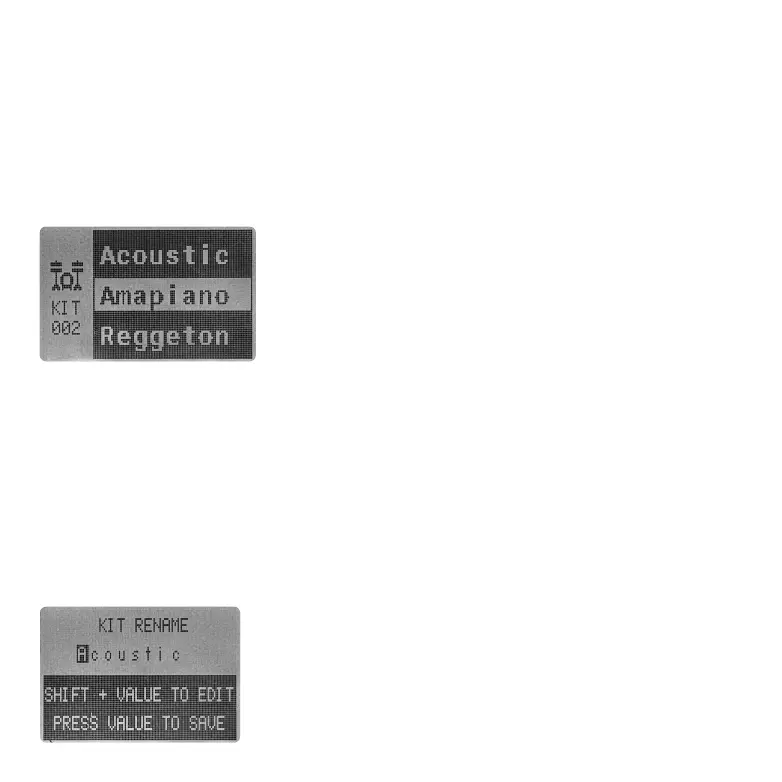
Press KIT to access KIT page. Use VALUE encoder to
browse and load up KIT.
3.2.1 LOAD A KIT
Essential D1 has 4GB internal memory to store all your sample files. By using the DONNER CONTROL
software, you can import your samples into the Essential D1. For more detail on the DONNER
CONTROL software, please refer to the later section.
As shown above, KIT file in Essential D1 contains all 12 channels' sample names. When edit a KIT, you
are choosing each channel's sample. Select the channel you want to change the sample. You can
either hit the corresponding PAD directly or holding SHIFT to select the channel without triggering
the sample playback. Then press down VALUE encoder to enter SMP SELECT page. Rotating VALUE
encoder to scroll throught the sounds. Press down the encoder to load the sample, or press SHIFT +
[BACK] to exit SMP SELECT page without changing anything.
3.2.2 EDIT A KIT
After editing your KIT, press SAVE + KIT to save the edit. You will need to select where you want to
save your KIT using VALUE encoder. And name the KIT in the following KIT RENAME page.
Just like the SONG. A KIT name can hold up to 9 characters. In
the rename page, rotate VALUE encoder to select character.
Use SHIFT + VALUE to edit the selected character. Press VALUE
encoder to save the new KIT NAME.
You can press SAVE + KIT again to cancel the saving process and
return to MAIN page at anytime.
3.2.3 SAVE A KIT
i) BD, SD, LT, HC, CH, HT ≤ 3.4 seconds
ii) OH, CR ≤ 11.6 seconds
iii) SMP ≤ 58.6 seconds
05 06 07
08 09 10 11 12 13 14
15 16 17 18 19
20 21
22 23 24 25 26 27 28
29 30 31 32



 To Next Page