4.9 EDIT DRUM FILL
Every BEAT can hold two drum fills which can be triggered in PAD mode via FILL A & FILL B. You can
program these drum fills as well. While in PAD mode, press REC + FILL A / FILL B to enter drum fill edit
mode. FILL A / FILL B will flash in red, FA / FB will add to the end of the beat ID, BEAT.001FA etc.
In drum fill edit mode, you can edit the drum fill either in finger drumming manner or in step
sequencing fashion.
Press REC + FILL A / FILL B to exit drum fill edit mode.
5 GLOBAL MENU
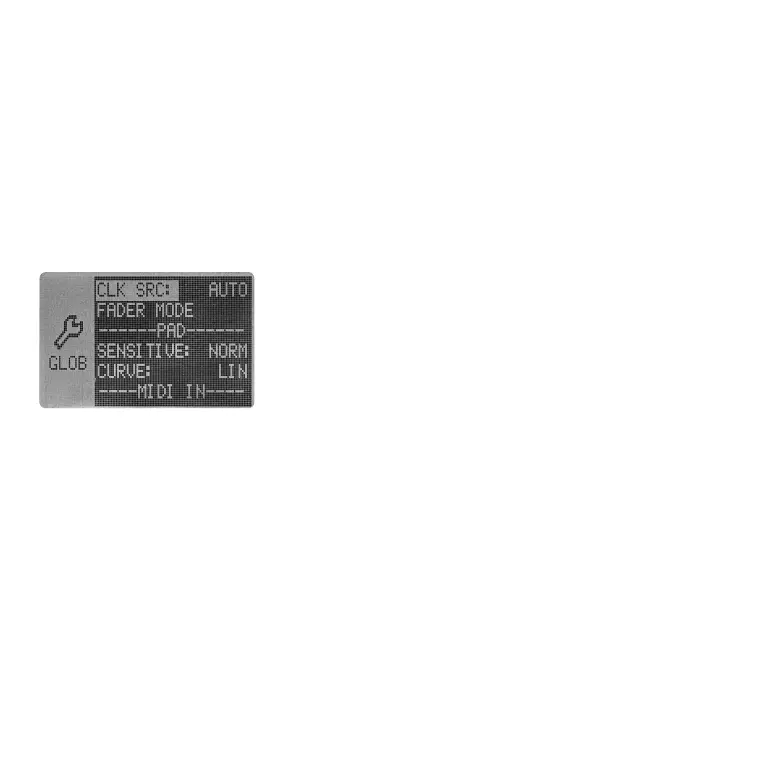
Press MENU to enter MENU page. Select GLOBAL via VALUE encoder.
This sub-menu contains all the global settings.
5.1 CLK SRC (CLOCK SOURCE)
Select the clock source using this option. By default (CLK SRC = AUTO), the Essential D1 will switch to
different clock sources accordingly. But you can also set the clock source manually. INT. stands for
internal clock. When it set to DIN, the Essential D1 will only react to the clock signal received from the
MIDI DIN port located at the rear panel. While USB will only receive the clock signal from USB port.
When using the external clock, the Essential D1 does not respond MIDI transport messages for more
versatile use while performing with other gears. In this way, you can decide whether the Essential D1
follows the master device at the beginning, or joins at the middle of the performance. Thus, if you
want the Essential D1 follows at the beginning, you will need to press PLAY/STOP before the master
sequence start.
05 06 07
08 09 10 11 12 13 14
15 16 17 18 19 20 21
22 23 24 25 26
27 28
29 30 31 32



 To Next Page