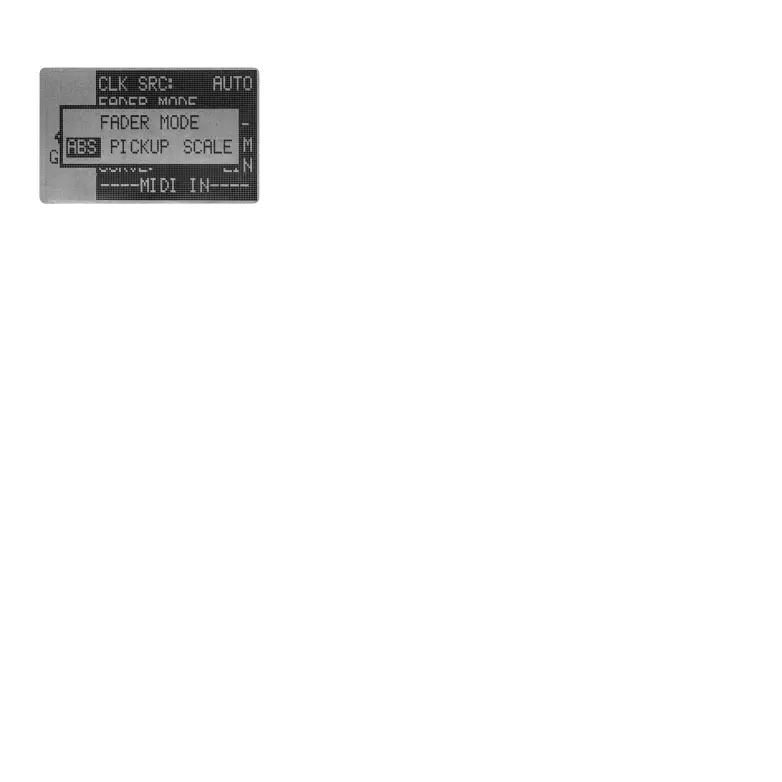
5.2 FADER MODE
5.3 PAD
The Essential D1 uses 4 faders to control 12 channels' volume. In a
result, every physical fader needs to control 4 different channels,
which will make sudden jumps in values. The fader mode is to
define how the Essential D1 should react to those jumps.Three
modes are offer, ABS, PICKUP and SCALE.
●
ABS: As soon as the fader is moved, its value is sent immediately to set the volume of the selected
channel. This will result in abrupt volume changes.
●
PICKUP: Moving the physical fader has no effect until it reaches the value of the selected channel
volume. As soon as they are equal, the fader controls the channel volume as normal.
●
SCALE: This option provides smooth volume transitions. It compares the fader position to the
channel volume and calculates a smooth convergence of the two as the fader is moved. As soon as
they are equal, the channel volume tracks the fader position as normal.
This section sets how responsive the 12 velocity-sensitive pads are.
5.3.1 SENSITIVE
Use this option to set the overall sensitive of the pads. By default, it is set to NORM (Noramal). If you
want the pads feel heavier, switch to HARD. If you prefer lighter feel, choose SOFT instead.
5.3.2 CURVE
The velocity curve let you custom the pads more precisely. The Essential D1 offers 4 types of velocity
curve. By default, it is set to LIN (Linear) to provide a balance across the whole velocity range. The
LOG (Logarithmic) provides more precise control on higher velocity, while the EXP (Exponential)
provides more precise control on lower velocity.
It's also possible to disable the velocity-sensitive, just set the curve into FIX.
FIX AT: When CURVE is set to FIX, this parameter will pop-up to let you set the fixed value of the note
velocity, ranging from 1 to 127.
05 06 07
08 09 10 11 12 13 14
15 16 17 18 19 20 21
22 23 24 25 26 27
28
29 30 31 32



 To Next Page