104 Experiencing Multimedia
Use MMS Video capture mode
The MMS Video capture mode makes it convenient for you to capture a video file and then
send it via MMS. Press ENTER or CAMERA to start recording a video clip (with audio if
desired). To stop recording, press ENTER or CAMERA again.
The recording length of MMS video is fixed. Recording automatically stops when the preset
length is reached. However, you can manually stop recording the video anytime. The time
indicator at the bottom-left side of the Camera screen indicates the time limit.
You can specify the capture format to be either H.263 or MPEG-4 on the Camera Settings
screen; however, the ideal format for MMS is H.263 (3GPP). After you capture the video file,
tap
on the Review screen to send the file through MMS.
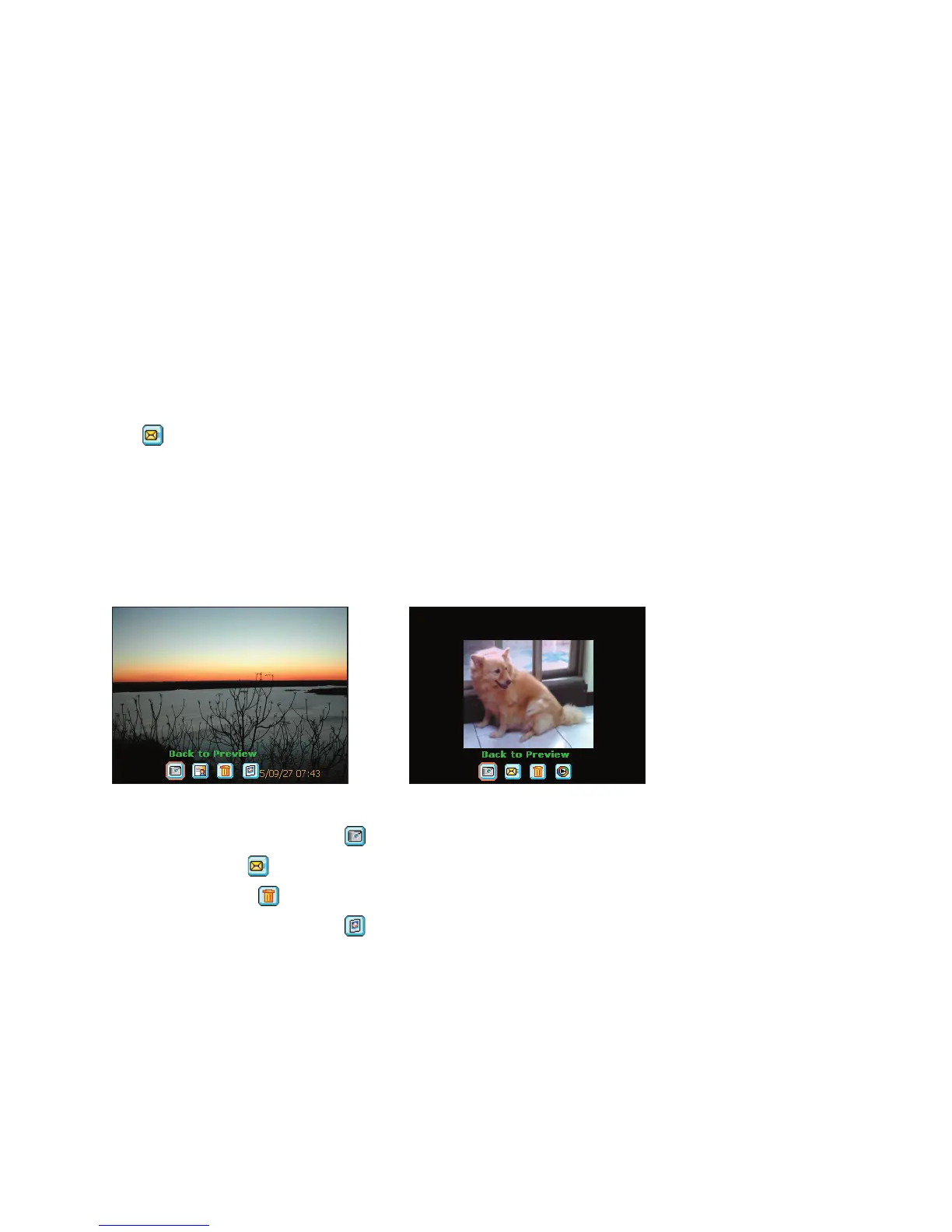
Use the Review screen
After taking a still image or recording a video clip, you can view the image or video clip in the
Review screen. In addition, you can send the image or video clip through e-mail, or delete it
immediately.
Review mode icons
Review screen of still image Review screen of video
• Back to Preview. Tap
to go back to Camera mode to capture an image.
• Send. Tap
to send the captured image to someone via e-mail.
• Delete. Tap
to remove the captured image.
• View in Pictures. Tap
to switch to the Pictures & Videos program. The captured
image will be displayed in Detailed View.



 To Next Page