36 Using Phone Features
3.2 Making a Call
With your device, you can make a call from Phone, Contacts, Speed Dial, Call History,
and SIM Manager.
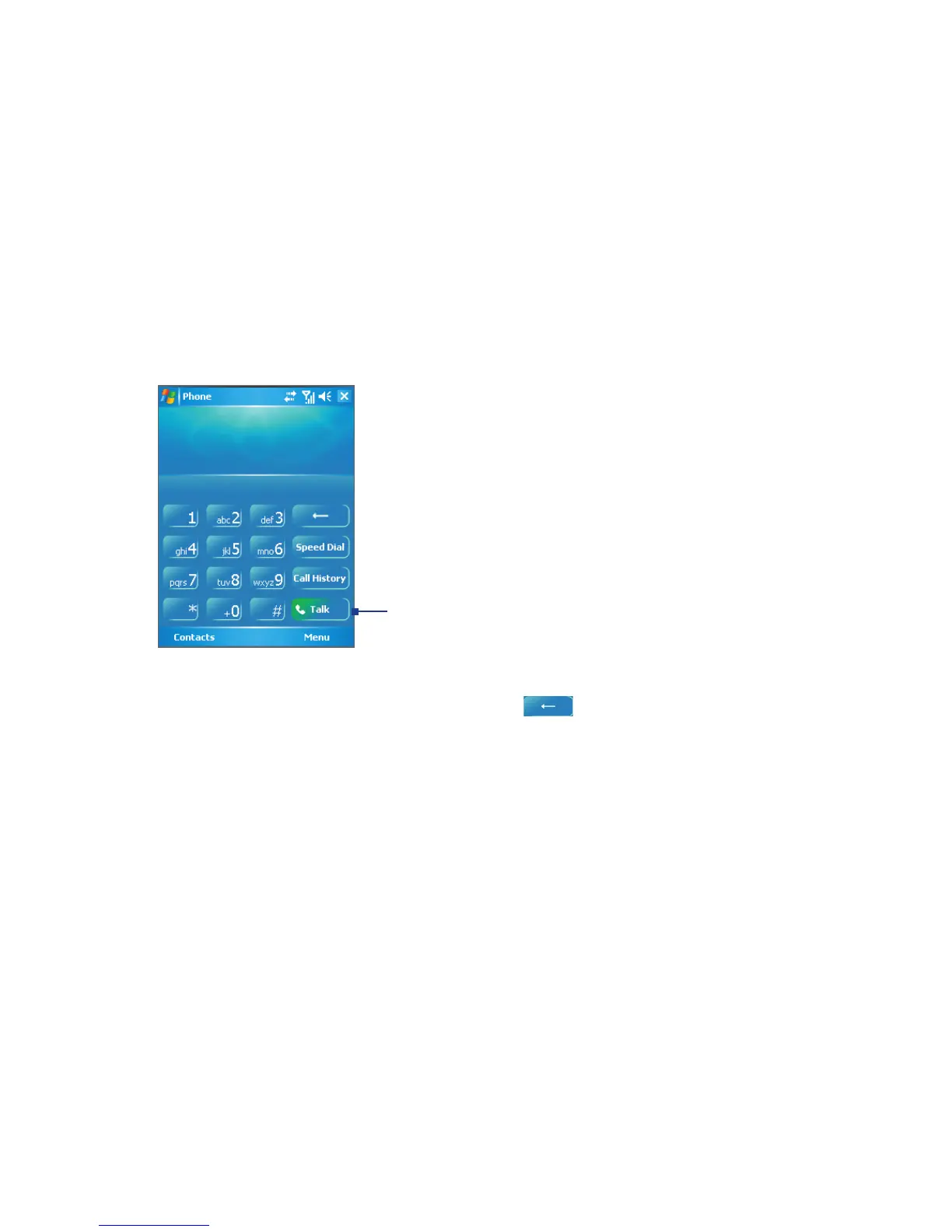
Make a call from Phone
1. Tap Start > Phone.
2. On the Phone screen, tap the desired phone number, and tap the Talk button.
Talk button
Phone Screen
Tip If you tap a wrong number, tap the Back arrow (
) to erase individual numbers one at a
time. To delete all the numbers, tap and hold the Back arrow.
Make a call from Contacts
Tap Start > Contacts. Then do one of the following:
• Press NAVIGATION up or down to select a contact, and press TALK twice (once to
send the number to the Phone keypad, and once to dial the number).
• Tap the desired contact in the contacts list, and tap the phone number that you want to
call.
• Tap and hold the desired contact, and on the shortcut menu, tap Call Work, Call
Home, or Call Mobile.



 To Next Page