128 Using Other Applications
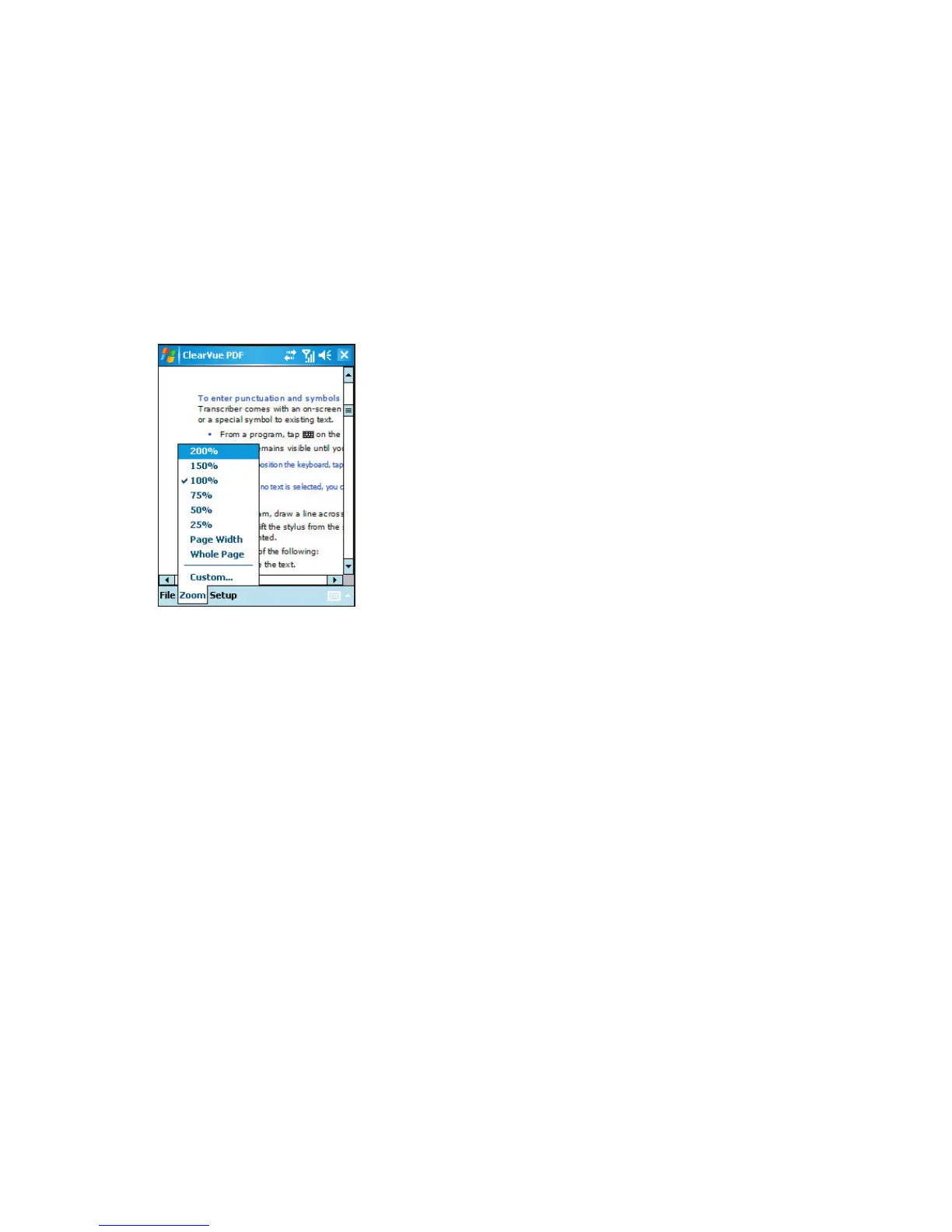
To enlarge or reduce the display size
1. Open a pdf file you want to view.
2. Tap Zoom.
3. Select a predefined zoom ratio, or Page Width or Whole Page.
4. Tap Custom to set an arbitrary zoom ratio.
9.5 Using MIDlet Manager
MIDlets are Java applications that can run on mobile devices. Your device supports Java
2 Micro Edition, J2ME. The MIDlet Manager allows you to download Java applications,
such as games and tools that are specifically designed for mobile devices. Although some
Java applications and games have already been installed on your device, the Java MIDlet
Manager gives you the flexibility of installing and managing additional J2ME applications
from the Internet.
To install MIDlets from the Internet
1. Locate the MIDlet/MIDlet suite while connected to the Internet.
2. Select the MIDlet/MIDlet suite to download.
3. Confirm to start downloading.
4. Run the file(s) to install.



 To Next Page