70 Getting Connected
To delete temporary Internet files
Some Web content is stored as you view it to speed up the display of pages you frequently
visit or have already seen. You may want to delete these files to free storage space.
1. In Internet Explorer Mobile, tap Menu > Tools > Options > Memory tab.
2. Tap Delete Files. All pages stored on your device, including offline favorites content,
will be deleted.
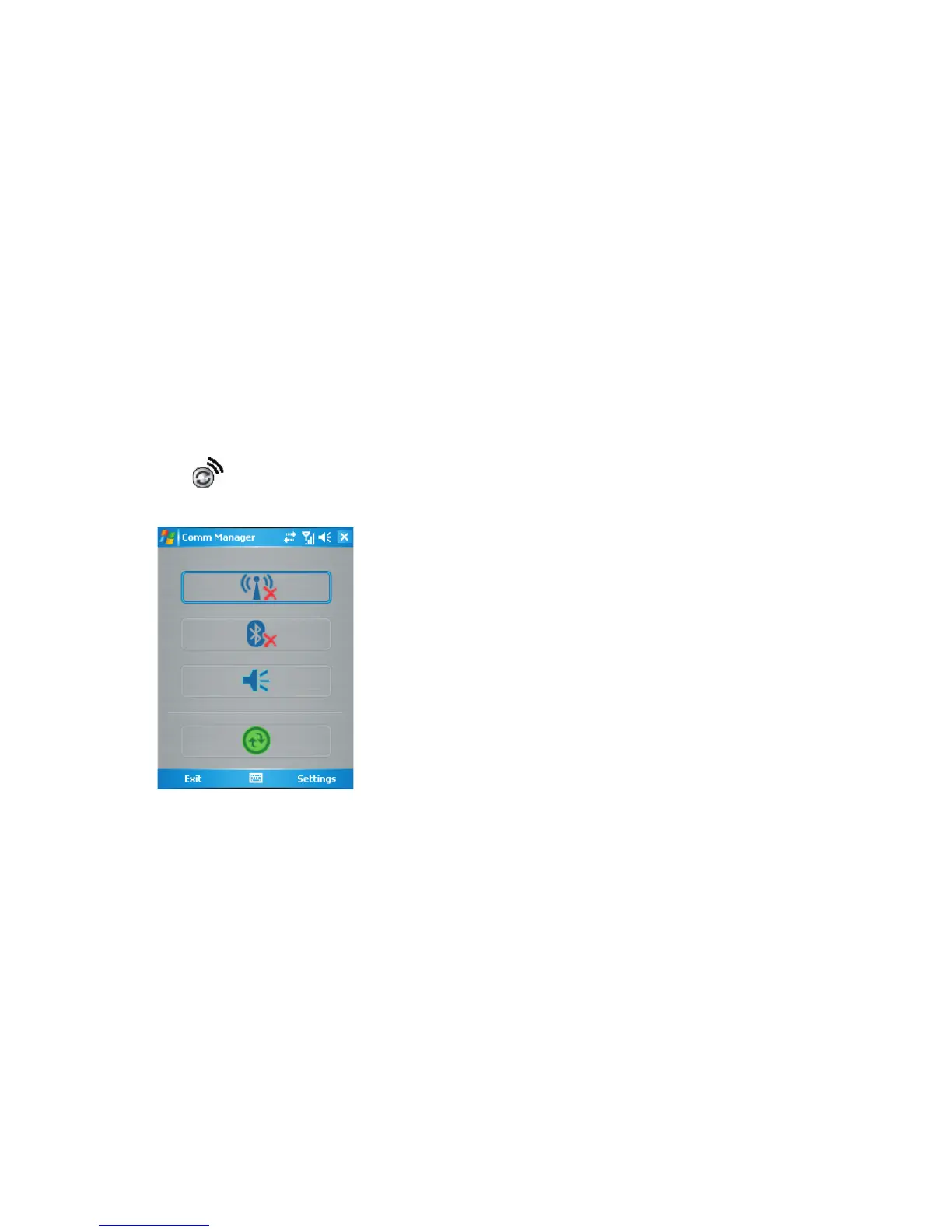
6.3 Using Comm Manager
To open Comm Manager
• Tap on the Today screen; or
• Tap Start > Programs > Comm Manager.
Comm Manager screen
Comm Manager acts like a central switcher that lets you easily enable or disable the
following phone features:
• Enable or disable Wi-Fi
• Enable or disable Bluetooth
• Switch the phone to Ringer or Vibration mode
• Turn ActiveSync on or off
Simply click the corresponding button to enable or disable a feature.



 To Next Page