Using Other Applications 127
9.4 Using ClearVue PDF
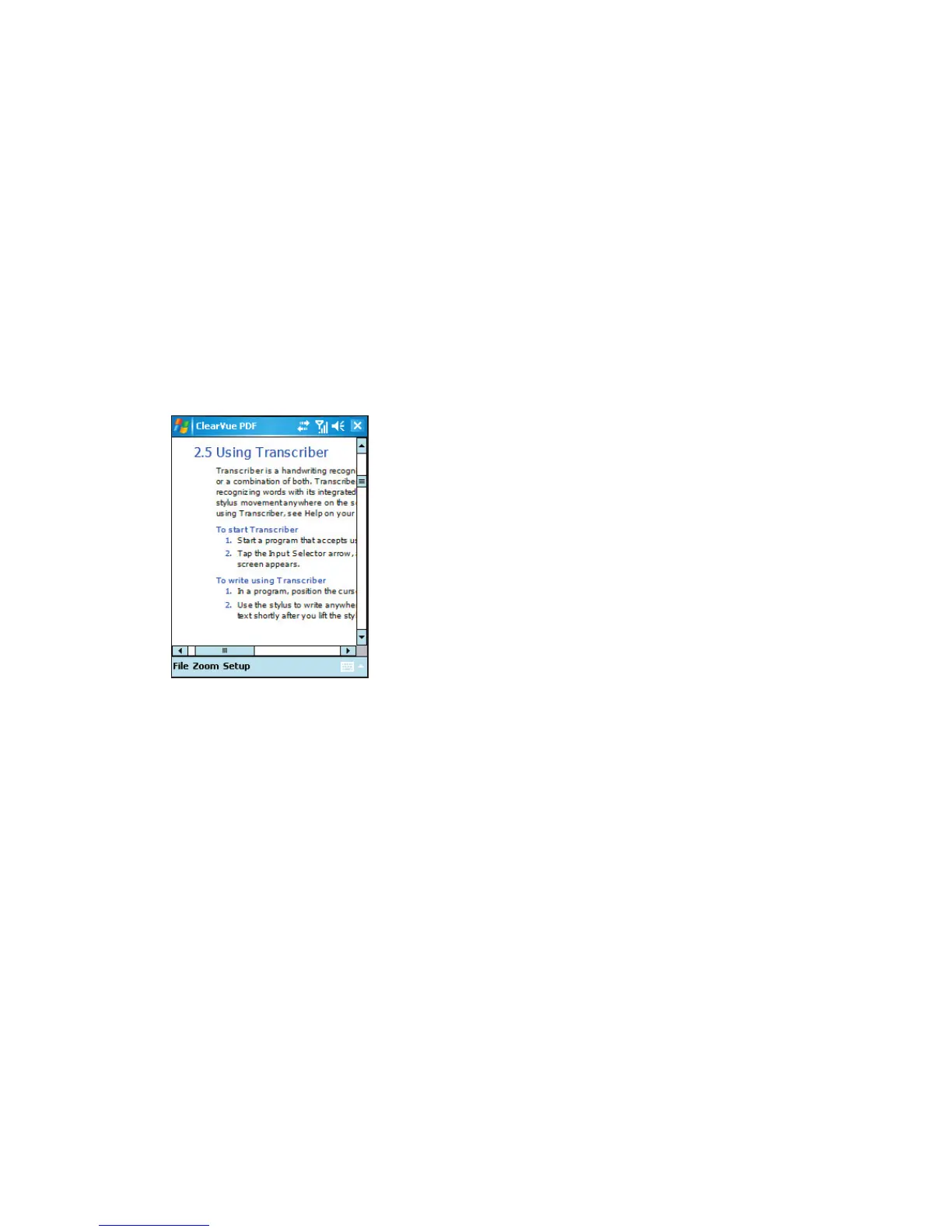
ClearVue PDF displays Portable Document Format (PDF) files. These files usually have a
*.pdf file extension.
To open a PDF file on your device
1. Tap Start > Programs > ClearVue PDF.
2. Tap File > Open to view a list of PDF files on your device.
3. Tap the file you want to view.
To navigate through a PDF document
You can do any of the following:
• Tap the Up, Down, Right, and Left arrow keys on the horizontal and vertical scrollbars
to move to the desired direction of the page.
• Press NAVIGATION up, down, right, and left to move up or down a page or scroll
through the pages.
• Tap the space between the arrow keys and the scrollbar with your stylus to move one
screen towards the desired position.
• Tap anywhere on the screen with your stylus and drag it to move around the page so
that you can view all the areas.



 To Next Page