26 Entering and Searching Information
2.6 Using Phone Pad
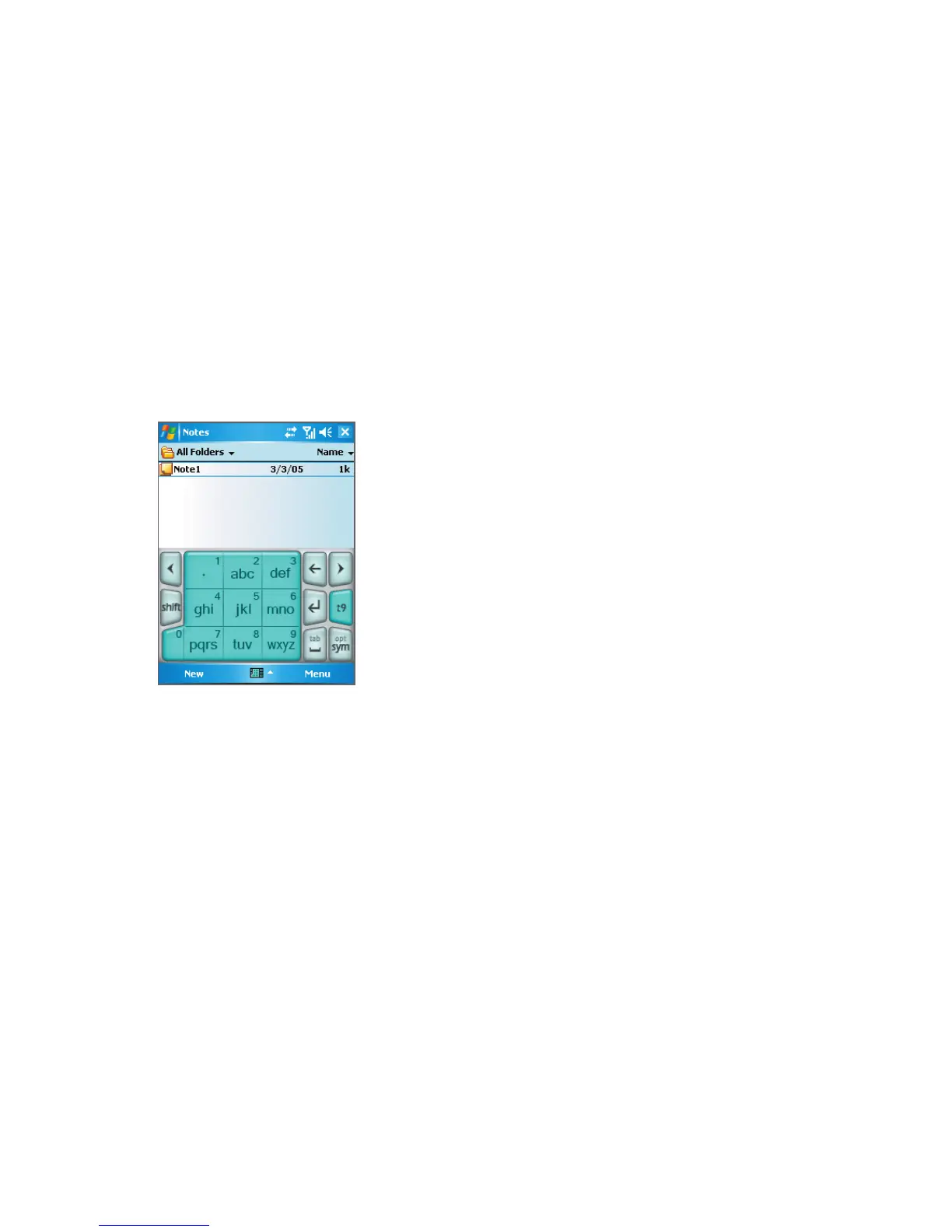
Phone Pad provides a flexible, alternate method for entering information. Using Phone Pad,
you can easily switch between three input modes: T9, Multi-Tap, and Numeric, including a
list of symbols for greater convenience.
To start Phone Pad
1. Start a program that accepts text input, such as Notes.
2. Tap the Input Selector arrow, then tap Phone Pad.
Phone Pad, t9 mode
Tip Phone Pad can be started at any time, except when your device is in Camera mode or
displaying the Today screen.



 To Next Page