Getting started 11
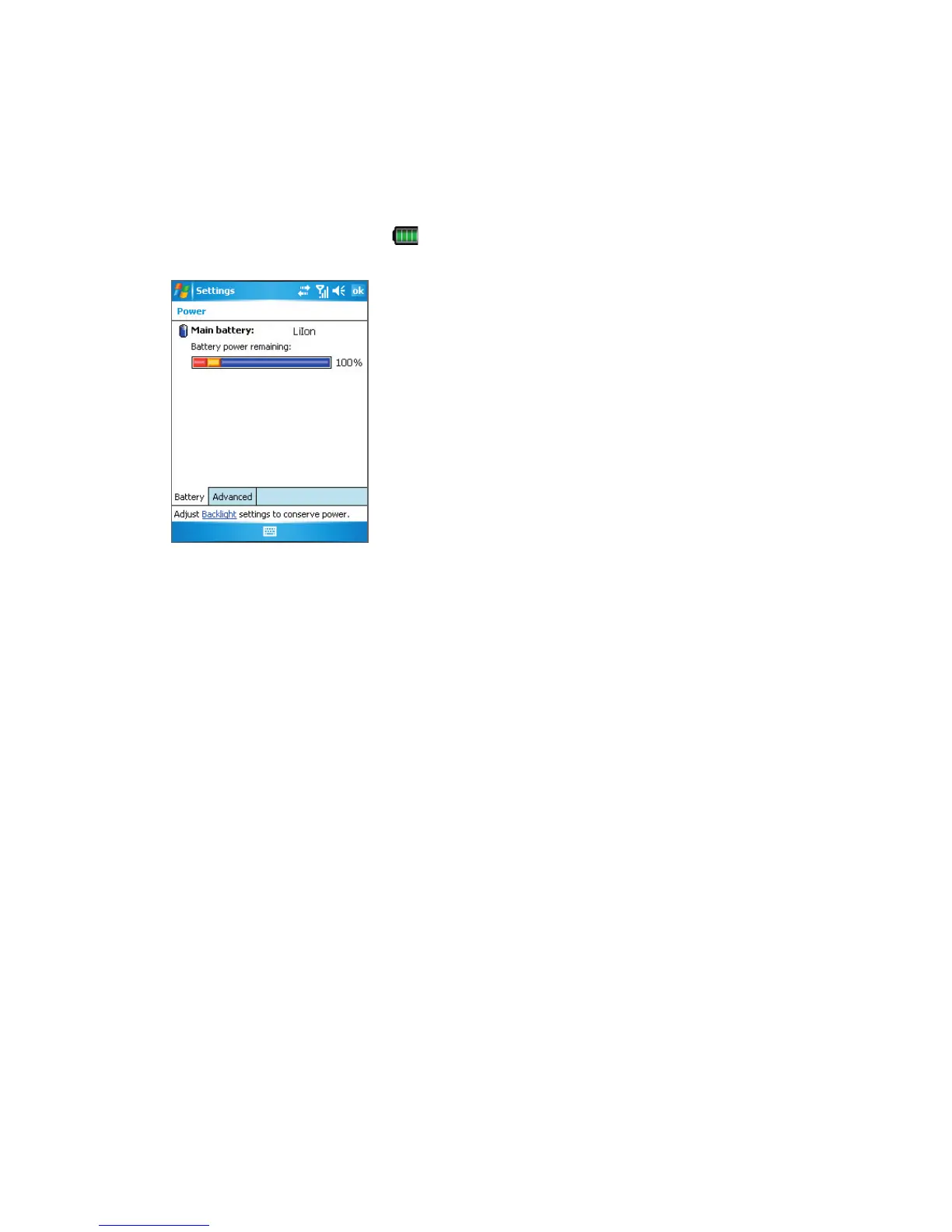
To check the battery power
• Tap the battery level icon ( ) on the Today screen.
• Alternatively, tap Start > Settings > Systems tab > Power.
Power Information
Charge the battery
New batteries are shipped partially charged. Before you can use your device, you need
to install and charge the battery. Some batteries perform best after several full charge/
discharge cycles. You can charge the battery by:
•
Connecting your device directly to an external power source.
• Connecting your device to a PC via the provided sync cable.
Low battery
When the low-battery warning appears, do the following:
• Immediately save your current data.
• Synchronize with your PC or connect the power adapter to charge the battery.
• Turn off your device.



 To Next Page