24 Entering and Searching Information
Do To
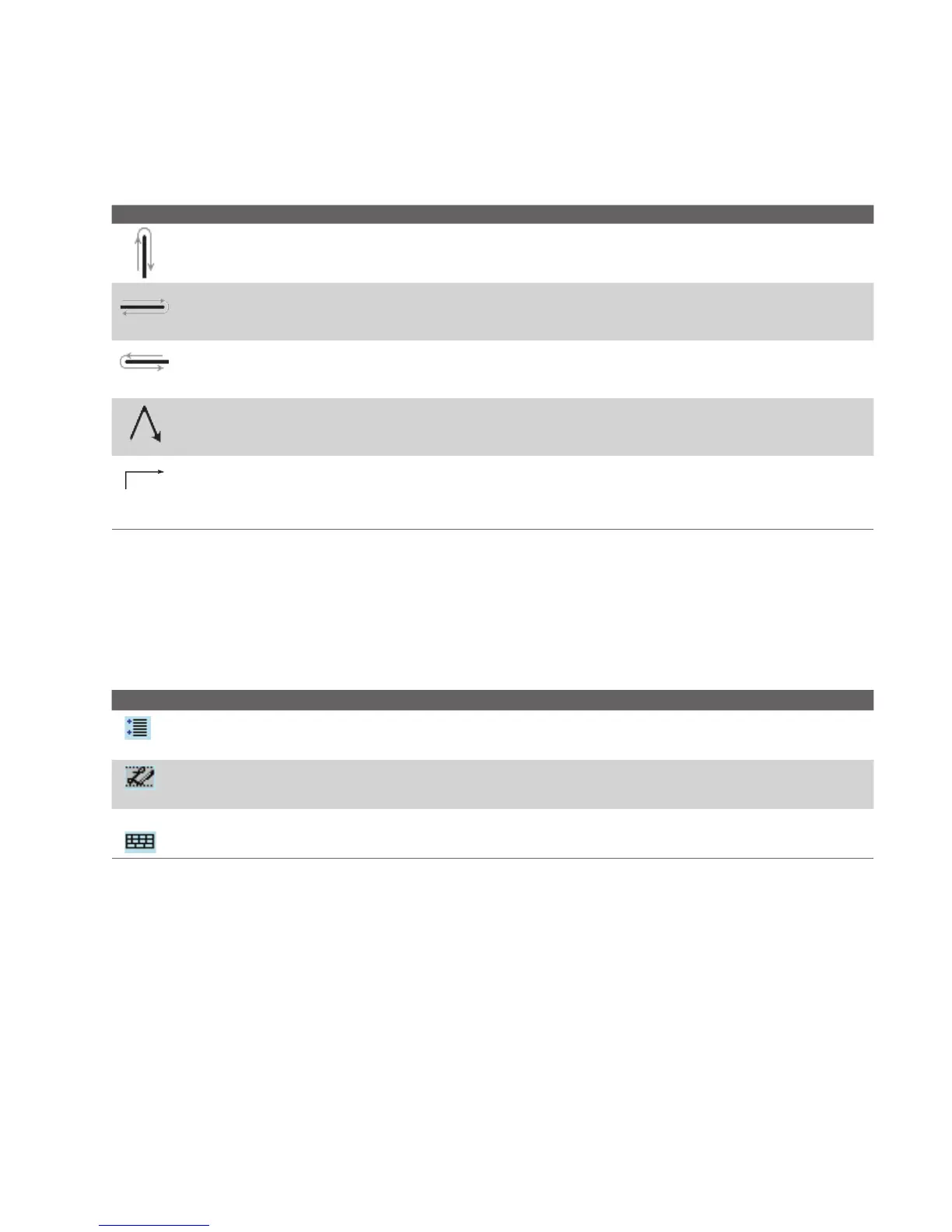
Undo the last action.
Do the gesture by drawing a line straight up and back down.
Copy the selected text.
Do the gesture by drawing a line from left to right and back.
Cut the selected text.
Do the gesture by drawing a line from right to left and back.
Paste copied or cut text.
Do the gesture by drawing a line from the lower left of the screen diagonally up toward the
right and back down to the right.
Insert a tab.
The horizontal portion of the gesture must be at least two times longer than the vertical
portion.
Tip You can also use the Enter, Space, and Backspace buttons on the Transcriber toolbar.
The Transcriber toolbar
The Transcriber toolbar, which appears at the bottom of the screen when Transcriber is
open, provides easy access to several tools, Enter, Space, and Backspace buttons, and Left
and Right arrow buttons.
Tap To
Open the Options screen, where you can set options such as writing direction, text entry,
and shorthand.
Open Letter Shapes, where you can set your personal writing styles to maximize
recognition.
Use the miniature keyboard to quickly enter numbers, punctuation, and other symbols.



 To Next Page