Using Phone Features 35
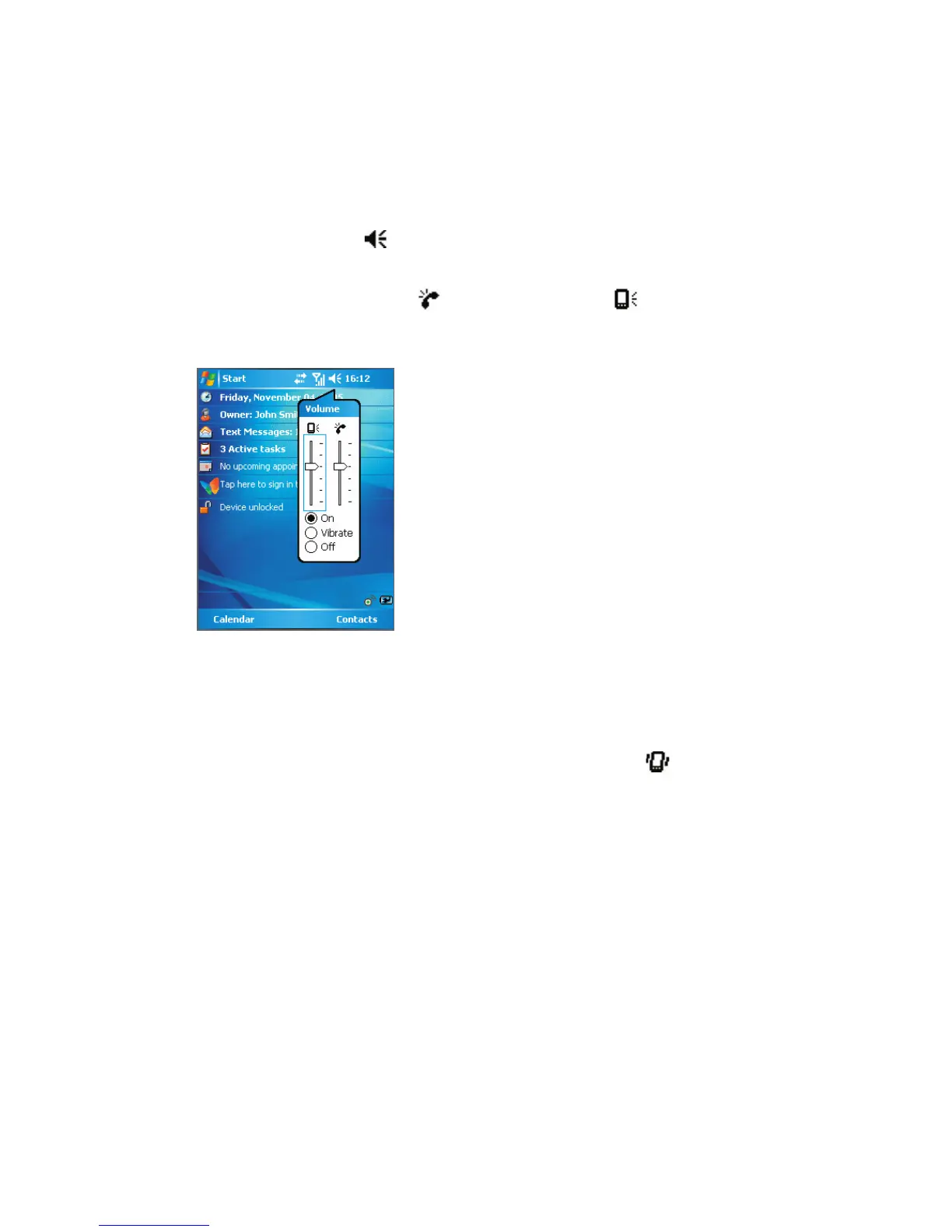
Adjust the device volume
1. Tap the Speaker icon ( ).
2. Under Volume, do the following:
• Adjust the phone volume (
) or device volume ( ) by moving the slider to the
desired volume level.
• Tap On, Vibrate, or Off to change both the system and ringer volume settings.
Volume Adjustment
Notes •
To adjust the conversation phone volume, you must do it during a call. Adjusting the volume at
another time will affect the ring, notification, and MP3 sound levels.
•
When you activate Vibrate mode, sound will automatically be muted and your device will
vibrate when an incoming call is received. The Vibrate icon (
) will appear in the title bar to
indicate that Vibrate mode is activated.



 To Next Page