106 Experiencing Multimedia
Capture mode Capture size setting Zoom range
Sport
Large (640 x 480) 1.0x to 2.0x
Medium (320 x 240) 1.0x to 4.0x
Small (160 x 120) 1.0x to 10.0x
Burst
Large (640 x 480) 1.0x to 2.0x
Medium (320 x 240) 1.0x to 4.0x
Small (160 x 120) 1.0x to 10.0x
Note The capture sizes available for certain capture formats also vary from one capture mode to
another. The zoom range has been calculated based on the following ratio:
• 1.0x = normal size (no zooming)
• 2.0x = double enlargement
• 4.0x = four times enlargement
• 8.0x = eight times enlargement
• 10.0x = ten times enlargement
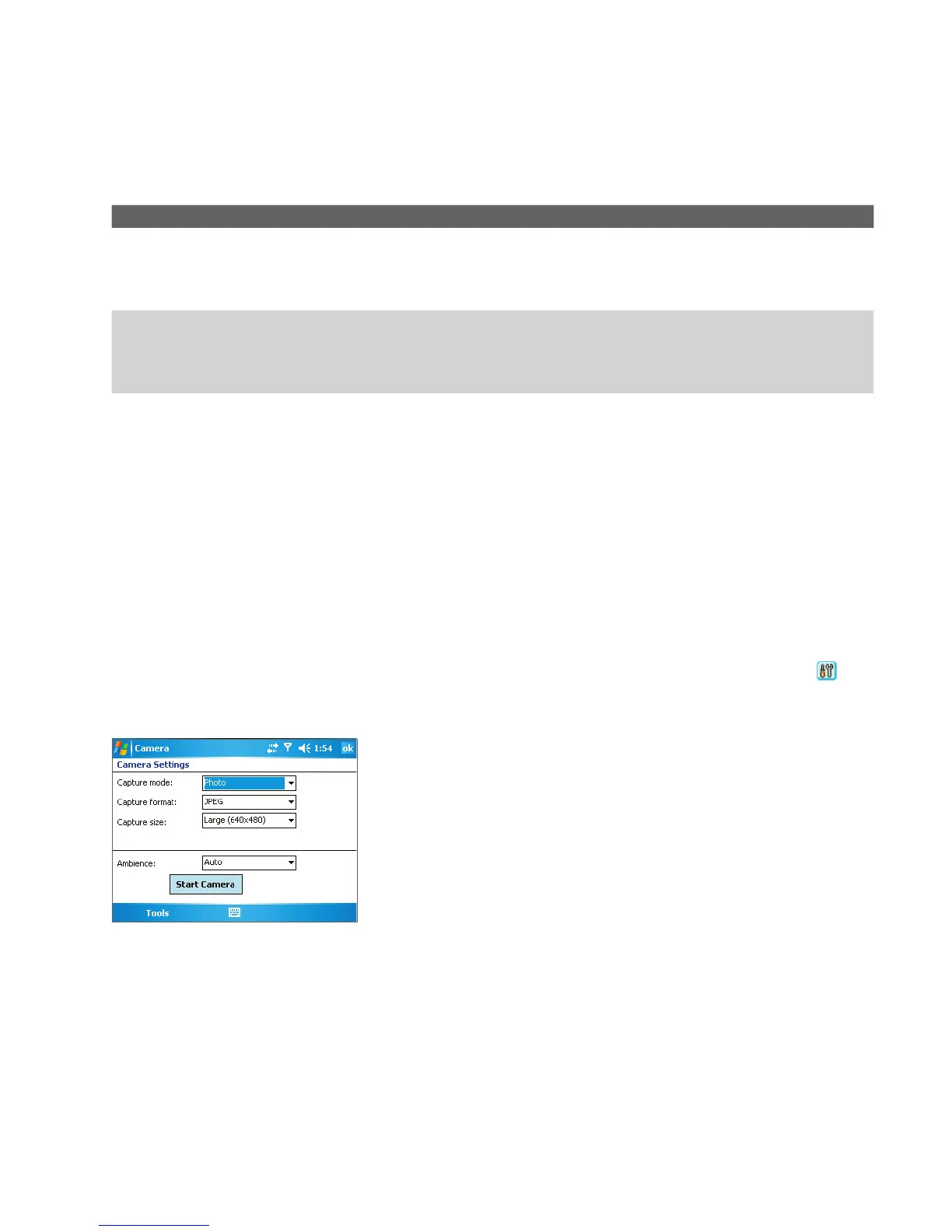
Use the Camera Settings screen
While capturing a still image or video clip using any capture modes, tap the tool icon ( )
to access the Camera Settings screen. The Camera Settings screen allows you to configure
the capture settings.
You can configure the following settings on the Camera Settings screen.



 To Next Page