Using Other Applications 135
Manage a ZIP file
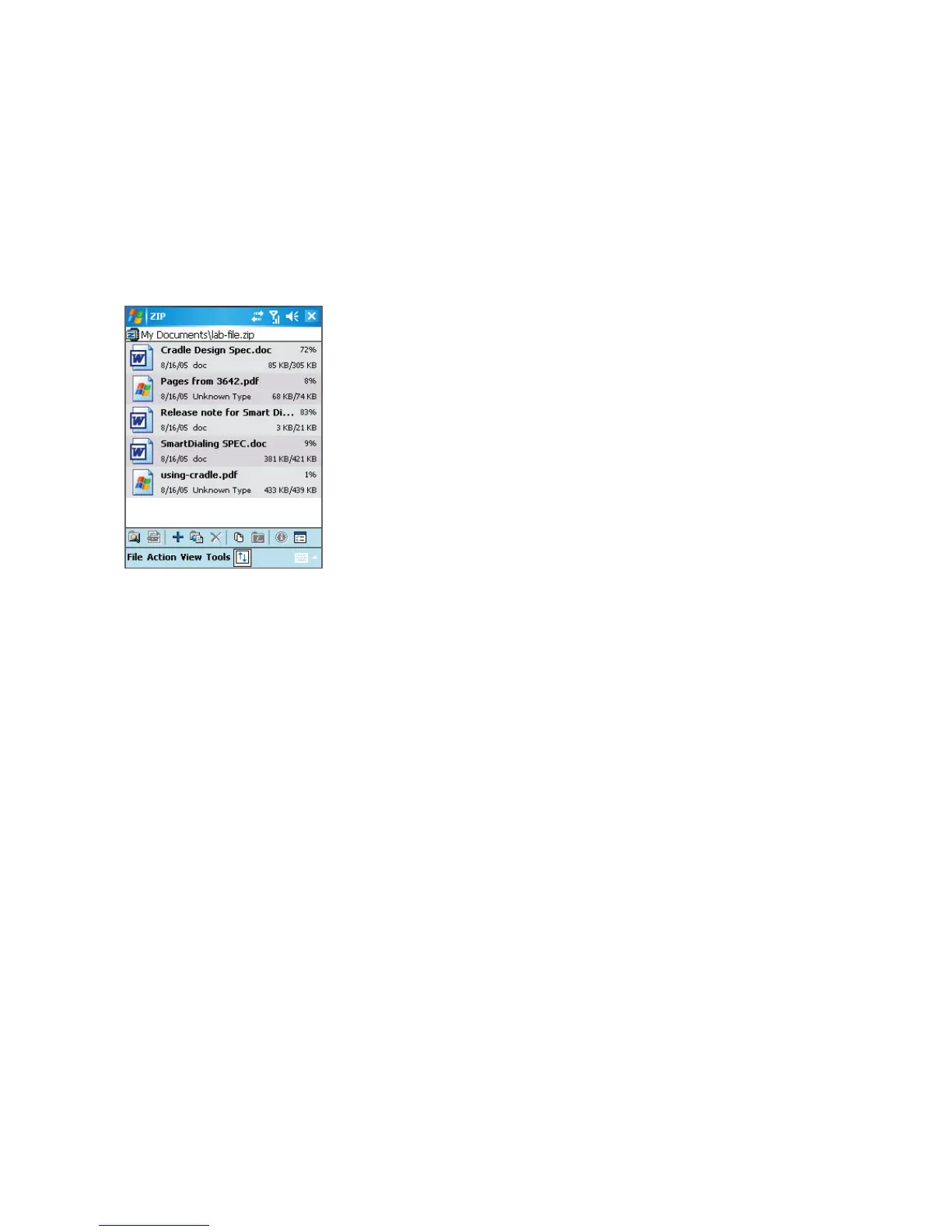
After you open a ZIP file, you can either extract the file to a folder or location, or perform
various tasks on the file. The icons on the toolbar of the ZIP screen also provide some of
these functions. Following is an illustration of the ZIP screen.
• File menu
• New Archive. Creates a new archive file with a .zip file extension.
• Find Archive. Locates an archive file.
• Close Archive. Closes an archive file.
• Rename Archive. Lets you rename an archive file.
• Delete Archive. Removes an archive file.
• Archive Properties. Displays information about the current archive file.
• Integrity Test. Checks the selected file for data correctness and reliability.
• Refresh. Lets you refresh the content of the current archive file.
• Recent. Displays a list of recently opened archive files, including the current file.



 To Next Page