Managing Your Dopod 818 Pro 63
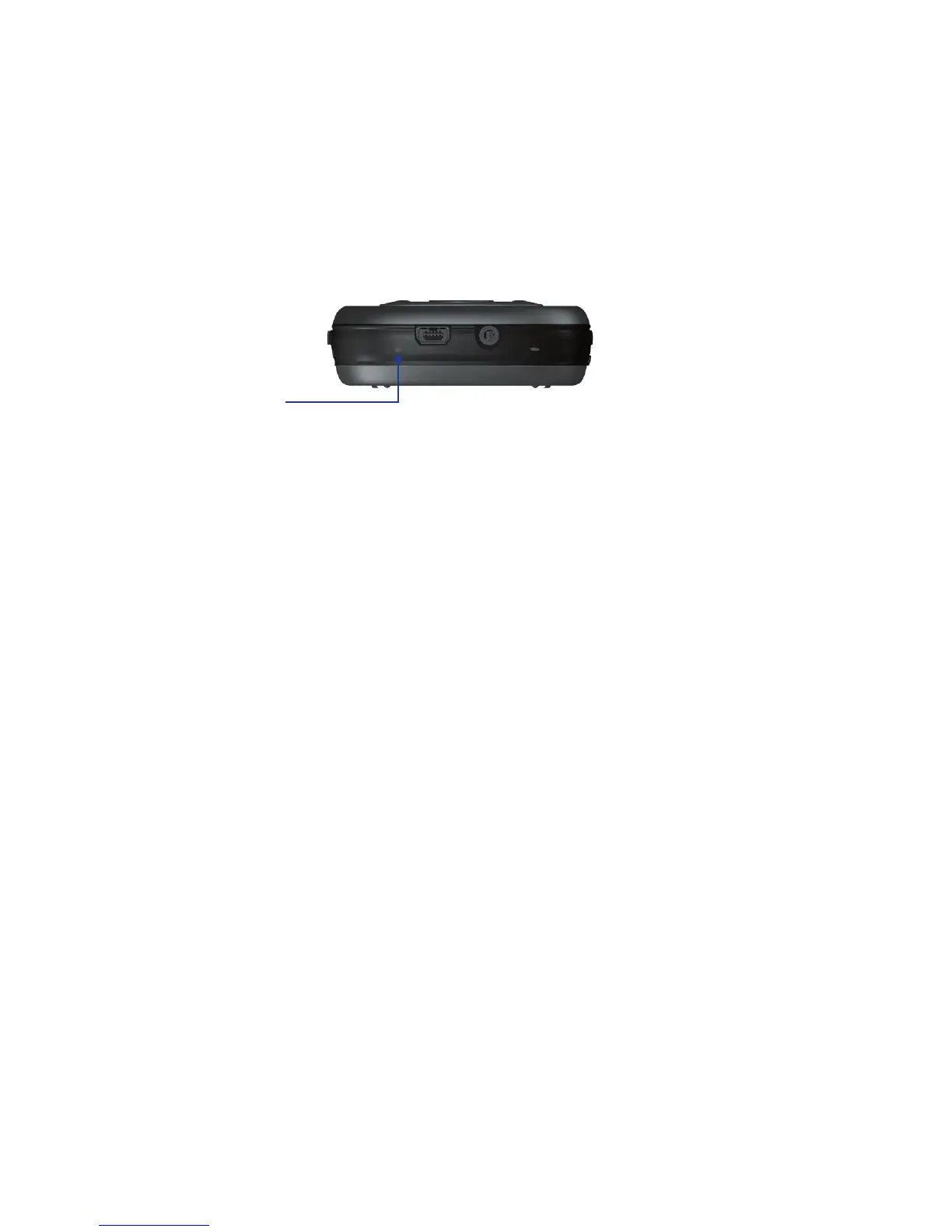
To perform a soft reset
• Use the stylus to lightly press and hold the RESET button on the bottom of your device.
Your device restarts and displays the Today screen.
RESET button
Warning! Always turn off your device before performing a soft reset.
To perform a hard reset
Press and hold the CAMERA and Comm Manager buttons, and at the same time, use the
stylus to press the RESET button at the bottom of your device.
Warning! Always turn off your device before performing a hard reset. Your device will be set back to
factory default settings. Please ensure any additional installed applications and/or user data
has been backed up before this is performed.



 To Next Page