Rev 0.0
Dr.coffee 产品维修手册 14
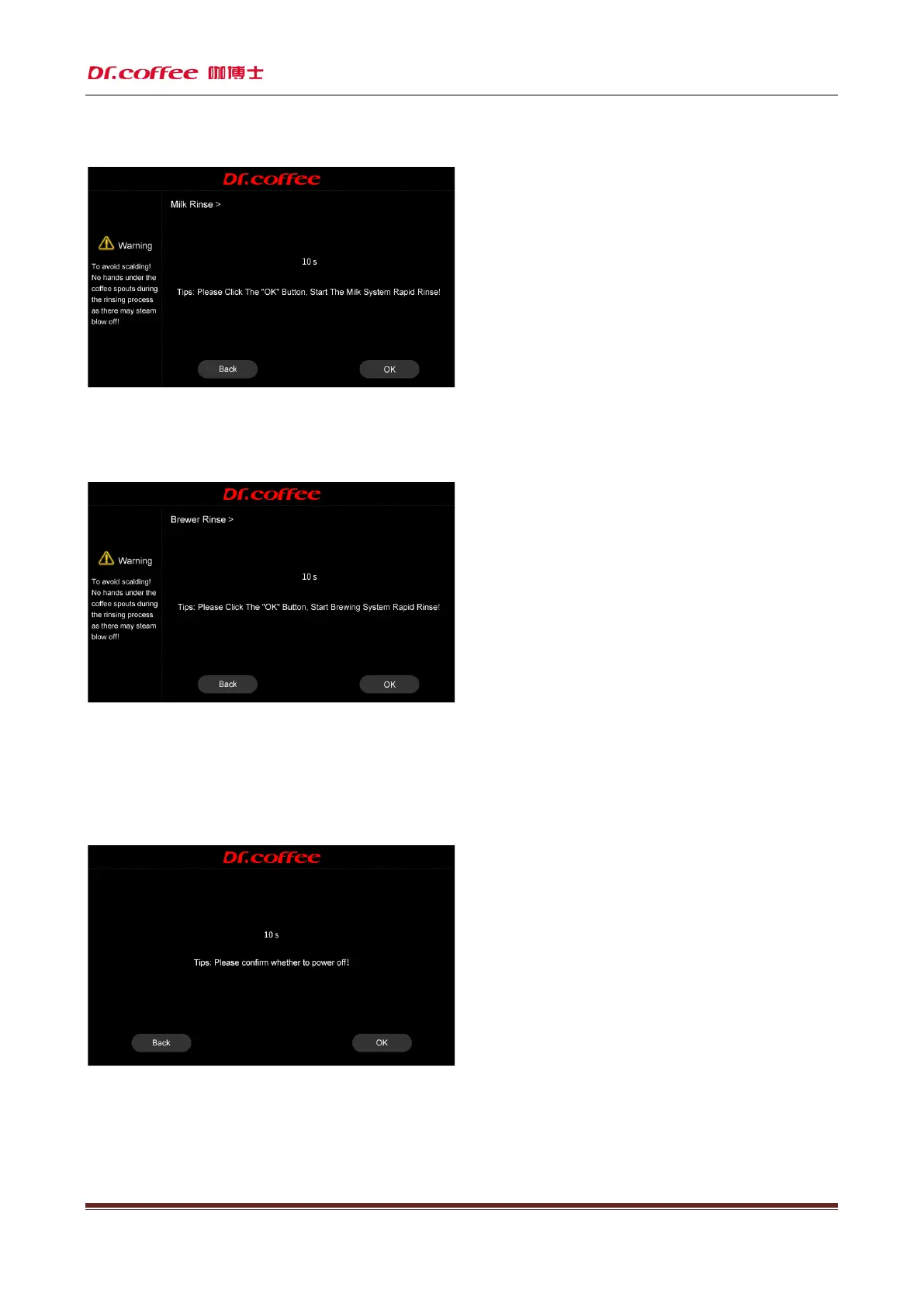
6.2.2 Milk Rinse
Touch“Milk Rinse”the process shows on the screen(see details in the user manual)
Press “Milk Rinse” more than 3 seconds,enter to the “Milk deep clean”( see details in the user manual)
6.2.3 Brewer Rinse
Touch“Brewer Rinse”, the process shows on the screen(see details in the user manual)
Press“Brewer Rinse” more than 3 seconds,enter to the “Brewer deep clean”( see details in the user manual)
6.2.4 Service Manual
Touch“Service Manual”, input password(details see below chapter)
6.2.5 Switch off
Tap “Power Off” to see the interface above “Back or Power off” for your choice, machine will proceed the process if no response in 10 seconds. Start rinsing process before power off
Tap “Confirm”, start rinsing automatically, screen turned off and power off (press more than 5 seconds to wake up machine)
Tap “Return”, return to top level automatically.



 To Next Page