Rev 0.0
Dr.coffee 产品维修手册 20
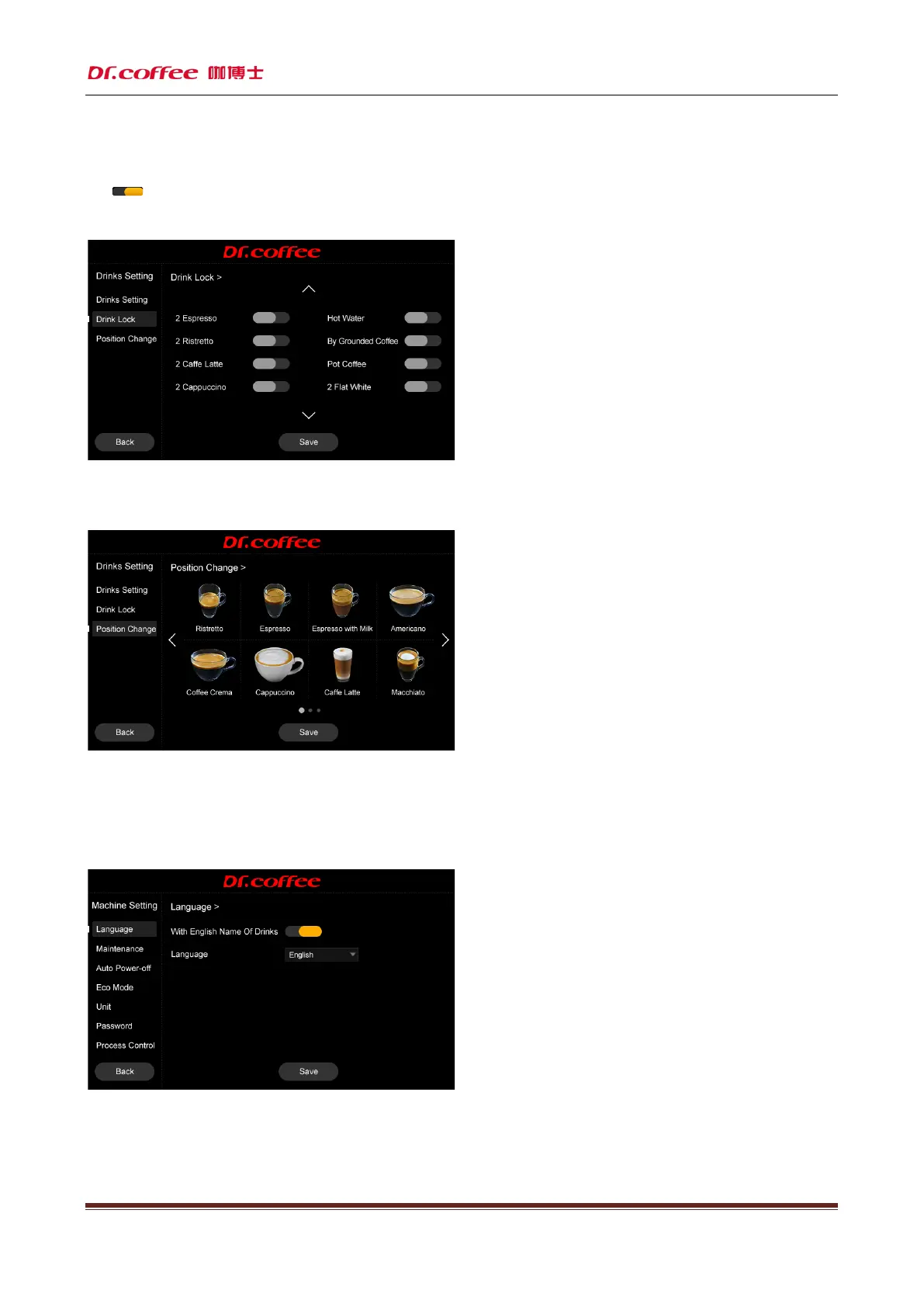
7.2.12 Drinks lock
Drinks lock
:Lock any drinks by touching any button, save and effect
Tap“ ” to turn on or turn off this function. Locked beverage will be at the last page in drinks setting interface and there will be a lock on it.
After locking the drinks exit back to main menu, the drinks icon disappeared.
7.2.13 Positon change
Positon change
:Touch any two drinks icons, position changes, save the data.
7.3 Machine setting
Machine setting:Set the condition values for various maintenance intervals of the machine. Tap “Save” to effect.
7.3.1 Language
Language
:Select the language and save



 To Next Page