28
Configuring the Device
Sensor settings
The following changes can be made to the sensor parameters for the sensors:
Testing the parameters
In order to ensure that the values have been correctly transferred to the gas measuring
device:
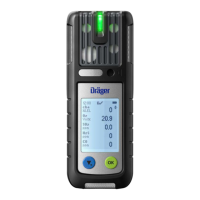
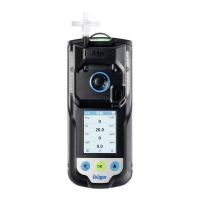
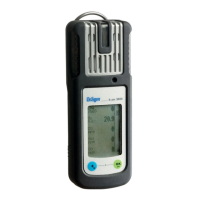
Press the touch button Data from X-am 1/2/5x00
Check parameters.
Delay until error after expiry of cal. interval
(days)
0-10
Activate user service life Yes/No
User service life (days)
(if activated)
0 - 999
Running in Yes/No
LEL category “---” or “PTB” or “IEC” or “NIOSH” (if this is
changed, the LEL factor will be altered to
match)
1) At least one of the two operating signals must be switched on.
2) Corresponds to the averaging time and is used to calculate the exposure value TWA.
3) Only evaluated if the sensor is provided for the purpose.
4) Corresponds to the averaging time and is used to calculate the exposure value STEL.
Designation Field
Alarm threshold A1 (in measurement unit) 0 - A2
Alarm threshold A2 (in measurement unit) A1 – Measuring range limit value
Type of evaluation
1)
1) Only evaluated if the sensor is provided for the purpose.
Inactive, TWA, STEL, TWA+STEL
Alarm threshold STEL
(in measurement unit)
1)
0 – Measuring range limit value
Alarm threshold TWA
(in measurement unit)
1)
0 – Measuring range limit value
Calibration interval (days) 0 - 180 (sensor-dependent)
Unit (sensor-dependent) Vol%, %UEG, %LEL, %LIE, ppm, mbar,
ppb, mg/m
3
Gas name: “Ex” (CatEx sensor only) Yes/No
Automatic fresh air calibration in the
charging cradle (CatEx sensor only)
Yes / No
ToxicTwins (HCN) Yes/No



 To Next Page
 Loading...