Vigor2750 Series User’s Guide
98
You don't need to setup Link-Local address manually for it
is generated automatically according to your MAC
Address.
Enable Autoconfiguration Check this box to enable the auto-configuration function
for IPv6 connection.
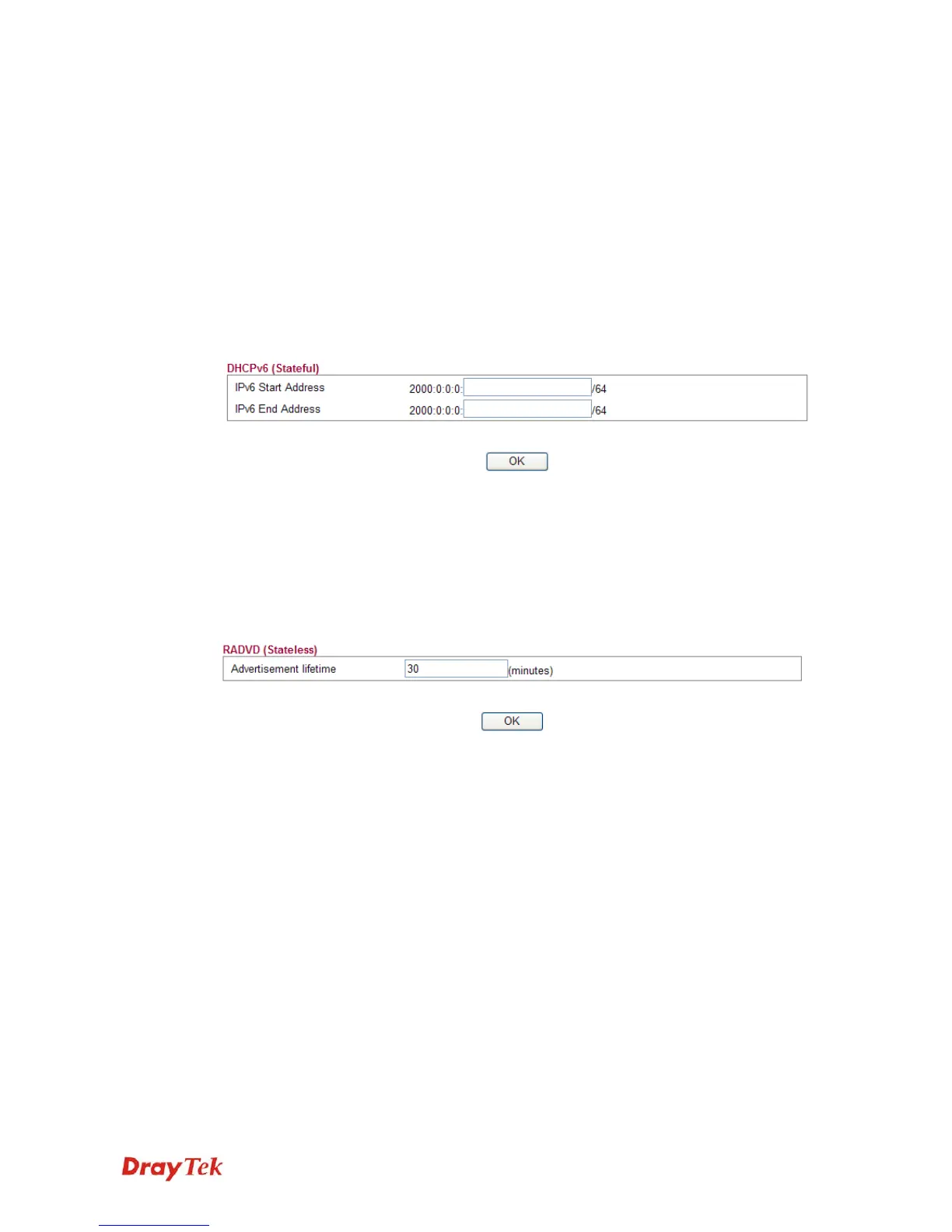
Configuration Type Vigor2750 provides 2 daemons for LAN side IPv6 address
configuration. One is RADVD(stateless) and the other is
DHCPv6 Server (Stateful).
DHCPv6 Server - DHCPv6 Server could assign IPv6
address to PC according to the Start/End IPv6 address
configuration.
IPv6 Start Address/IPv6 End Address- Type the start and
end address for IPv6 server.
RADVD - The router advertisement daemon (radvd) sends
Router Advertisement messages, specified by RFC 2461,
to a local Ethernet LAN periodically and when requested
by a node sending a Router Solicitation message. These
messages are required for IPv6 stateless autoconfiguration.
Advertisement Lifetime - The lifetime associated with
the default router in units of seconds. It's used to control
the lifetime of the prefix. The maximum value corresponds
to 18.2 hours. A lifetime of 0 indicates that the router is not
a default router and should not appear on the default router
list.














 To Next Page