Vigor2750 Series User’s Guide
68
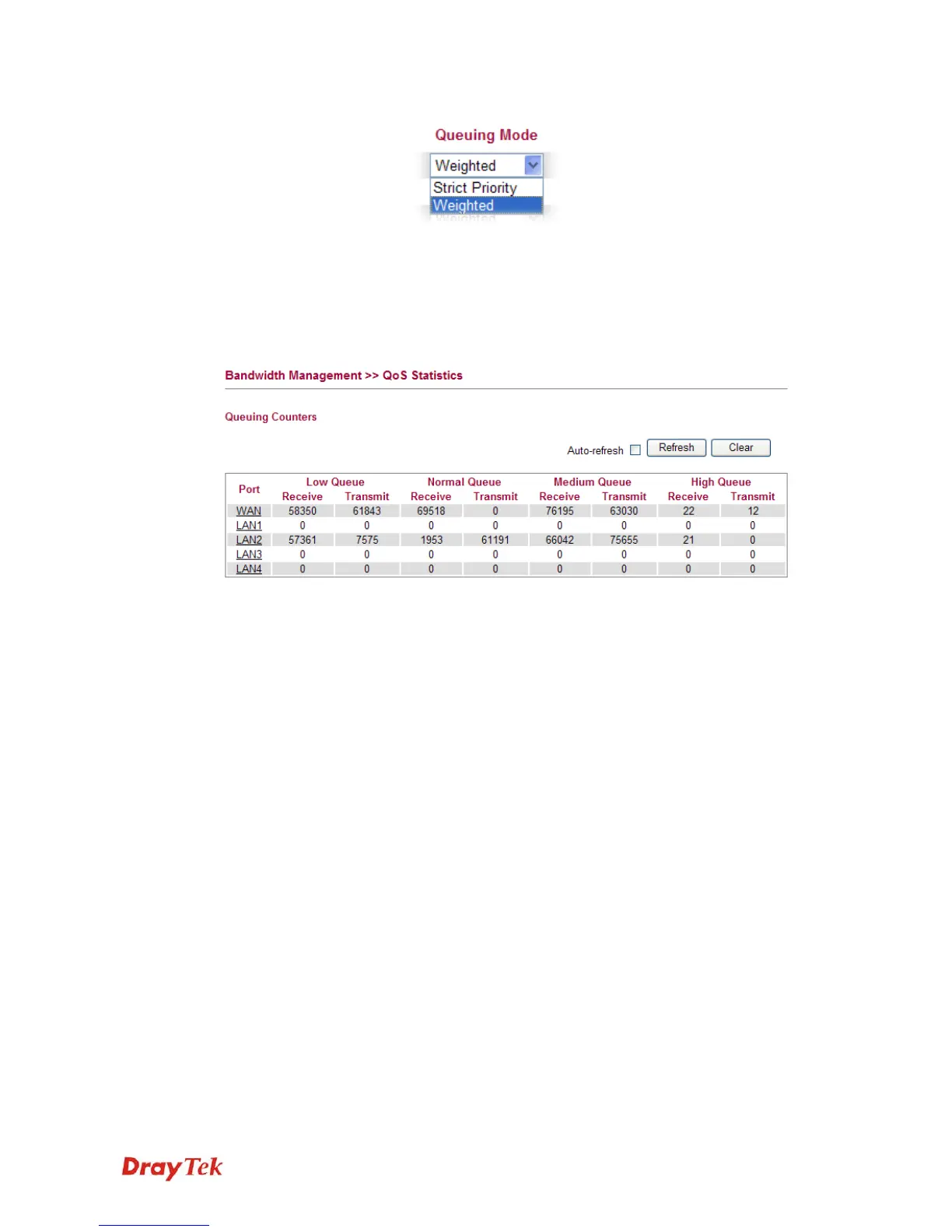
Queuing Mode Use the drop down list to choose suitable mode.
Queue Weighted Use the drop down list to choose 1, 2, 4, or 8 as the queue
weighted number.
3
3
.
.
5
5
.
.
6
6
Q
Q
o
o
S
S
S
S
t
t
a
a
t
t
i
i
s
s
t
t
i
i
c
c
s
s
This page displays statistics for QoS setting. Click WAN/LAN link to check detailed
information for each interface.
Click WAN/LAN link to check detailed information for each interface.














 To Next Page