Vigor2750 Series User’s Guide
99
3
3
.
.
9
9
.
.
3
3
I
I
P
P
v
v
6
6
F
F
i
i
r
r
e
e
w
w
a
a
l
l
l
l
S
S
e
e
t
t
u
u
p
p
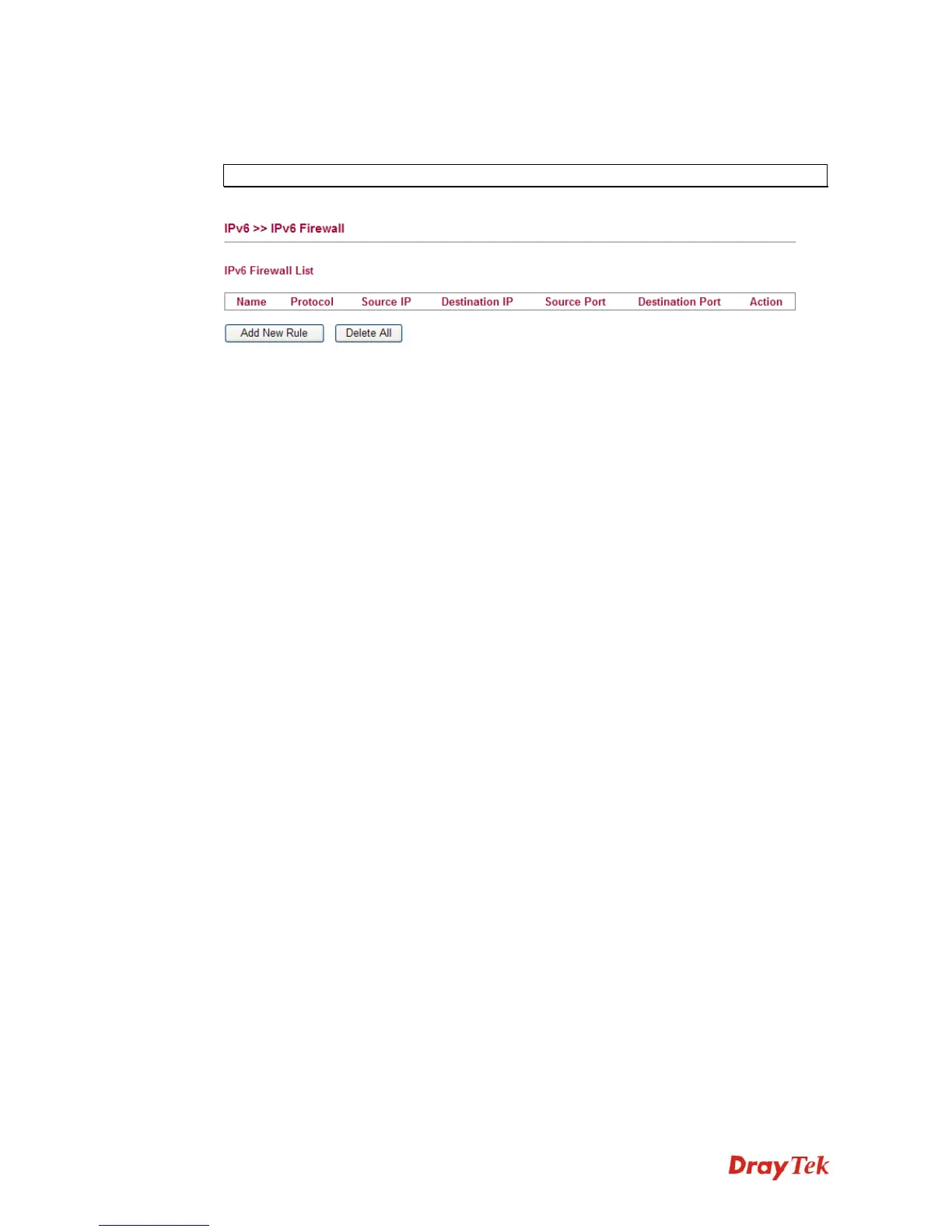
This page allows users to set firewall for the packets transferred via the protocol of IPv6.
Note: Section 4.4 Firewall is configured for IPv4 packets only.
Name Display the name of the rule.
Protocol Display the protocol (TCP/UDP/ICMPv6) the rule uses.
Source IP Display the source IP address of such rule.
Destination IP Display the destination IP address of such rule.
Source Port Display the source port number of such rule.
Destination Port Display the destination port number of such rule.
Action Display the status (accept or drop) of such rule.














 To Next Page