Vigor2750 Series User’s Guide
185
4
4
.
.
8
8
.
.
5
5
L
L
A
A
N
N
t
t
o
o
L
L
A
A
N
N
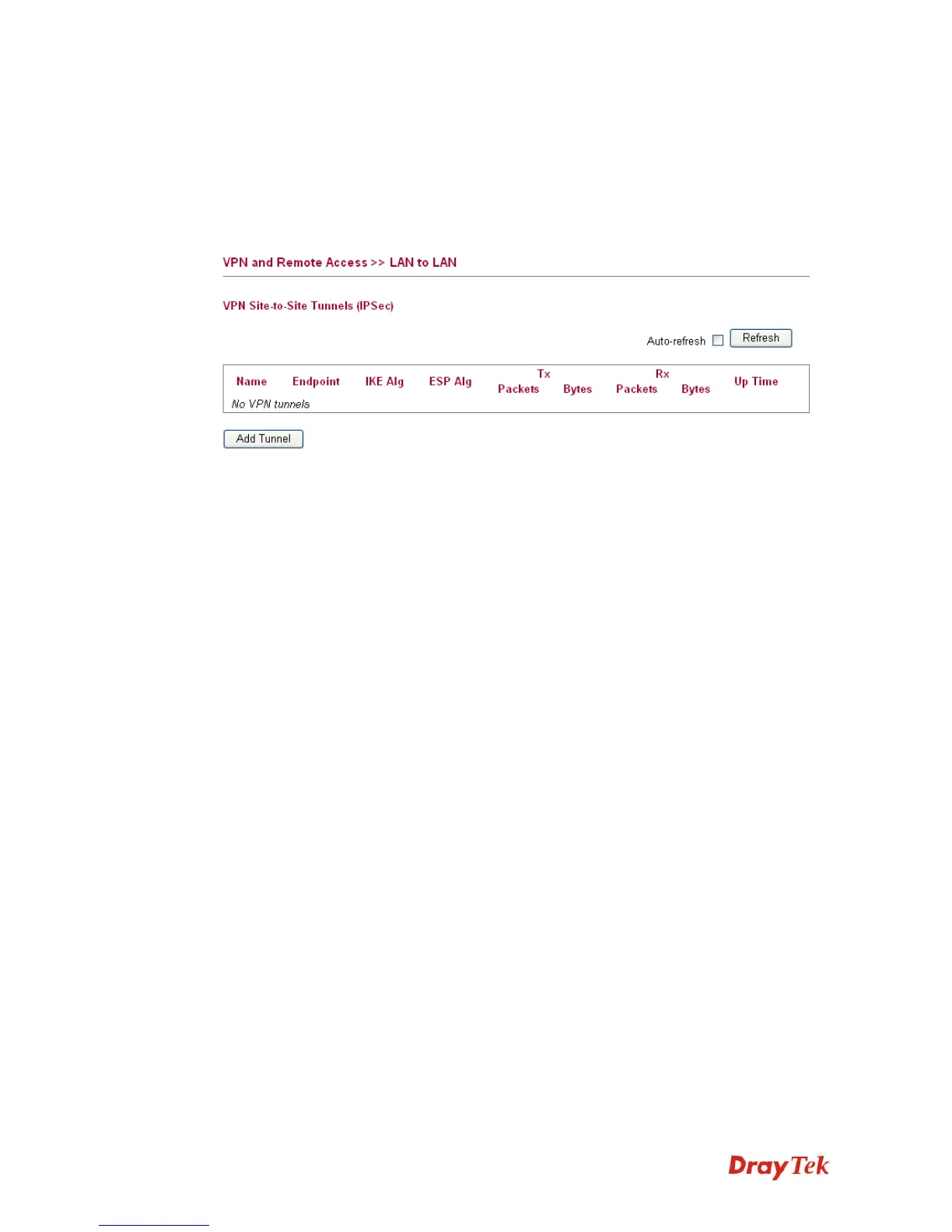
Here you can manage LAN-to-LAN connections by maintaining a table of connection profiles.
You may set parameters including specified connection peer IP, connection type and
corresponding security methods, etc.
The router supports
2 VPN tunnels simultaneously and provides up to 2 profiles. The
following figure shows the summary table.
Name Indicate the name of the LAN-to-LAN profile.
Endpoint Display the IP address of the VPN client.
IKE Alg Display the encryption and authentication algorithm used
during phase 1 of the VPN connection Establishment. The
algorithm is used during exchange of key exchange.
ESP Alg Display the encryption and authentication algorithm used
during phase 2 of the VPN connection Establishment. This
algorithm is used for transporting data, and the choice will
affect the performance of the VPN tunnel.
Tx /Rx Display the incoming and outgoing packets information for
such tunnel.
Up Time Display the connection time for such VPN tunnel.














 To Next Page