Vigor2750 Series User’s Guide
232
4
4
.
.
1
1
4
4
D
D
i
i
a
a
g
g
n
n
o
o
s
s
t
t
i
i
c
c
s
s
Diagnostic Tools provide a useful way to view or diagnose the status of your Vigor router.
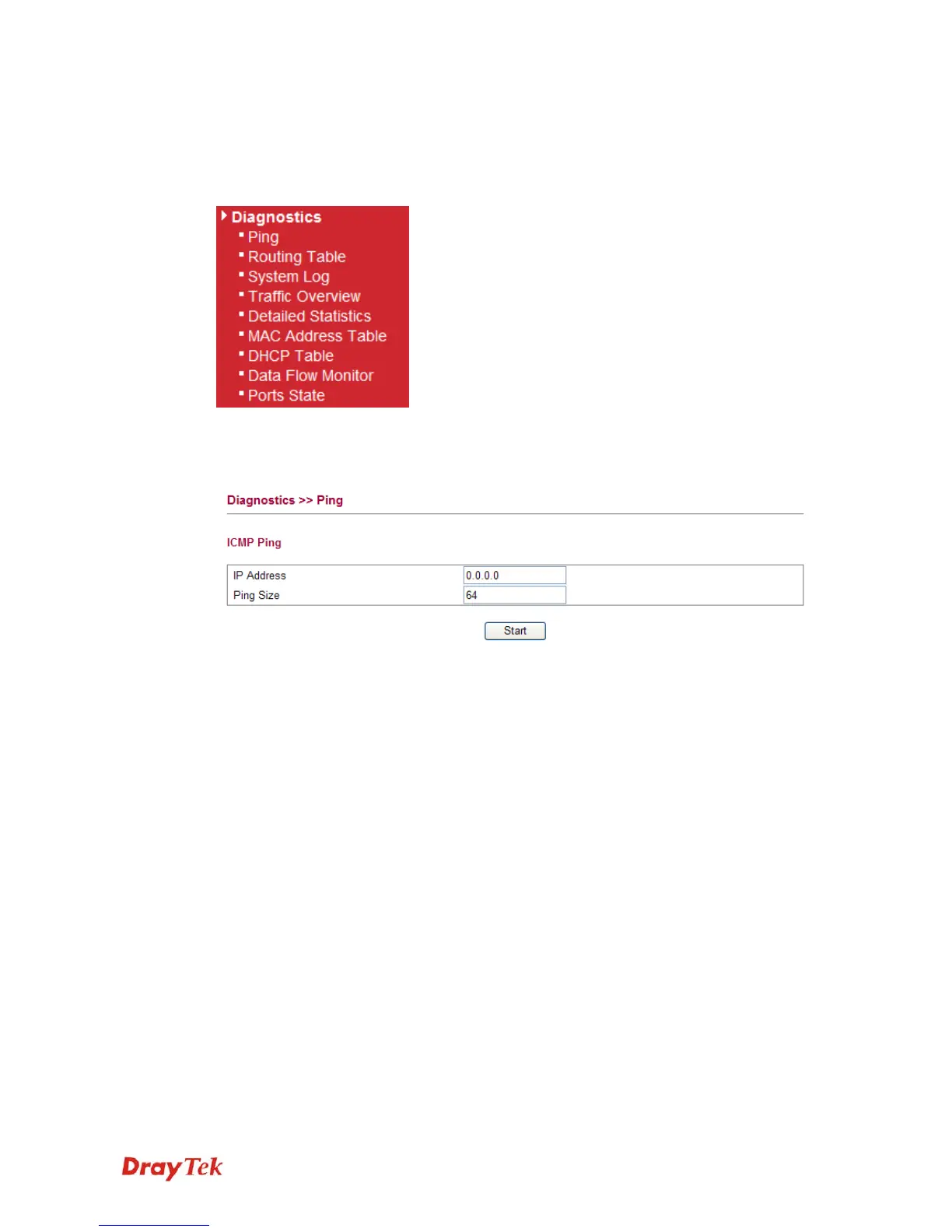
Below shows the menu items for Diagnostics.
4
4
.
.
1
1
4
4
.
.
1
1
P
P
i
i
n
n
g
g
Click Diagnostics and click Ping to open the web page. It is used to troubleshoot IP
connection for your router.
IP Address Type in the IP address of the Host/IP that you want to ping.
Ping Size Type in the payload size of the ICMP packet. Values range from 8
bytes to 1400 bytes.
Start Click this button to start the ping work. The result will be displayed
on the screen.














 To Next Page