Vigor2750 Series User’s Guide
239
4
4
.
.
1
1
4
4
.
.
7
7
D
D
H
H
C
C
P
P
T
T
a
a
b
b
l
l
e
e
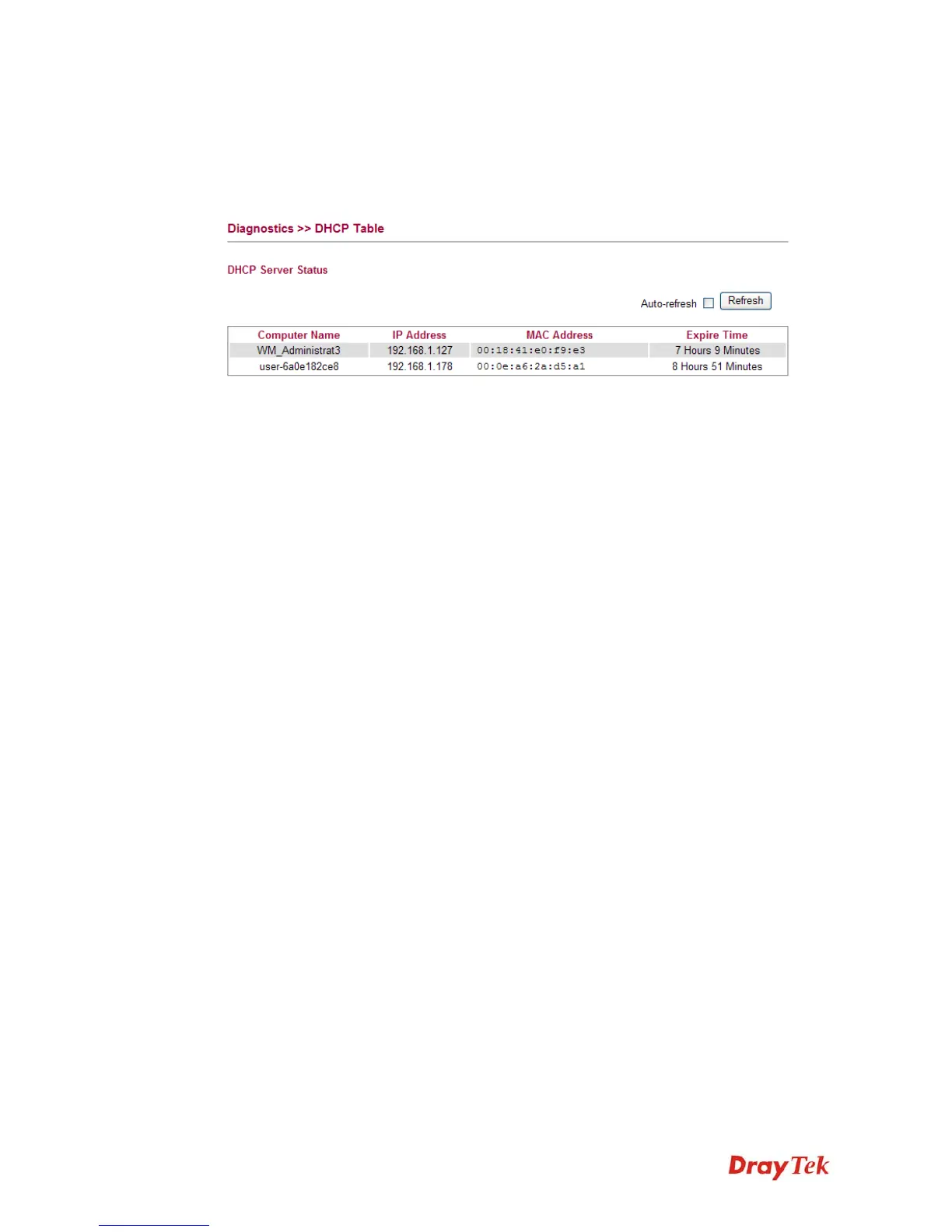
The facility provides information on IP address assignments. This information is helpful in
diagnosing network problems, such as IP address conflicts, etc.
Click Diagnostics and click DHCP Table to open the web page.
Computer Name It displays the name of the computer accepted the assigned
IP address by this router.
IP Address It displays the IP address assigned by this router for
specified PC.
MAC Address It displays the MAC address for the specified PC that
DHCP assigned IP address for it.
Expire Time It displays the leased time of the specified PC.
Auto-refresh Check it to enable auto-refresh function.
Refresh Click it to reload the page.














 To Next Page