Vigor2750 Series User’s Guide
19
2
2
.
.
4
4
.
.
1
1
S
S
e
e
t
t
t
t
i
i
n
n
g
g
u
u
p
p
t
t
h
h
e
e
P
P
a
a
s
s
s
s
w
w
o
o
r
r
d
d
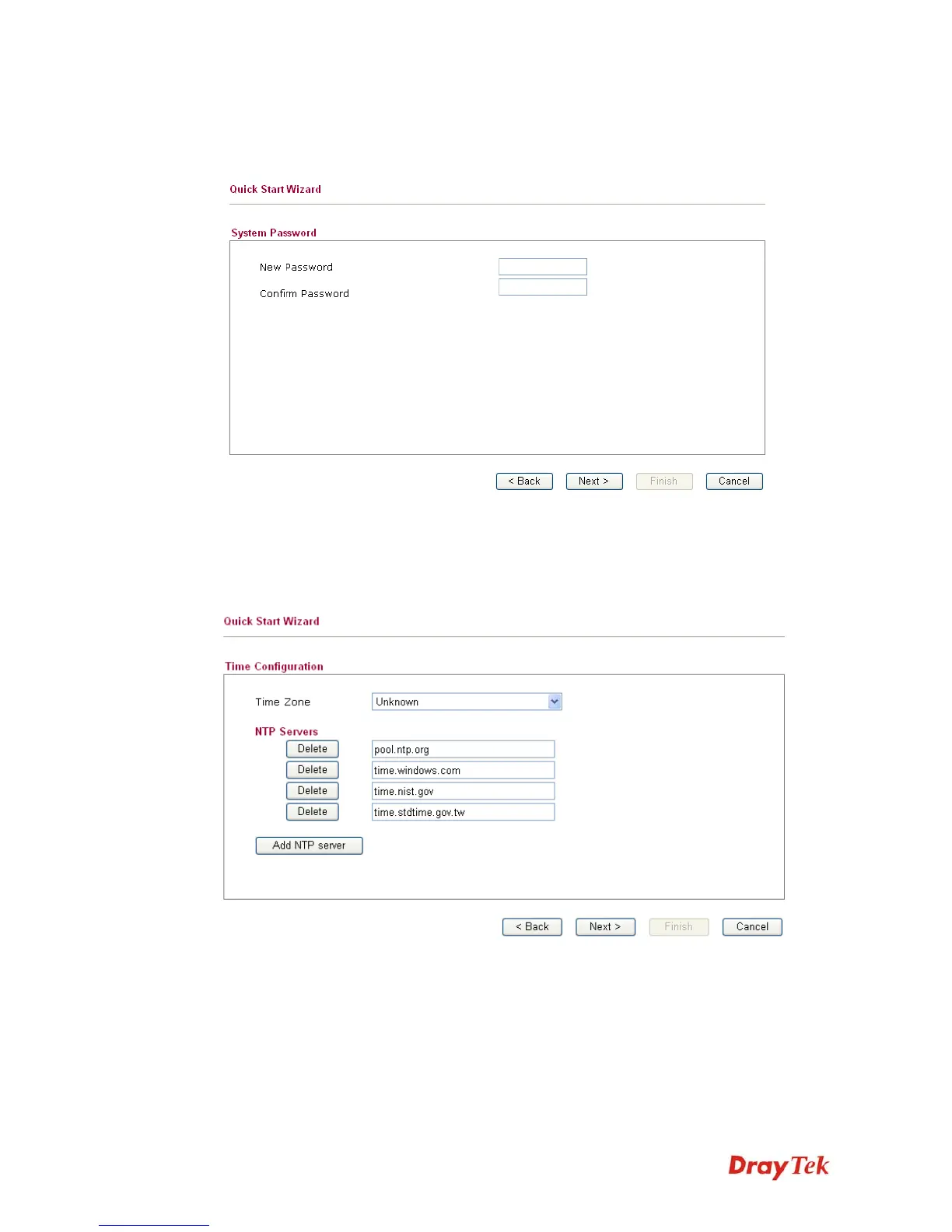
The first screen of Quick Start Wizard is entering login password. After typing the password,
please click Next.
2
2
.
.
4
4
.
.
2
2
S
S
e
e
t
t
t
t
i
i
n
n
g
g
u
u
p
p
t
t
h
h
e
e
T
T
i
i
m
m
e
e
Z
Z
o
o
n
n
e
e
On the next page as shown below, please select the Time Zone for the router installed and
specify the NTP server(s). If the NTP Server you want is not listed on this page, please click
NTP Server to add a new one. Then click Next for next step.














 To Next Page