Vigor2750 Series User’s Guide
157
Specific: If you want to filter a specific UDP source filter
with this ACE, you can enter a specific UDP source value.
A field for entering a UDP source value appears.
Range: If you want to filter a specific UDP source range
filter with this ACE, you can enter a specific UDP source
range value. A field for entering a UDP source port range
appears.
Source Port No. Type the value if you choose Specific as the Source Port
Filter. The allowed range is 0 to 65535. A frame meeting
this ACE matches this UDP source value.
Source Port Range Type the value if you choose Range as the Source Port
Filter. The allowed range is 0 to 65535. A frame meeting
this ACE matches this UDP source value.
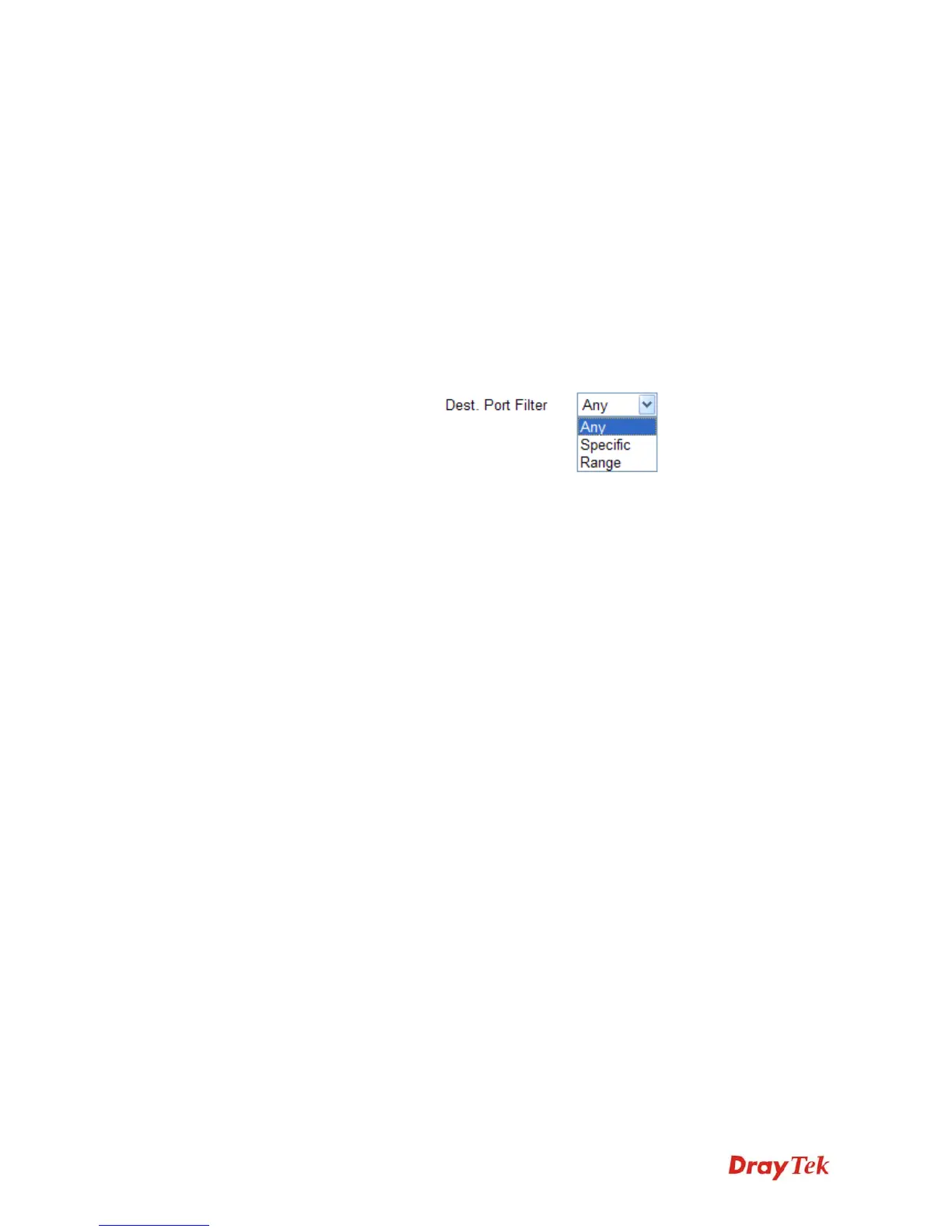
Dest. Port Filter Specify the UDP port destination filter for this ACE.
Any: No UDP destination filter is specified.
Specific: If you want to filter a specific UDP destination
filter with this ACE, you can enter a specific UDP
destination value. A field for entering a UDP destination
value appears.
Range: If you want to filter a specific UDP destination
range filter with this ACE, you can enter a specific UDP
destination range value. A field for entering a UDP
destination port range appears.
Dest. Port No. Type the value if you choose Specific as the Dest. Port
Filter. The allowed range is 0 to 65535. A frame meeting
this ACE matches this UDP source value.
Dest. Port Range Type the value if you choose Range as the Dest. Port Filter.
The allowed range is 0 to 65535. A frame meeting this
ACE matches this UDP source value.














 To Next Page