Vigor2750 Series User’s Guide
176
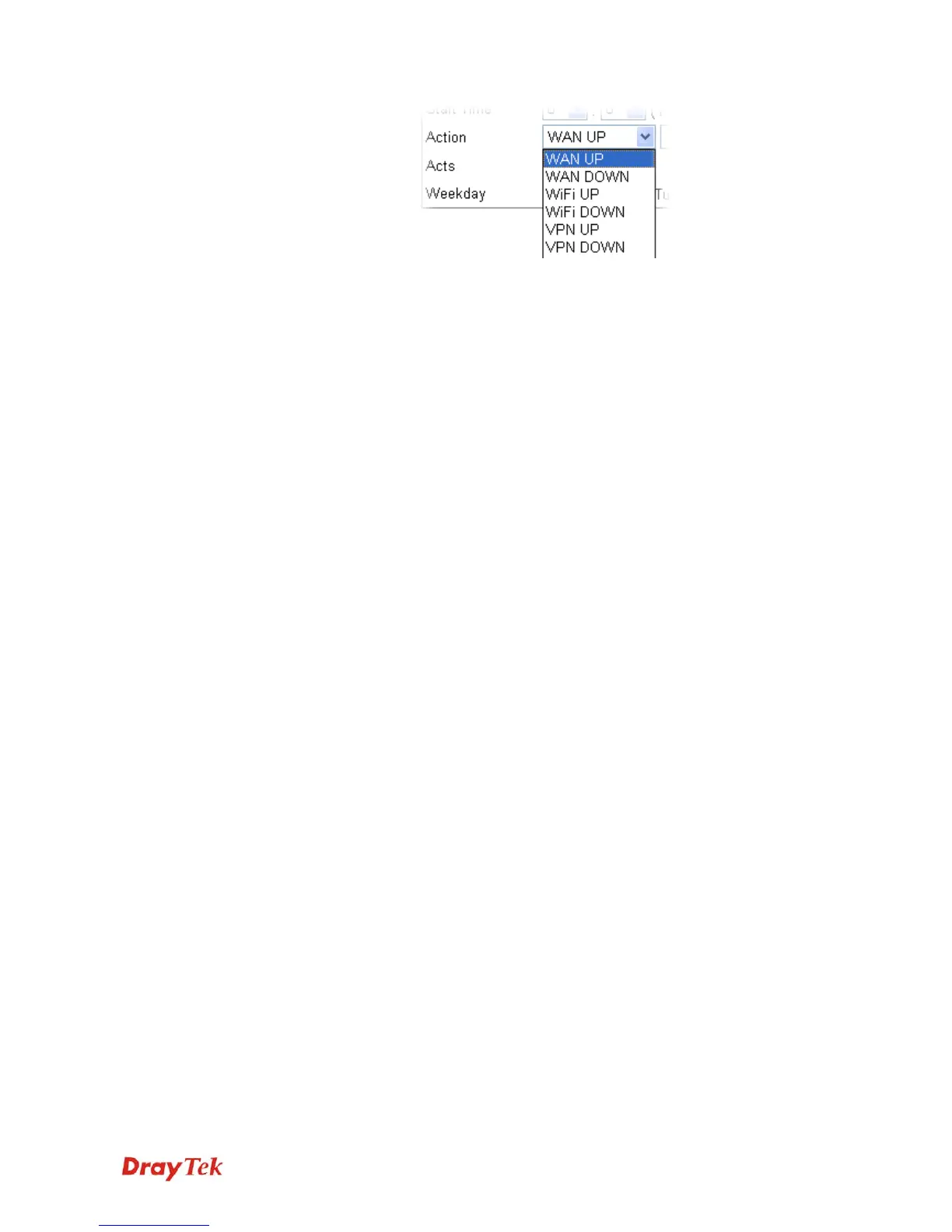
WAN UP/DOWN – WAN connection will be activated /
inactivated based on the time schedule configured here.
WiFi UP/DOWN – Wireless Wi-Fi connection will be
activated / inactivated based on the time schedule configured
here.
VPN UP/DOWN - VPN connection will be activated /
inactivated based on the time schedule configured here.
Acts Specify how often the schedule will be applied
Once -The schedule will be applied just once
Routine -Specify which days in one week should perform the
schedule.














 To Next Page