Vigor2750 Series User’s Guide
183
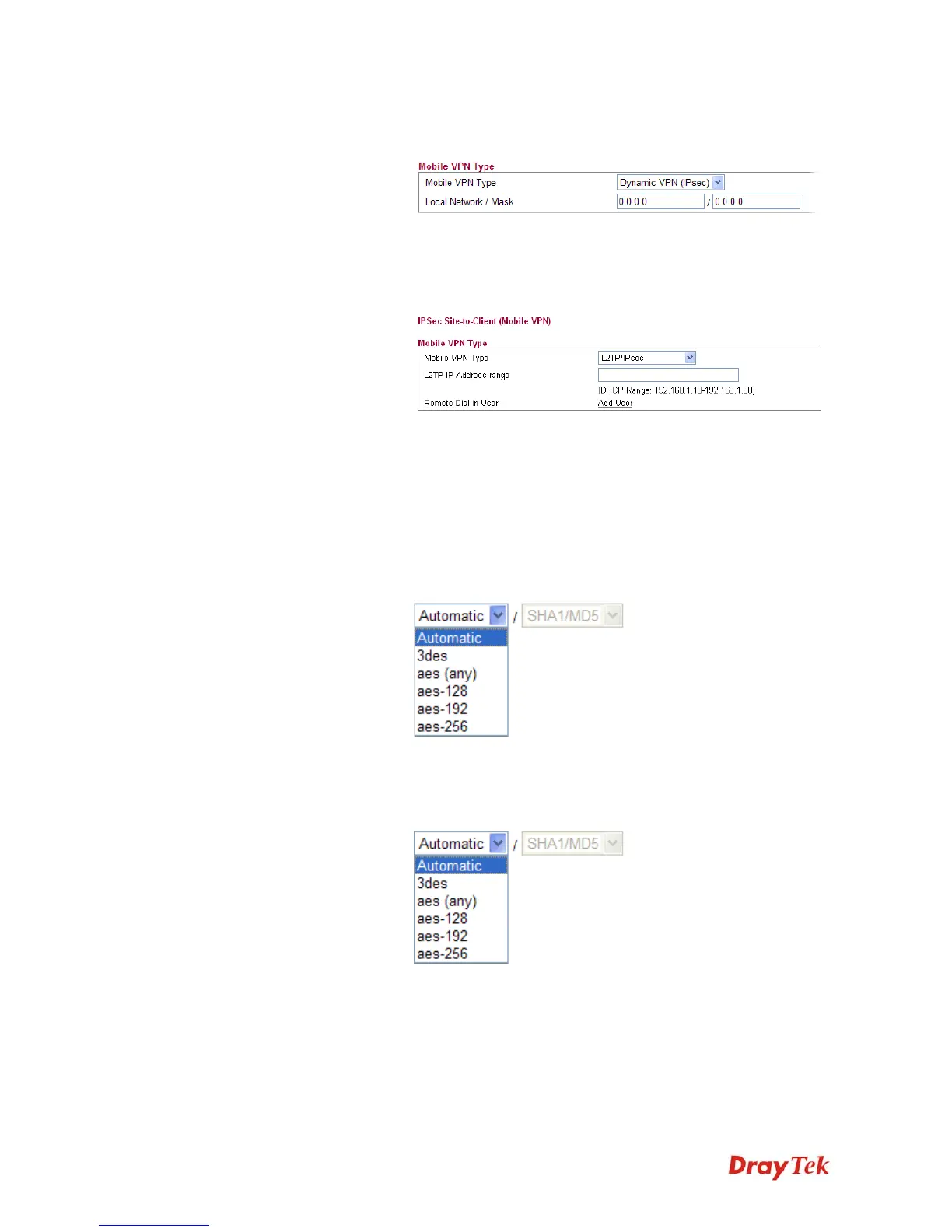
type, please specify the IP address and subnet mask for local
network.
L2TP/IPSec –The range must not overlap the DHCP address
range (if enabled), and must allow for at least one IP address.
Example: 10.10.137.240-10.10.137.245. If you choose this type,
please specify the IP address range for L2TP/IPSec mode.
Authentication Shared secret – Type the shared secret manually and confirm it
again. IPSec remote dial-in clients will use the given secret.
Advanced Settings Phase 1 (IKE) - Negotiation of IKE parameters including
encryption, hash, Diffie-Hellman parameter values, and lifetime
to protect the following IKE exchange, authentication of both
peers using either a Pre-Shared Key or Digital Signature (x.509).
The peer that starts the negotiation proposes all its policies to
the remote peer and then remote peer tries to find a
highest-priority match with its policies.
Phase 2 (IPSec) - Negotiation IPSec security methods
including Authentication Header (AH) or Encapsulating
Security Payload (ESP) for the following IKE exchange and
mutual examination of the secure tunnel establishment.














 To Next Page