Vigor2750 Series User’s Guide
217
When the router connects to the tunnel broker, the router will use RADVD to transmit the
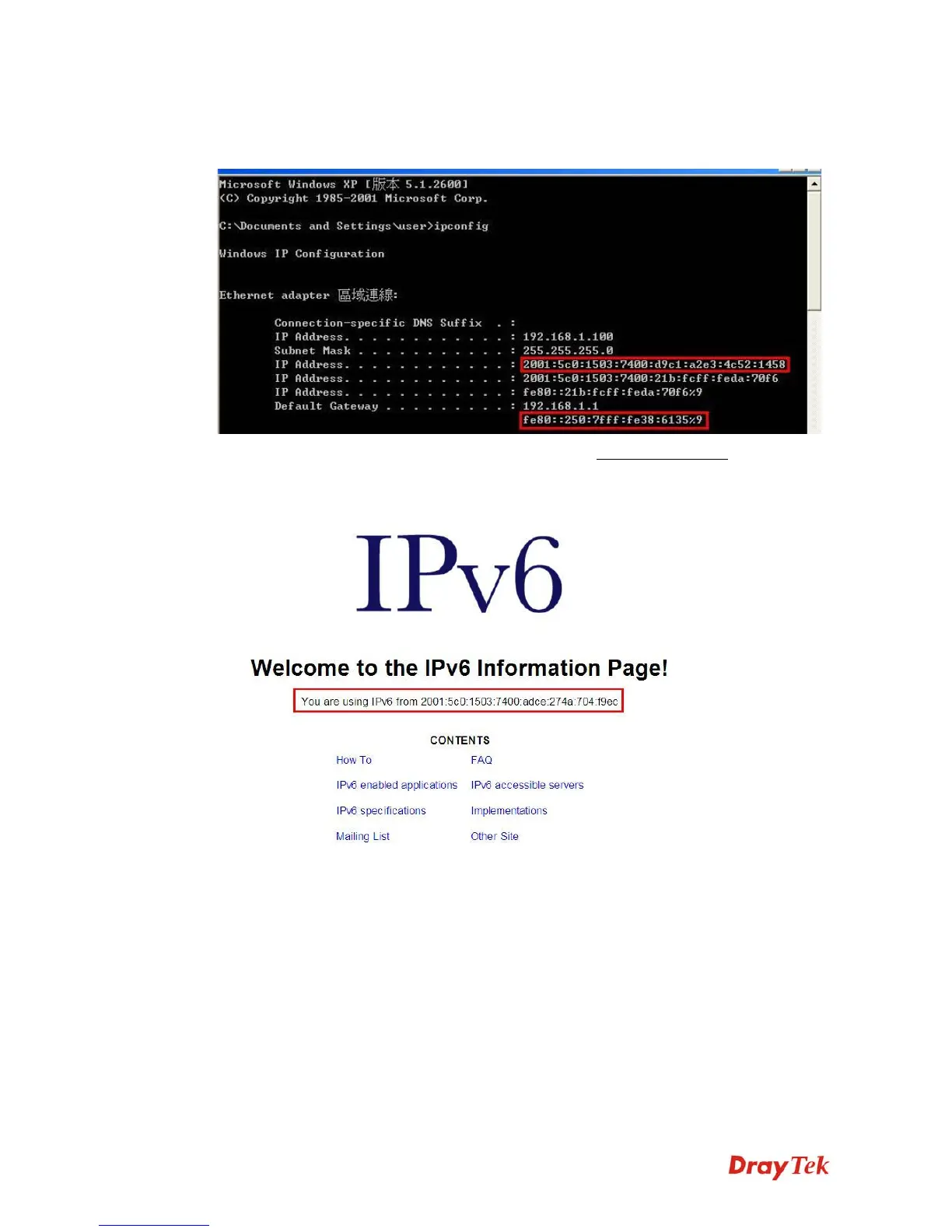
prefix to the PC on LAN. Next, the PC will generate one set of IPv6 public IP (see the figure
below). Users can use such IP for connecting to IPv6 network.
When your PC obtains the IPv6 address, please connect to http://www.ipv6.org
. If your PC
access Internet via IPv6 connection, your IPv6 address will be shown on the web page
immediately. Refer to the following figure.














 To Next Page