Vigor2750 Series User’s Guide
255
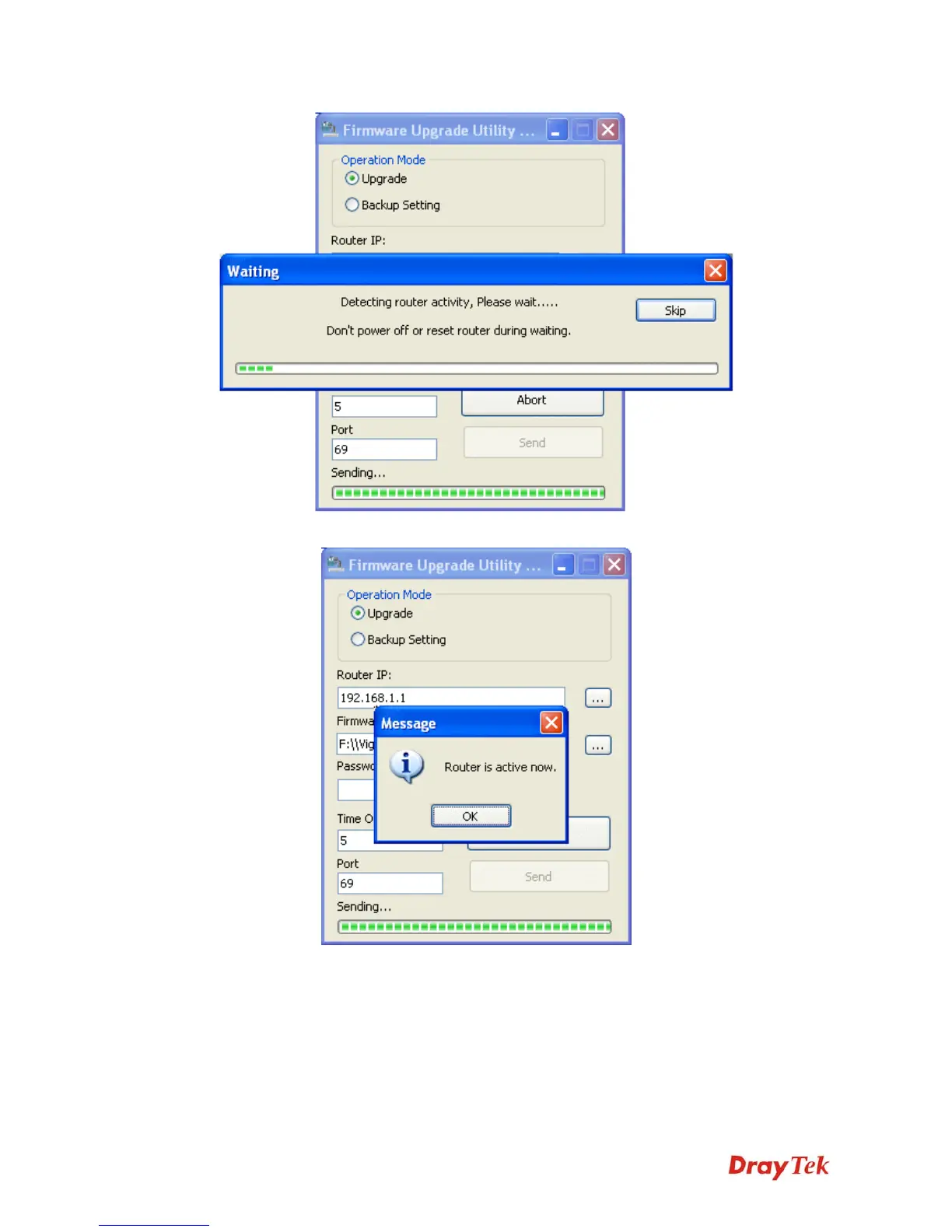
12. When the firmware upgrade is successful, the following window will pop up.
If the message of Request Timeout. Transfer Abort ! appears, please check if the connection
between the computer and the Vigor is active or not. And, if the message of Incorrect/No file
name. Transfer Abort ! appears, please check if the firmware you download is correct for
your Vigor router.














 To Next Page