Vigor2750 Series User’s Guide
21
Gateway Type the gateway IP address.
Primary DNS Server Type in the primary IP address for the router
Secondary DNS Server Type in secondary IP address for necessity in the future.
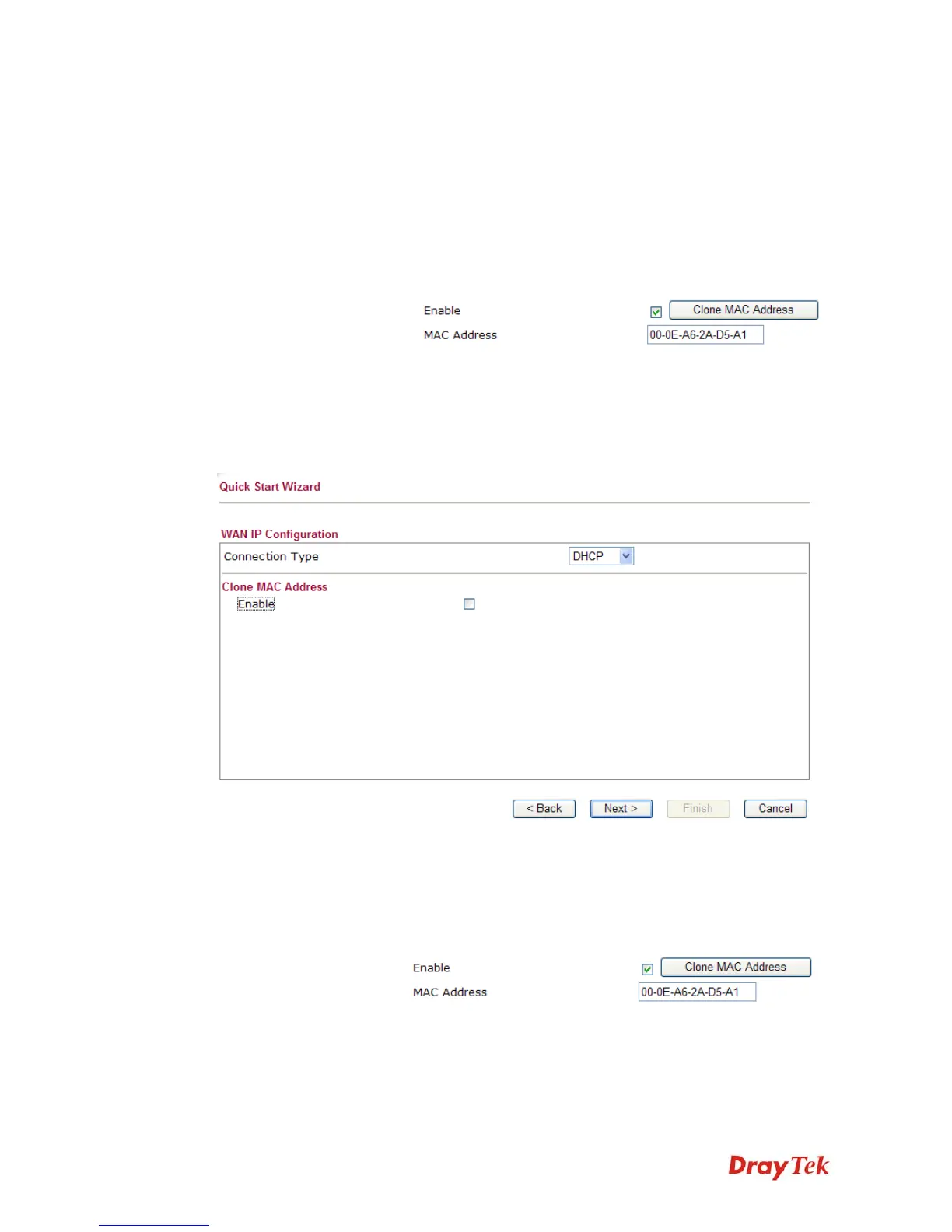
Enable The router will detect the MAC address automatically. Or,
check the box to enable MAC address cloning.
Clone MAC Address It is available when the box of Enable is checked. Click Clone
PC Address. The result will be displayed in the field of MAC
Address.
After finishing the settings here, please click Next.
D
D
H
H
C
C
P
P
It is not necessary for you to type any IP address manually. Simply choose this type and the
system will obtain the IP address automatically from DHCP server.
Enable The router will detect the MAC address automatically. Or,
check the box to enable MAC address cloning.
Clone MAC Address It is available when the box of Enable is checked. Click Clone
PC Address. The result will be displayed in the field of MAC
Address.
After finishing the settings here, please click Next.














 To Next Page