Vigor2960 Series User’s Guide
345
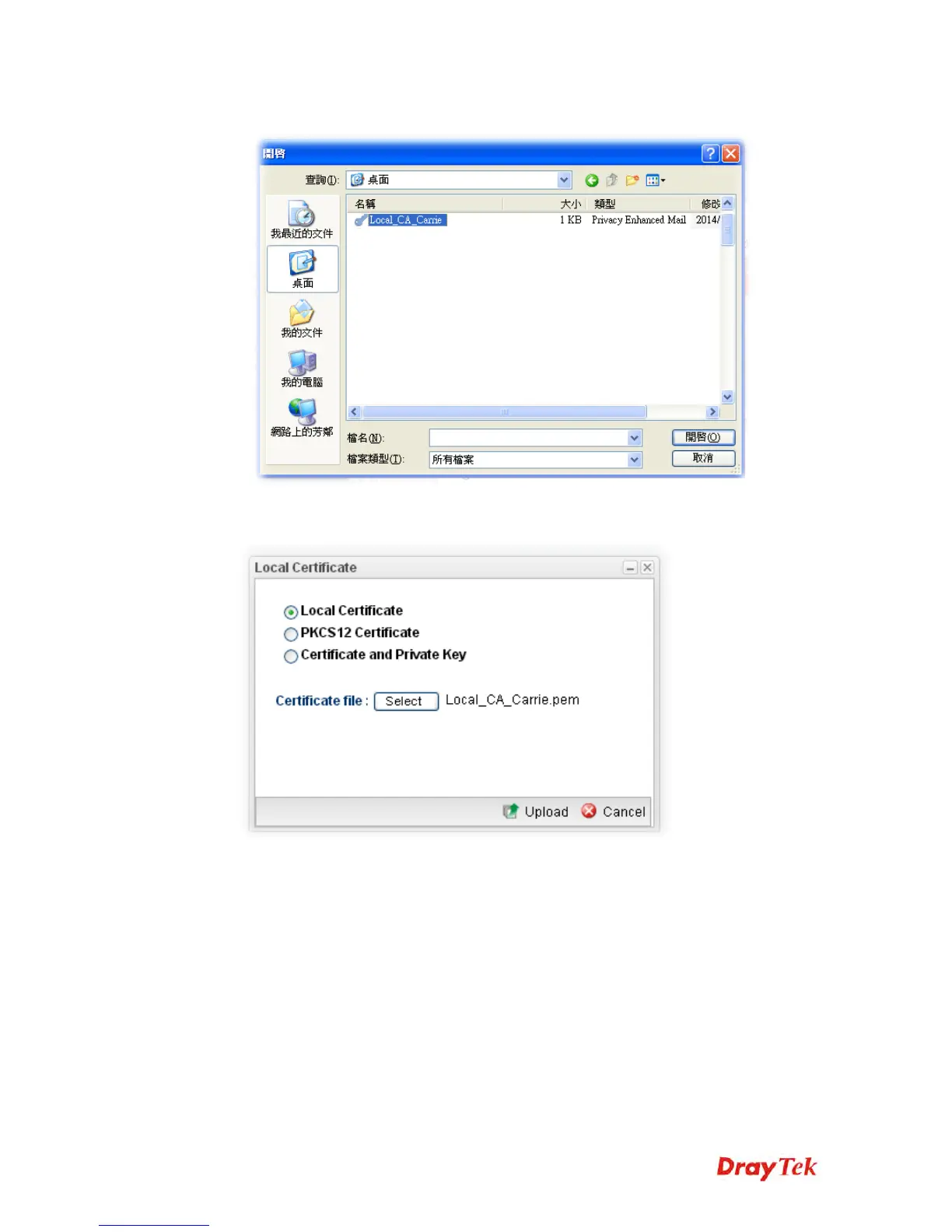
3. Choose Local Certificate and click the Select button to open the follwoing dialog.
4. From the above dialog, choose the certificate you want and click Open. The dialog box
with the selected certificate file name will be shown as follows.
5. Click Upload. The system will start to upload the selected file.














 To Next Page