VigorAP 910C User’s Guide
162
information except SSID or just cannot see any thing about
VigorAP 910C while site surveying. The system allows you to
set four sets of SSID for different usage.
SSID
Set a name for VigorAP 910C to be identified. Default settings
are DrayTek5G.
Isolate Member
Check this box to make the wireless clients (stations) with the
same SSID not accessing for each other.
VLAN ID
Type the value for such SSID. Packets transferred from such
SSID to LAN will be tagged with the number.
If your network uses VLANs, you can assign the SSID to a
VLAN on your network. Client devices that associate using the
SSID are grouped into this VLAN. The VLAN ID range is
from 3 to 4095. The VLAN ID is 0 by default, it means
disabling the VLAN function for the SSID.
Channel
Means the channel of frequency of the wireless LAN. You may
switch channel if the selected channel is under serious
interference. If you have no idea of choosing the frequency,
please select AutoSelect to let system determine for you.
Extension Channel
With 802.11n, there is one option to double the bandwidth per
channel. The available extension channel options will be varied
according to the Channel selected above. Configure the
extension channel you want.
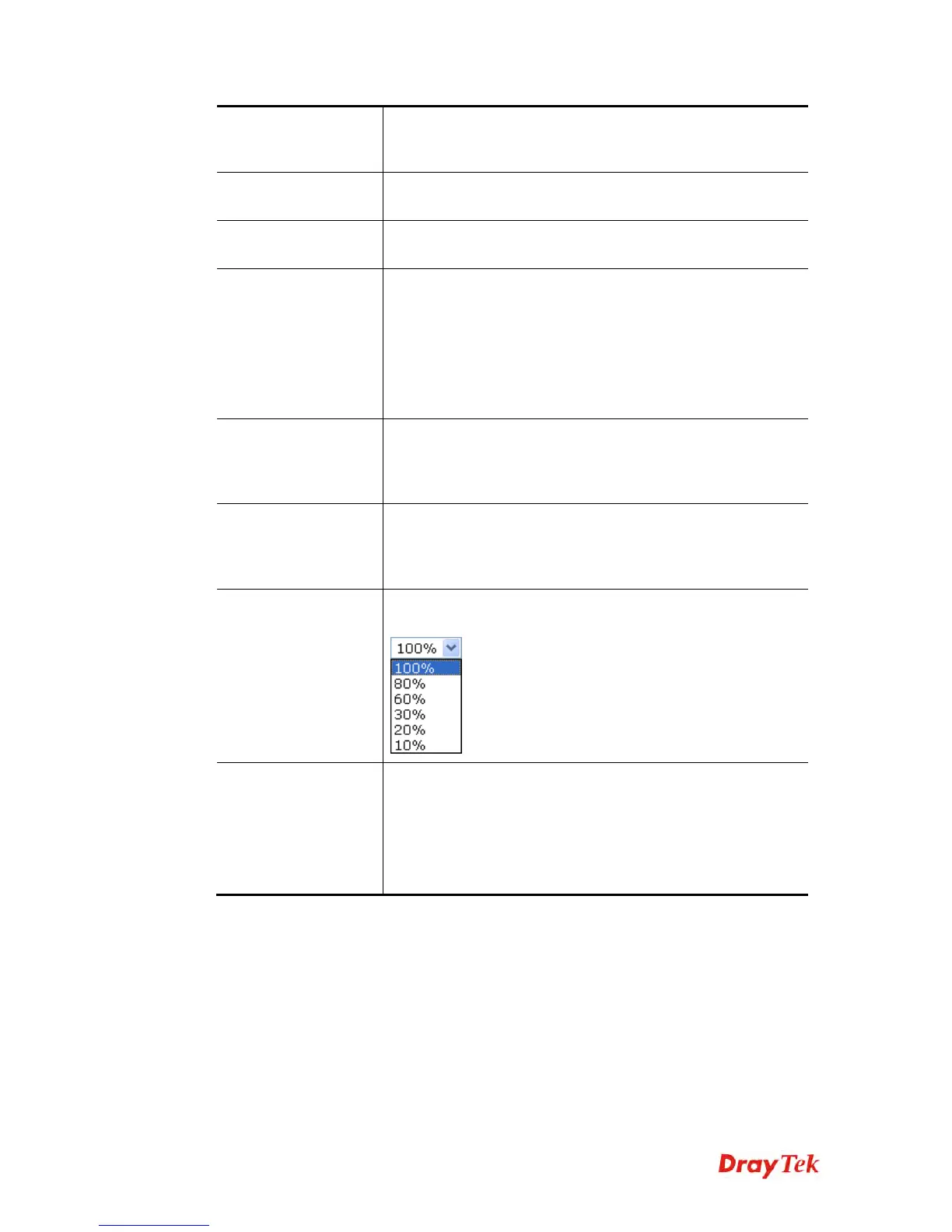
Tx Power
The default setting is the maximum (100%). Lower down the
value may degrade range and throughput of wireless.
Channel Width
Auto 20/40 MHZ– the AP will use 20Mhz or 40Mhz for data
transmission and receiving according to the station capability.
Such channel can increase the performance for data
transmission.
20 MHZ- the AP will use 20Mhz for data transmission and
receiving between the AP and the stations.
After finishing this web page configuration, please click OK to save the settings.













 To Next Page