VigorSwitch P1085 User’s Guide
38
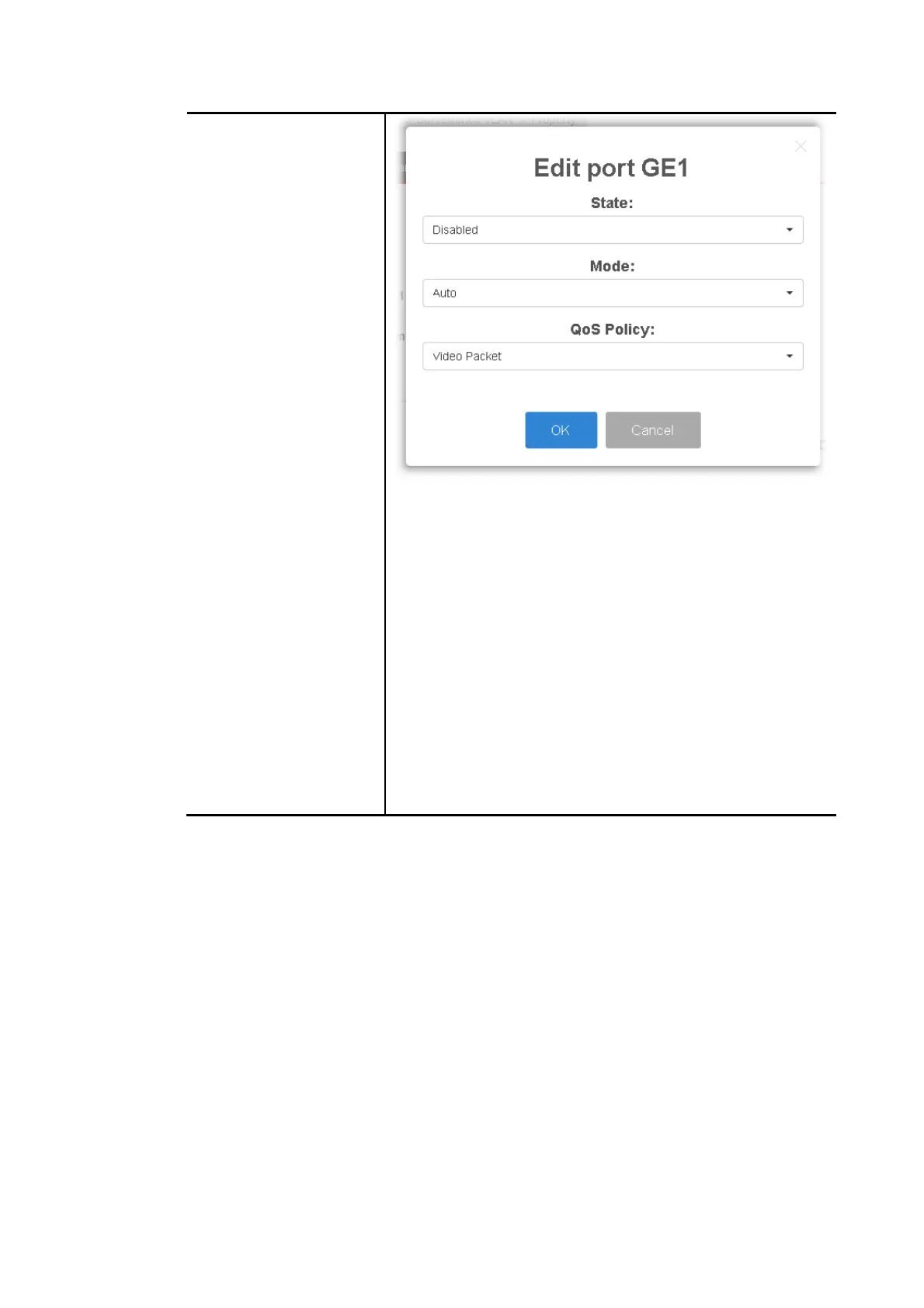
State –Set it to enable surveillance VLAN function of
interface.
Mode –Select port surveillance VLAN mode.
Auto: Surveillance VLAN auto detect packets that
match OUI table and add received port into
surveillance VLAN ID tagged member.
Manual: User need add interface to VLAN ID tagged
member manually.
QoS Policy - Select port QoS Policy mode.
Video Packet: QoS attributes are applied to
packets with OUI in the source MAC address.
All: QoS attributes are applied to packets that are
classified to the Surveillance VLAN.
OK - Apply the settings to the switch.
Cancel - Abandon the changes and return to previous
page.


 To Next Page
 Loading...












