VigorSwitch P1085 User’s Guide
68
I
I
I
I
I
I
-
-
3
3
D
D
e
e
v
v
i
i
c
c
e
e
M
M
a
a
i
i
n
n
t
t
e
e
n
n
a
a
n
n
c
c
e
e
The system administrator can remotely configure time setting and reboot the devices (IP
camers or NVRs) managed by VigorSwitch.
I
I
I
I
I
I
-
-
3
3
-
-
1
1
G
G
e
e
n
n
e
e
r
r
a
a
l
l
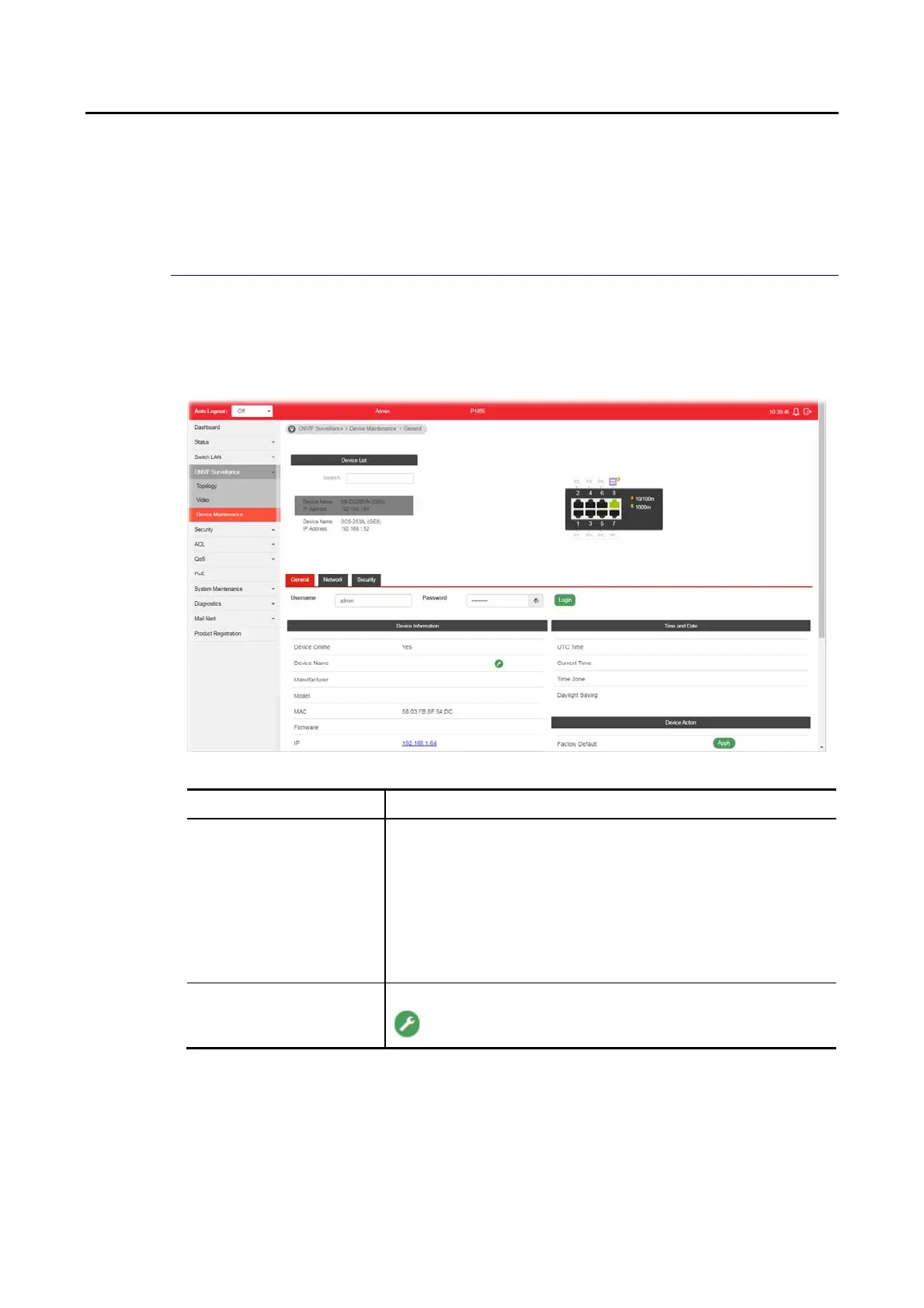
This page displays the information (e.g., device online, device name, etc.), time and date
and the device action for a selected IP device (e.g., IP camera). Meanwhile, this page allows
configuring settings for ping check of IP camera or NVR.
Available settings are explained as follows:
Item Description
Device List Search - Enter a string to search the IP device you want.
Username / Password - The default username/password will
be input if it is configured on the Topology page. However, if
the default input is not the correct username/password, enter
the correct one of the IP device instead.
Login - Click it to authenticate the username and password.
Later, current network settings related to this device will be
shown on the screen.
Device Information Display the information related to the selected device.
- Click it to modify the device name.















 To Next Page