VigorSwitch P1085 User’s Guide
72
I
I
I
I
I
I
-
-
3
3
-
-
3
3
S
S
e
e
c
c
u
u
r
r
i
i
t
t
y
y
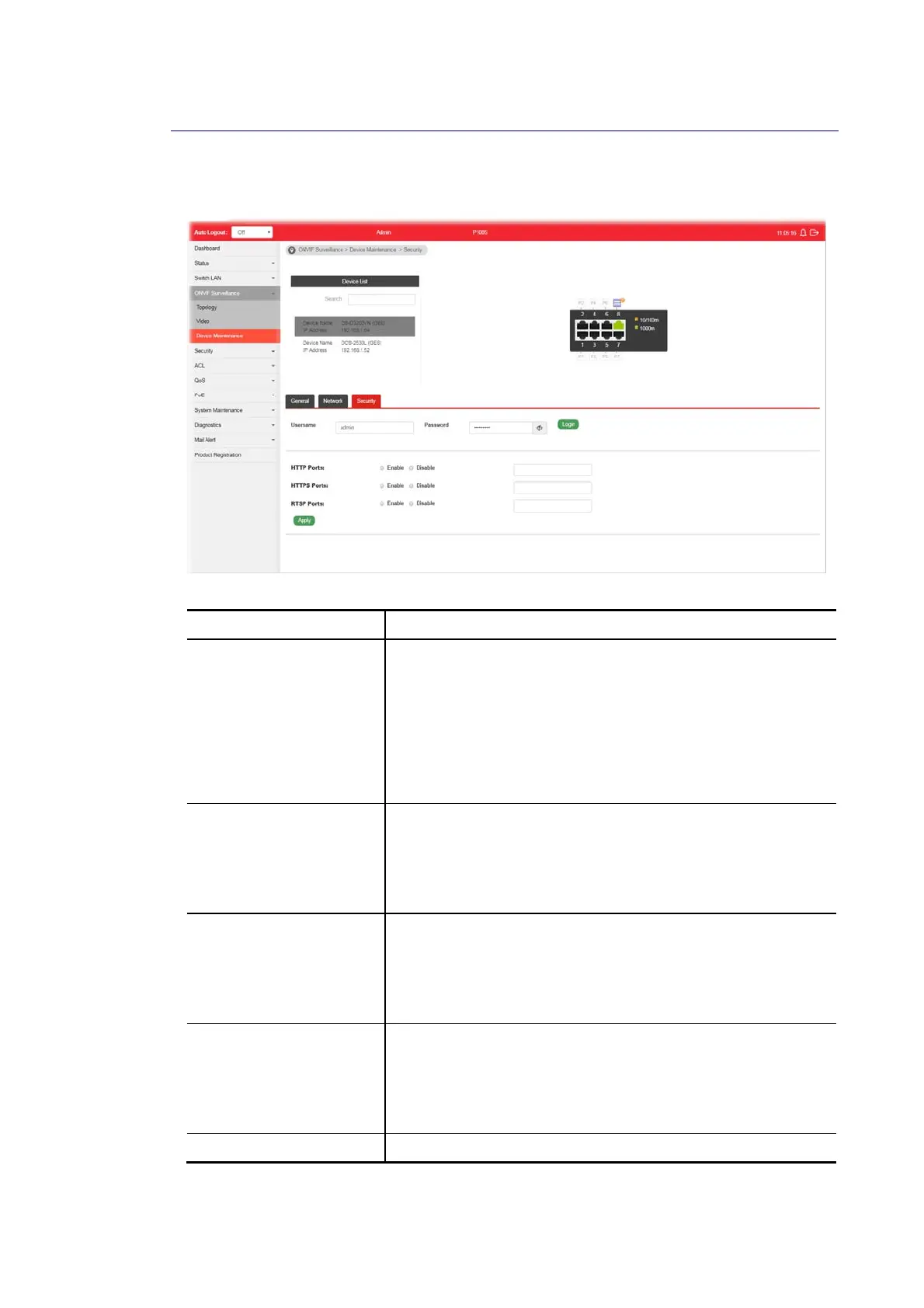
This page displays the security settings of the specified IP device (IP CAM or NVR).
Available settings are explained as follows:
Item Description
Device List Search - Enter a string to search the device you want.
Username / Password - The default username/password will
be input if it is configured on the Topology page. However, if
the default input is not the correct username/password, enter
the correct one of the IP device instead.
Login - Click it to authenticate the username and password.
Later, current network settings related to this device will be
shown on the screen.
HTTP Ports Current HTTP port number of the IP device is shown in this
field.
Enable - Click it to enable the HTTP port configuration and
enter a port value if required.
Disable - Disable the HTTP port configuration.
HTTPS Ports Current HTTPS port number of the IP device is shown in this
field.
Enable - Click it to enable the HTTPS port configuration and
enter a port value if required.
Disable - Disable the HTTPS port configuration.
RTSP Ports Current RTSP port number of the IP device is shown in this
field.
Enable - Click it to enable the RTSP port configuration and
enter a port value if required.
Disable - Disable the RTSP port configuration.
Apply Save the settings or changes to the switch.















 To Next Page