VigorSwitch P1085 User’s Guide
55
I
I
I
I
-
-
1
1
0
0
M
M
A
A
C
C
A
A
d
d
d
d
r
r
e
e
s
s
s
s
T
T
a
a
b
b
l
l
e
e
This section allows user to view the dynamic MAC address entries in the MAC table, change
related setting, and assign MAC address into MAC table.
I
I
I
I
-
-
1
1
0
0
-
-
1
1
S
S
t
t
a
a
t
t
i
i
c
c
M
M
A
A
C
C
S
S
e
e
t
t
t
t
i
i
n
n
g
g
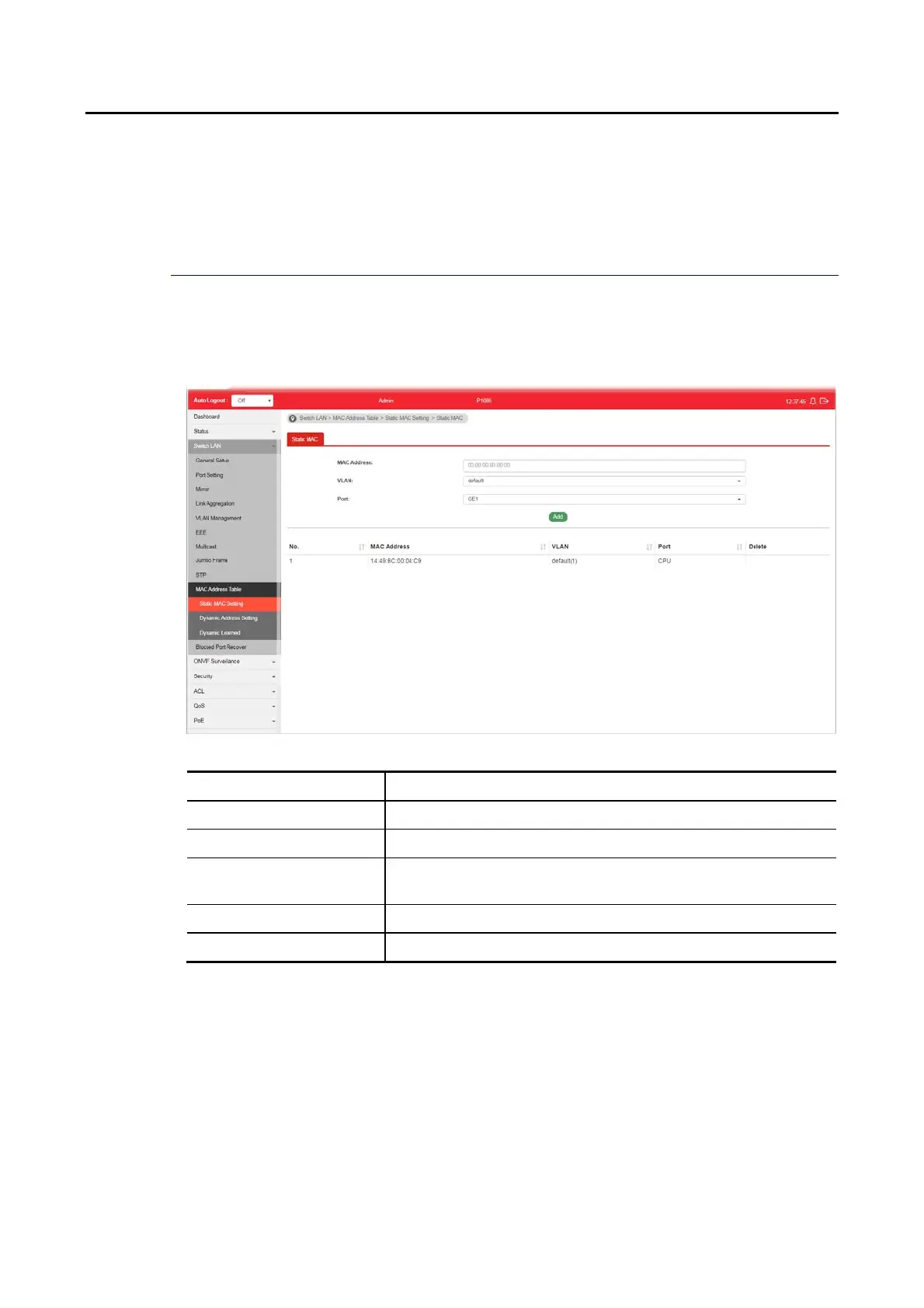
This section allows user to manually assign MAC address into MAC table. The configuration
result will be displayed on the table listed on the lower side of this web page.
Available settings are explained as follows:
Item Description
MAC Address Enter the MAC address that will be forwarded.
VLAN This is the VLAN group to which the MAC address belongs.
Port Select the port where received frame of matched destination
MAC address will be forwarded to.
Add Click it to add any port into the static MAC table.
Delete Click it to remove the selected port from the static MAC table.















 To Next Page