VigorSwitch P1085 User’s Guide
81
- click it to remove the selected entry.
I
I
V
V
-
-
4
4
I
I
P
P
C
C
o
o
n
n
f
f
l
l
i
i
c
c
t
t
P
P
r
r
e
e
v
v
e
e
n
n
t
t
i
i
o
o
n
n
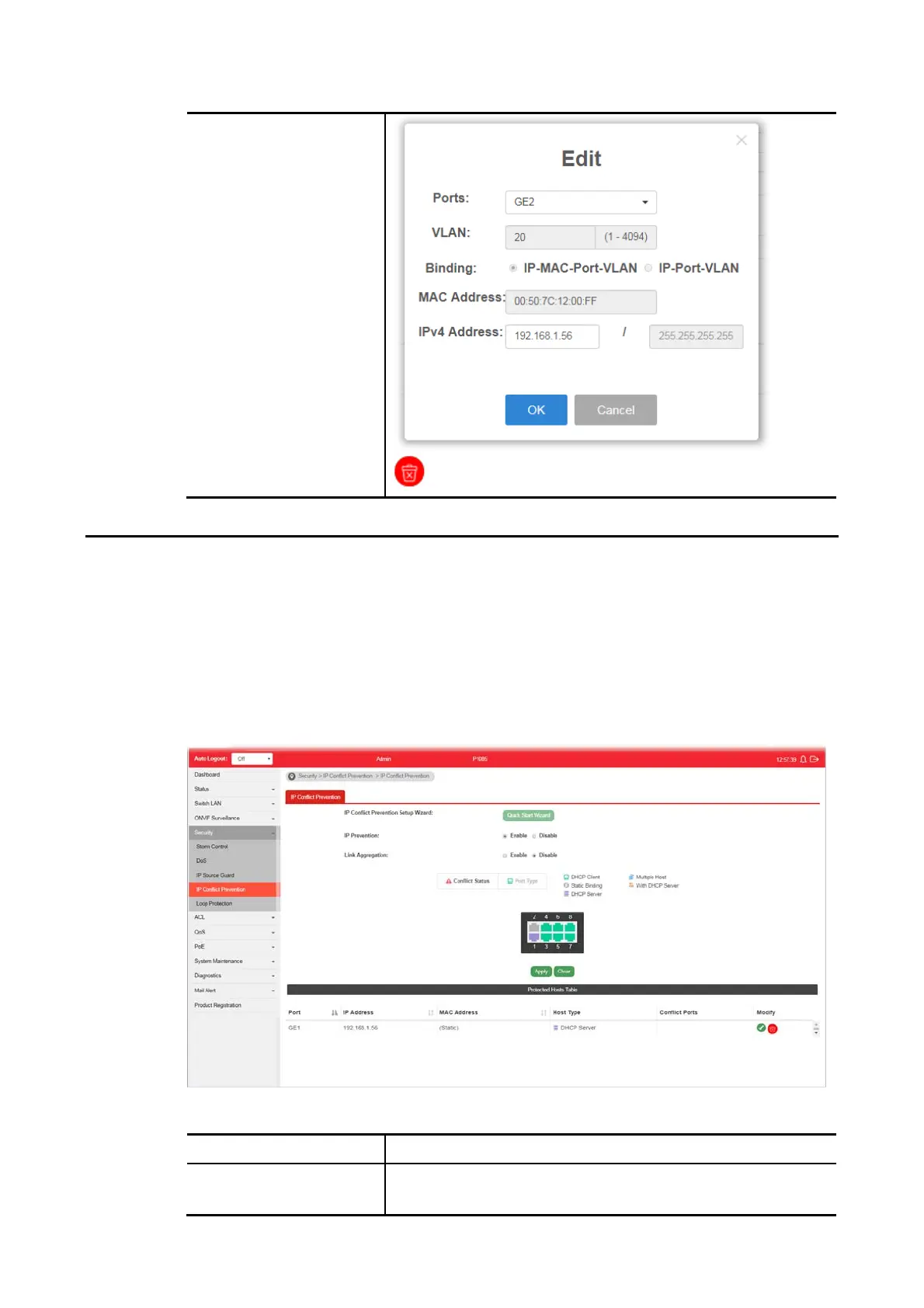
A user can configure IP addresses for network devices manually. However, it might result in
conflict between different devices due to using the same IP address, and cause the devices
not working correctly.
This page allows you to prevent IP conflict by binding the port with the specified IP address.
Available settings are explained as follows:
Item Description
IP Prevention Enable - Click it to activate the function of IP prevention.
Disable - Click it to deactivate the function of IP prevention.















 To Next Page