VigorSwitch P1085 User’s Guide
79
I
I
V
V
-
-
3
3
I
I
P
P
S
S
o
o
u
u
r
r
c
c
e
e
G
G
u
u
a
a
r
r
d
d
By using the source IP address filtering function, IP source guard can prevent a malicious host
from feigning a legal host with its IP address and performing malicious attack.
I
I
V
V
-
-
3
3
-
-
1
1
P
P
o
o
r
r
t
t
S
S
e
e
t
t
t
t
i
i
n
n
g
g
s
s
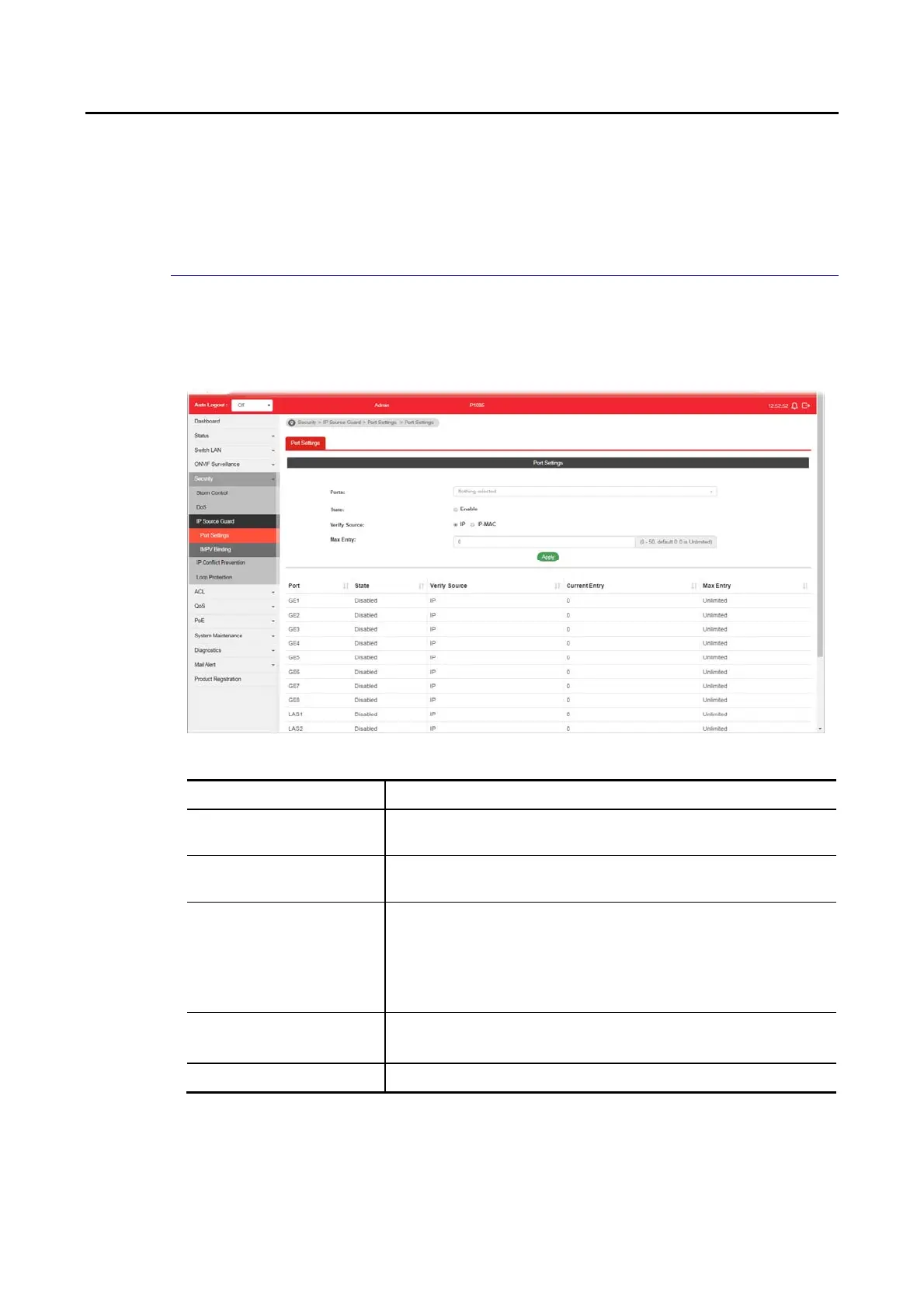
IP source guard is a port-based feature. Therefore, it is necessary to configure detailed
settings for each GE/LAG port interface separately.
Available settings are explained as follows:
Item Description
Ports Use the drop down list to select the port (GE1 to GE8, LAG1 to
LAG8) or ports for applying IP source guard function.
State Enable – Check it to make the port(s) selected above apply the
settings configured in this page.
Verify Source Specify the type of source IP for the packet coming from.
IP – Only the packet with specified IP address will be
verified.
IP-MAC – Only the packet with specified IP address and
MAC address will be verified.
Max Entry Define the number (0~50) for the port.
The default is 0 (no limit).
Apply Apply the settings to the switch.















 To Next Page