EasyManua.ls Logo

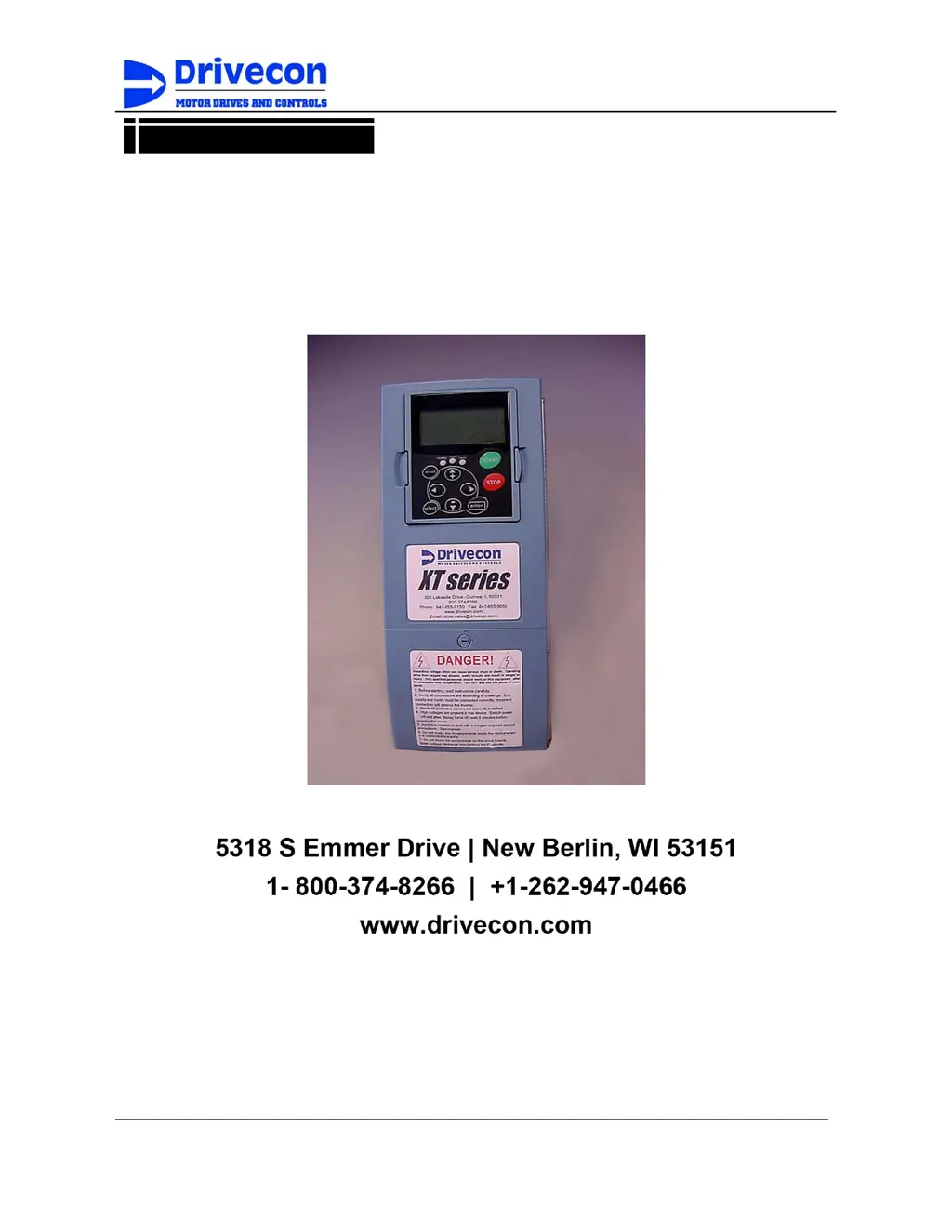
Drivecon XT Series - User Manual

Drivecon XT Series
57 pages
Print Icon
To Next Page IconTo Next Page
Loading...
Owner's Manual
Drivecon Toll Free Ph: 1-800-374-8266
Drivecon reserves the right to alter or amend the above information without notice
Owner’s Manual
Drivecon XT Series
Owner’s Manual
820 Lakeside Drive - Gurnee, IL 60031
Phone: (847) 855-9150 Fax: (847) 855-9650
1-800-DRIVCON (374-8266)
www.drivecon.com Email: drive.sales@drivecon.com
Revision 5.4D Pro1V050
6-01-04

Other manuals for Drivecon XT Series

Questions and Answers

  • A
    Anthony NelsonAug 21, 2025
    Why is there a position error between hooks in the Drivecon Control Unit?
    • D
      David JonesAug 21, 2025
      The position error between hooks, particularly after acceleration, deceleration, or stopping, can be caused by differing ramp times or stop functions. To resolve this, ensure that the ramp time and stop method parameters P2.1.10, P2.1.11, and P2.2.20 have similar values across all drives. Check that Ramp time and Stop method parameters P2.1.10, P2.1.11 and P2.2.20 have similar value in every drive.
  • J
    Jeffrey NewtonSep 3, 2025
    What to do if the Drivecon Controller shows a flux current fault?
    • H
      Heather SmithSep 3, 2025
      If your Drivecon Controller shows a flux current fault, it's possible that the original value of P3.4.1.5 Nom Flux Curr is incorrect. Check the motor rating plate value to correct this.
  • B
    Brian RangelSep 1, 2025
    Why is the Drivecon Controller load too high?
    • A
      Angela RamirezSep 1, 2025
      The Drivecon Controller load may be too high because the calculated motor torque is exceeding 30%. To resolve this, decrease the load.
  • C
    charlesstevensAug 30, 2025
    What does it mean when my Drivecon XT DC Drives 'failed'?
    • M
      michaelstephanieAug 31, 2025
      If there is a general fault in the inverter or a motor set change during tuning, reset or stop the process. This indicates an incorrect operation based on keypad instructions.
  • M
    Michelle HayesAug 29, 2025
    What does a store failure mean on Drivecon XT DC Drives?
    • R
      Rebecca CampbellAug 29, 2025
      If writing to EEPROM failed, no solution is provided.
  • C
    Crystal RussoAug 27, 2025
    What to do if there is an output phase failure in Drivecon DC Drives?
    • M
      Michael ClarkeAug 28, 2025
      If the current is not flowing in all three phases, check the motor cable connections.
  • E
    Erin PopeAug 27, 2025
    What to do if the load is too high on my Drivecon DC Drives?
    • B
      braunbethAug 27, 2025
      If the calculated motor torque is too high (more than 30%), the suggested solution is to decrease the load.
  • P
    Patrick CunninghamAug 25, 2025
    How to fix position error with Drivecon Control Unit when synchro functions normally?
    • G
      Glenda HarveyAug 25, 2025
      If the synchro functions normally, and the master drive (V2.4.10.1) does not show a position error, but a position error occurs between the hooks, it may be because the system is not registering the position error because the nominal speed in one or more drives is not correct or accurate enough. Check P2.4.4 Nominal speed in all drives.
  • W
    Willie MirandaAug 23, 2025
    What to do if Drivecon Control Unit drives are vibrating after acceleration or deceleration?
    • D
      Debra WashingtonAug 23, 2025
      If one or more drives are vibrating, especially after acceleration or deceleration, it could be due to a gain level that is too high, causing speed correction to overshoot. To fix this, reduce the P2.4.6 SystemBus Synchro gains value in the master drive. Reduce P2.4.6. SystemBus Synchro gains value in master drive.

Summary

CHAPTER A - SAFETY

Examination before installation and Purchase history

Procedure for checking inverter after unpacking and recording purchase details.

Safety Precautions

General safety guidelines for operating the inverter.

Chapter C - INSTALLATION INSTRUCTIONS

Installation instructions

Steps and considerations for installing the inverter.

Cooling

Required free space around the inverter for proper air circulation.

Installation

Guidelines for mounting the inverter and choosing an installation site.

Chapter D - WIRING AND SIZING INFORMATION

Cable installation and the UL standards

Requirements for UL-approved copper cable and terminal tightening torques.

Cable and motor insulation checks

Procedures for checking insulation resistance of motor and mains cables.

Cable and Fuse sizes

Table specifying cable sizes and fuse ratings based on inverter model.

Frame sizes and installation of cables

General guidance on cable installation for different inverter frame sizes.

XT SERIES OPEN LOOP TRAVERSE WIRING

Wiring diagram for XT Series Open Loop Traverse applications.

XT SERIES CLOSED LOOP TRAVERSE WIRING

Wiring diagram for XT Series Closed Loop Traverse applications.

XT SERIES OPEN LOOP LOAD BRAKE HOIST WIRING

Wiring diagram for XT Series Open Loop Load Brake Hoist.

XT SERIES CLOSED LOOP HOIST WIRING

Wiring diagram for XT Series Closed Loop Hoist applications.

1 DESCRIPTION

Functional description

Detailed explanation of the inverter's operational functions.

Control Methods

Description of the control methods

Detailed explanations of EP, PO, AU, and MS control methods.

5 Motor control modes

2 START-UP PROCEDURE

Visual checks

Pre-operation checks including connections and settings.

Checks before the first test run

Essential checks to perform before initiating the first test run.

8 Test run without load

Test run with load

Procedure for testing the inverter with nominal and extra loads.

3. PARAMETER ADJUSTMENTS

Control keypad operation

How to navigate and operate the inverter using the control keypad.

Navigation on the control keypad

Value line editing

Process for editing parameter values using the keypad.

Monitoring

G4.5 Fault Counter

Parameters for monitoring fault occurrences and history.

FAULT CODES

Fault Codes F1-F6

List and descriptions of fault codes F1 through F6.

Fault Codes F7-F23

List and descriptions of fault codes F7 through F23.

Fault Codes F24-F45

List and descriptions of fault codes F24 through F45.

Fault Codes F50-F64

List and descriptions of fault codes F50 through F64.

Fault Codes F65-F74

List and descriptions of fault codes F65 through F74.

5. SERVICE

Check inverter fault history

Recommended action to check and clear inverter fault history.

Drivecon XT Series Specifications

General IconGeneral
Protection FeaturesOvervoltage, Undervoltage, Short Circuit, Overtemperature
Communication InterfaceModbus RTU
Operating Temperature0°C to 40°C
EnclosureIP20
Storage Temperature-20°C to 70°C (-4°F to 158°F)
Humidity0-95% non-condensing