EXT 1824G User’s Manual 4. Detector Component
EXT 1824G-UM-COM-EN-03 33
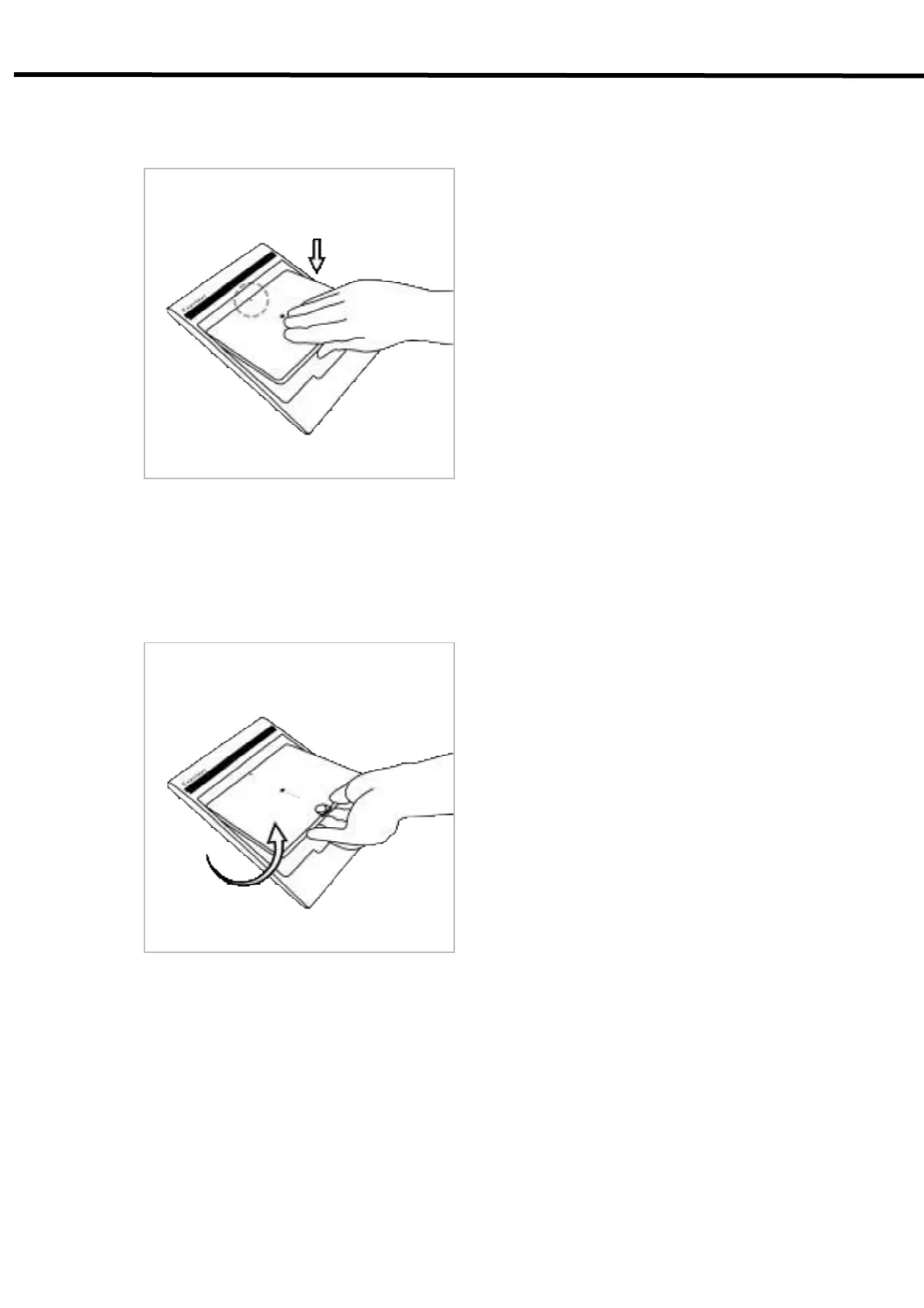
Horizontal Direction
1) Attachment
1) Align the arrows on the charger and battery pack.
2) Push down the battery pack.
2) Detachment
1) Put the finger into the groove on the charger and grab the battery pack.
2) Pull out the battery pack.
Vertical Direction



 To Next Page