EXT 1824G User’s Manual 4. Detector Component
EXT 1824G-UM-COM-EN-03 43
5.3. Ending Use of the Detector
• Turn off the detector
Press the POWER button.
All the LED lamps shall be off.
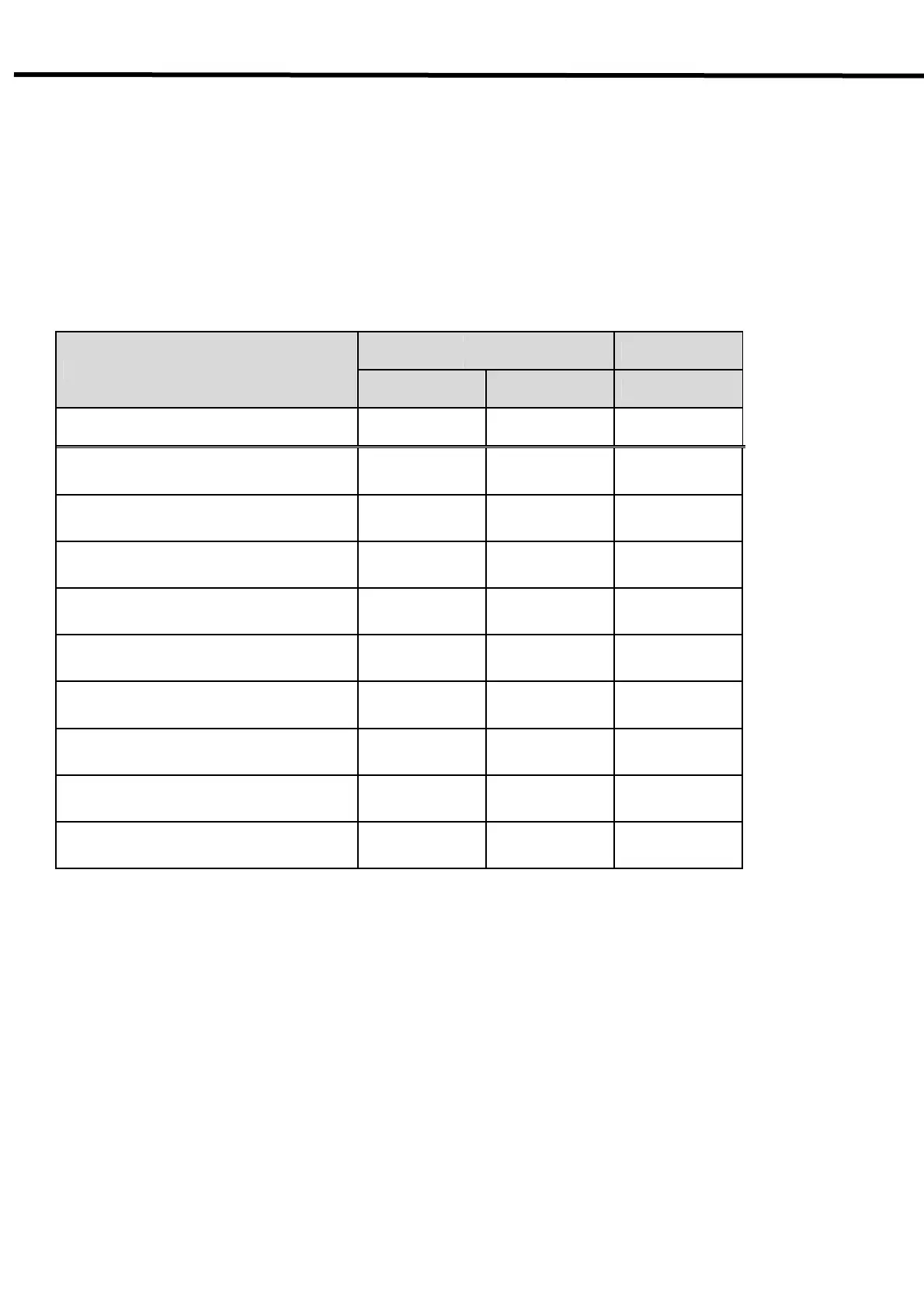
Table5.4. Detector Status List
Lamp Type
O Ready O AP
Ready Busy AP
Color
■ Green ■ Orange ■ Blue
Power ON
○ X X
During detector registration
X ○
☆
Detector registration completed (1 Sec.)
X ○
☆
During exposure preparation
X ○
☆
Ready status or performing an
examination (Ready)
○ X
☆
During image data transmission
X ○
☆
Sleep Mode
X ○
☆
Deep Sleep Mode
X ○
☆
Power OFF
X X X
О : Light on Х : Lights off
☆ : Blinking
AP : Information of detectors connection
- Blinking 1 time : wired
- Blinking 2 times: wireless(5GHz)
- Blinking 3 times: wireless (2.4GHz)
- Blinking 4 times: detector AP Mode (using internal AP inside of detector)
- Blinking 5 times: CR Mode



 To Next Page