EXT 1824G User’s Manual 6. Image Acquisition
EXT 1824G-UM-COM-EN-03 48
6.1.3. S/W Trigger Mode
S/W Trigger Mode is available for acquiring images without any connection to X-ray generator. Only you should give
sign from the S/W to acquire image
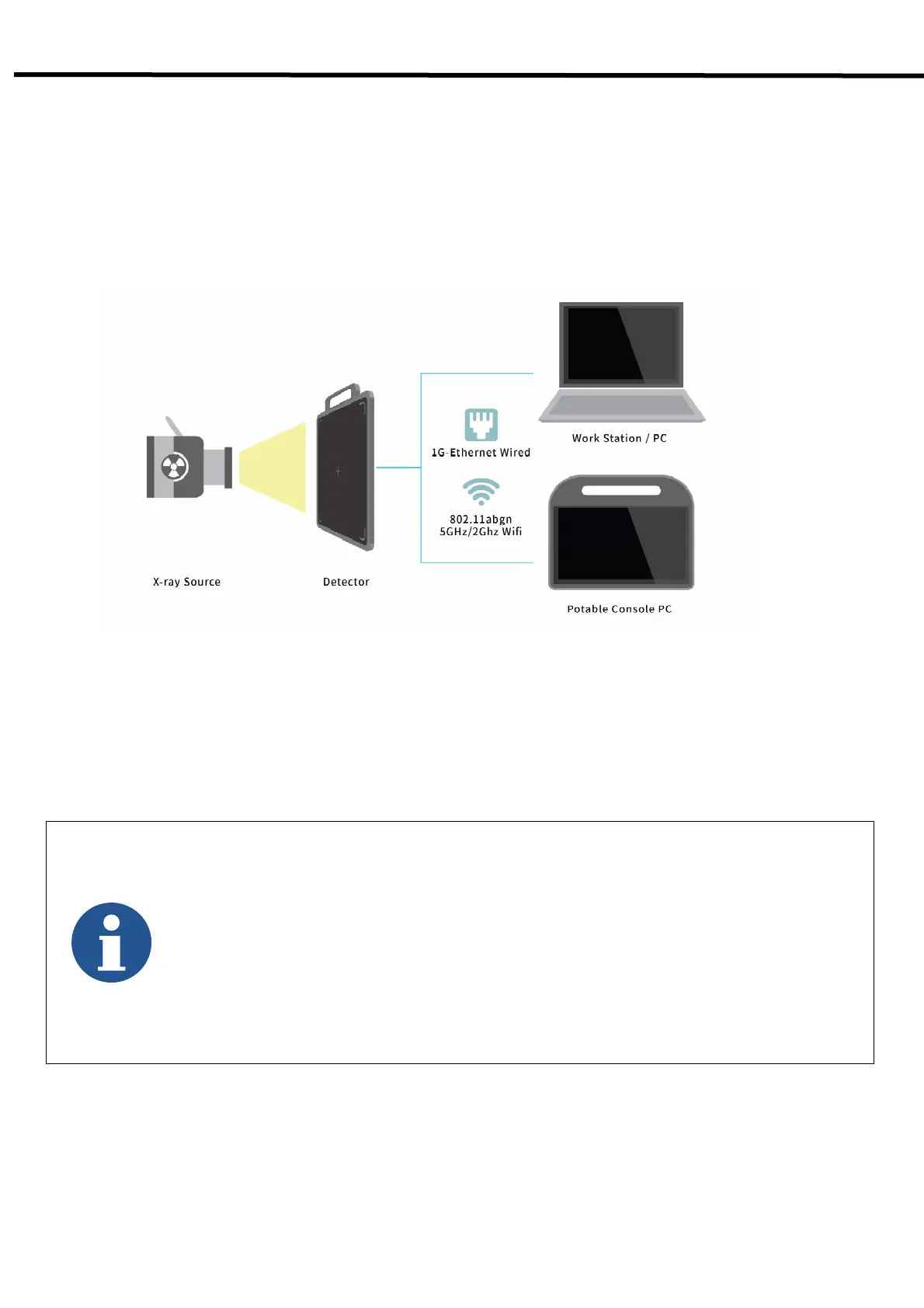
Figure 6.12. EXT 1824G S/W Trigger Mode Configuration
- The S/W Trigger mode can be used the wired or wireless network.
- PC and detector are connected by the Data(LAN) cable.
(consistent power supplying by adaptor).
- The wired connection is used in case when faster image transmission is needed, compared to a
wireless connection.
- On the S/W, you should press the Acq. Start button to give the sign for image acquisition when
X-ray is shooting



 To Next Page